 PawStyle Daily
Cute Pet Wallpaper 4K
German Shepherd Wallpaper 4K for Phones — 14 Free Downloads
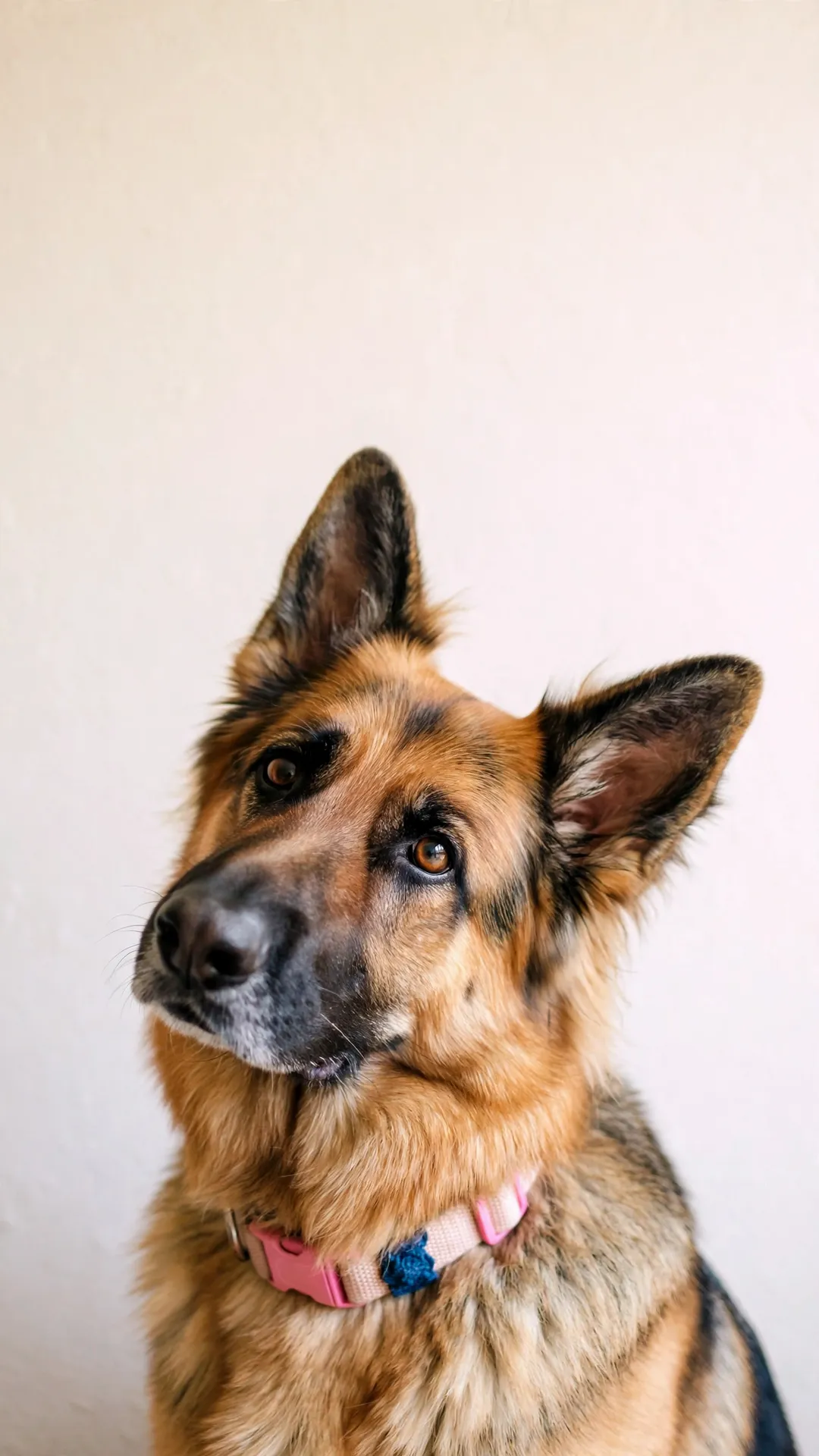
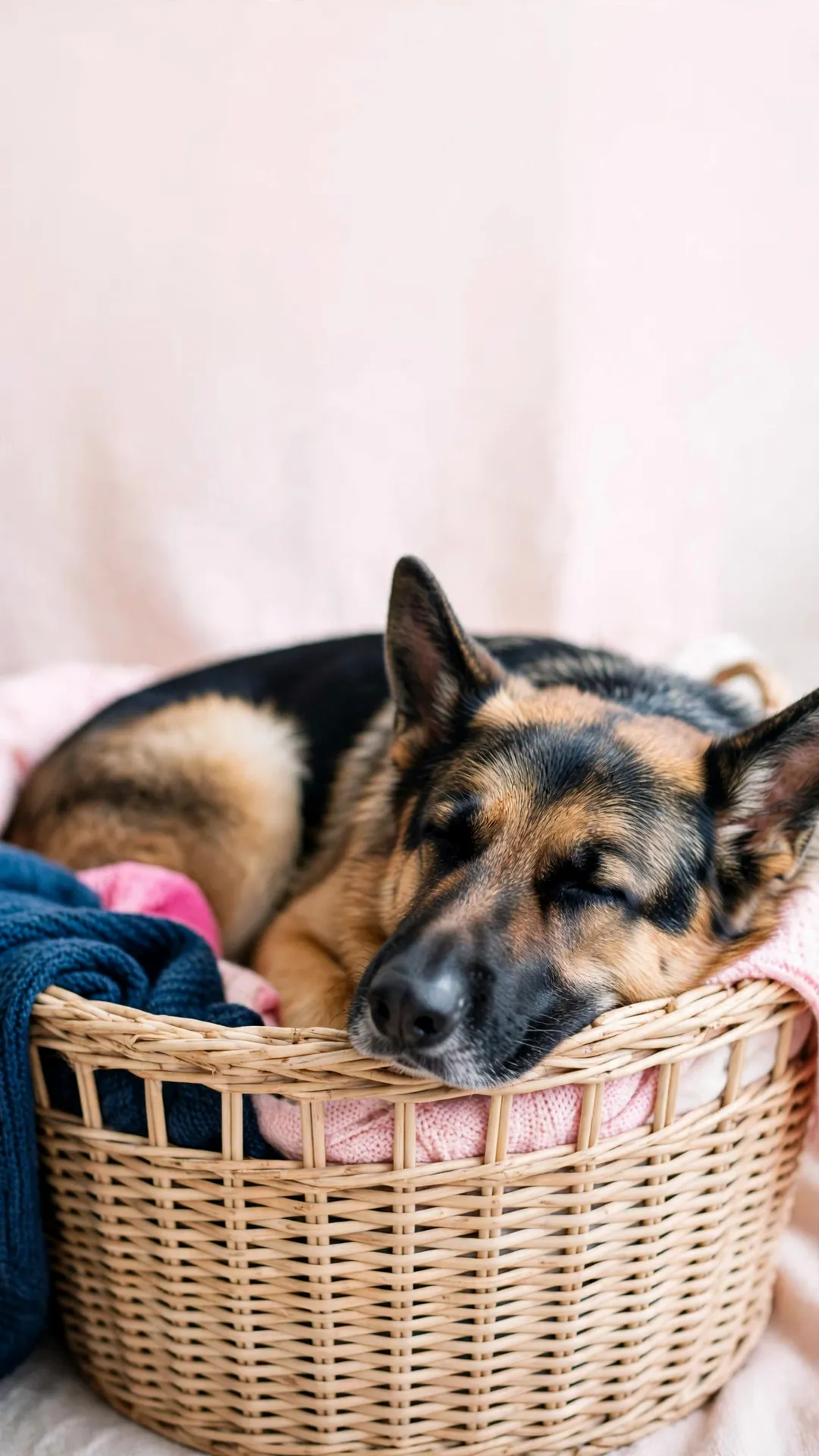
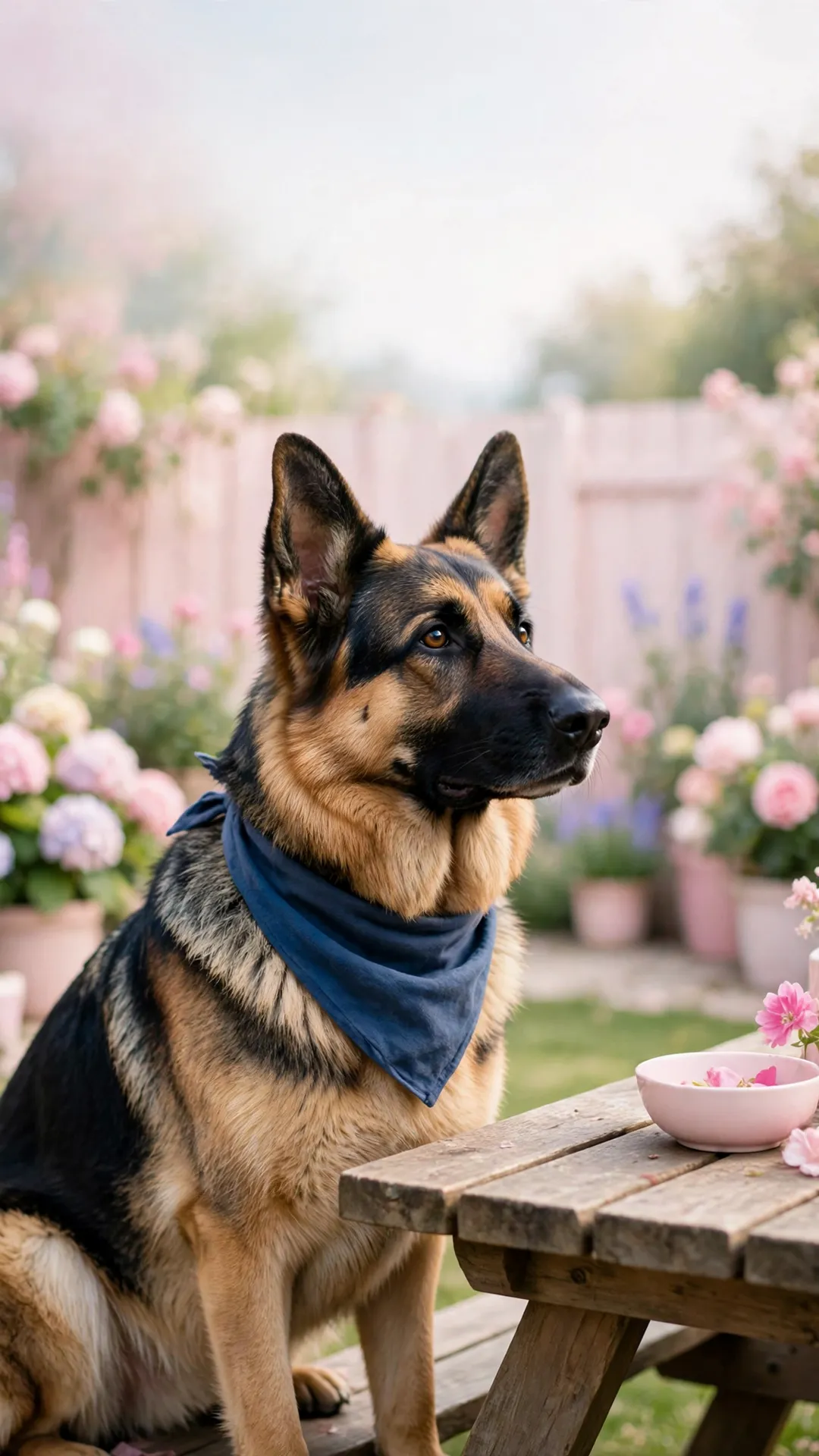
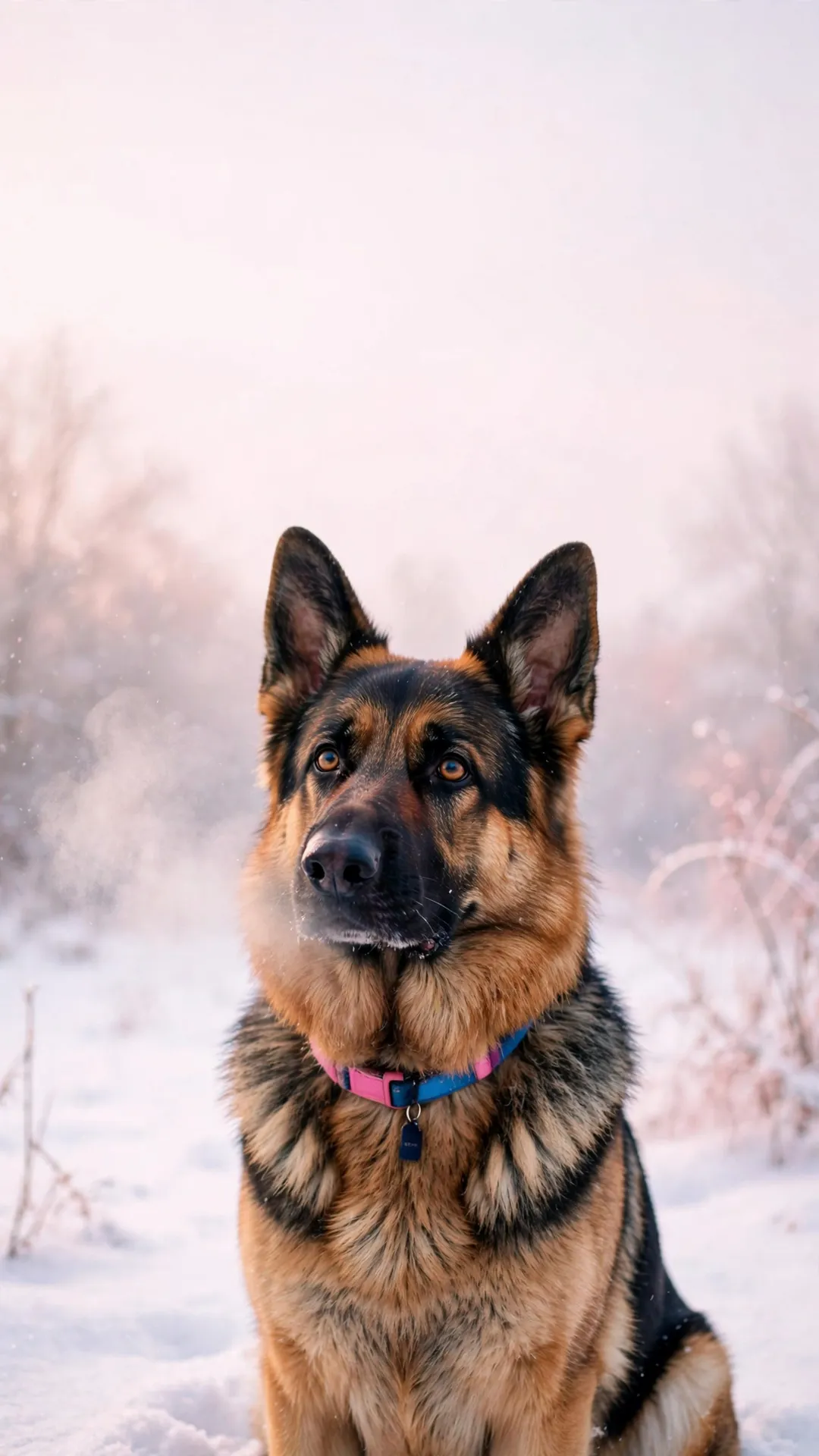
Fourteen German shepherd scenes, and every file below is the full-size original: 12 phone wallpapers at 1080x1920 plus two desktop files at 1920x1080. A shepherd curled on a blush blanket, one sitting in the window light, a leaf-strewn garden path, a navy bandana portrait and two quiet night files. Tap a picture, save the file, and the phone is wearing a German shepherd by tonight.
By PawStyle Daily · Updated 18 November 2026
Good to know: 14 free downloads · 12 phone files at 1080x1920 · 2 desktop files at 1920x1080 · AI-made art, hand-checked before publishing.
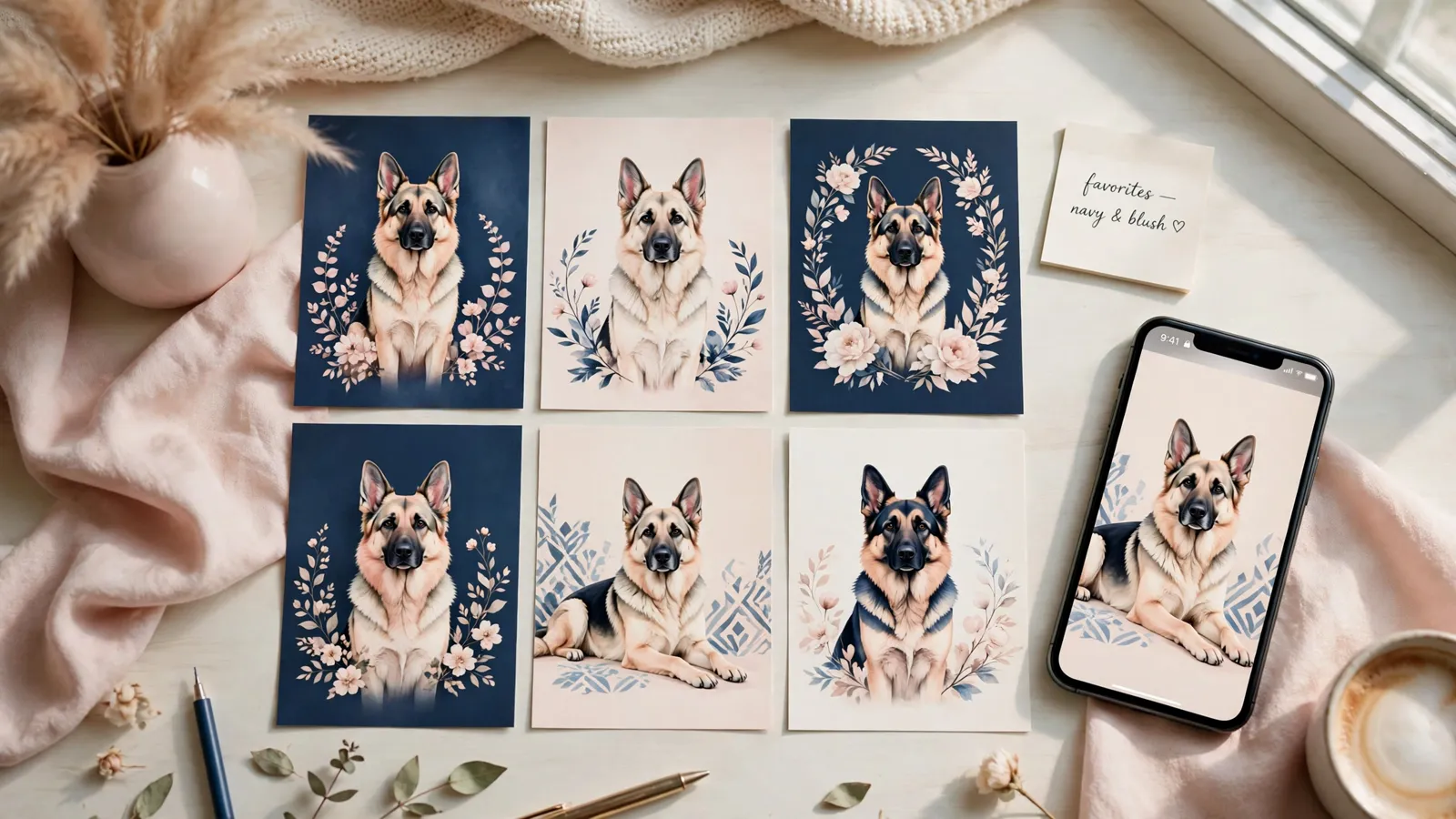
Tap any image to download the full-size file — no signup, no email, no watermark.
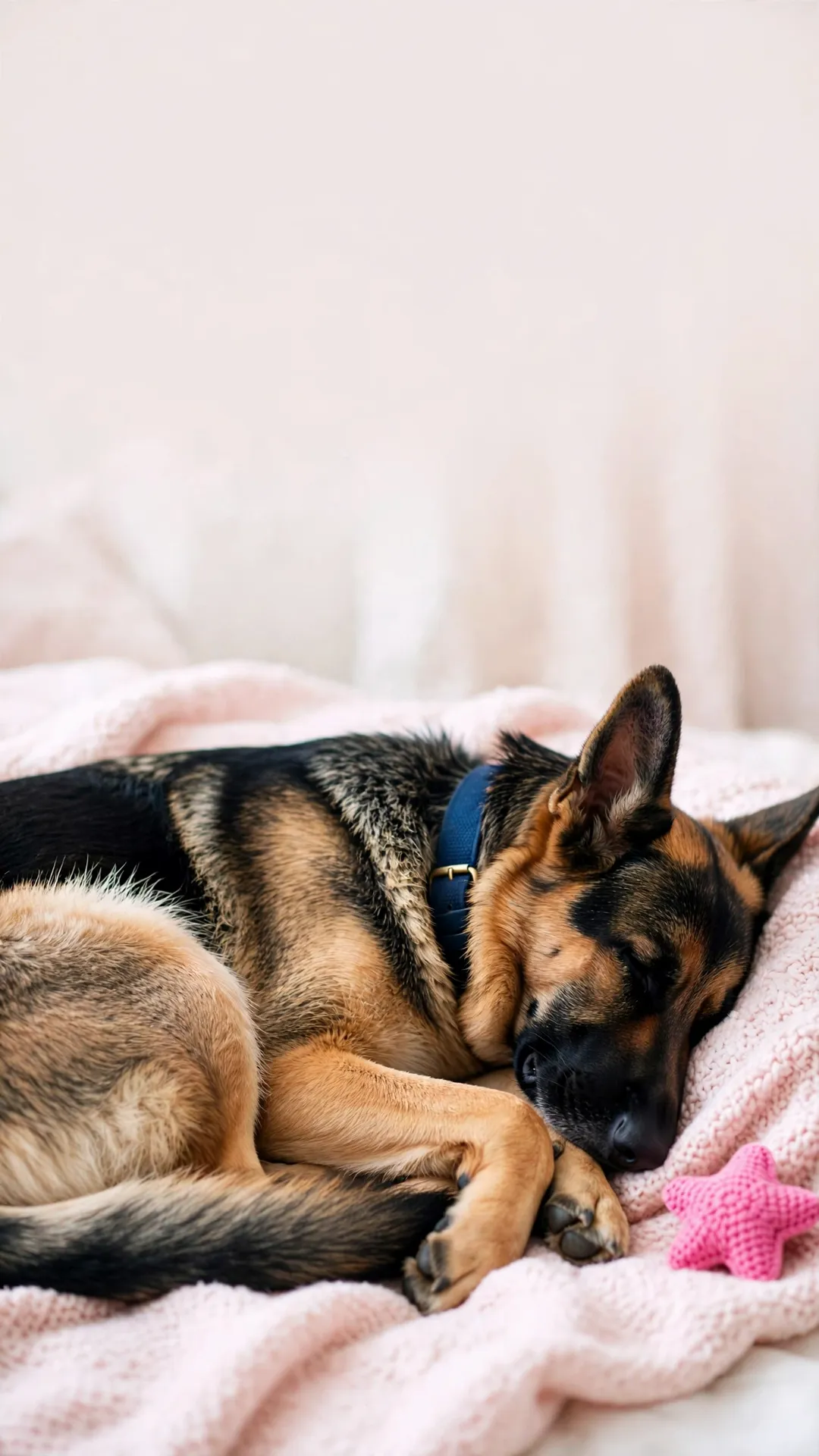
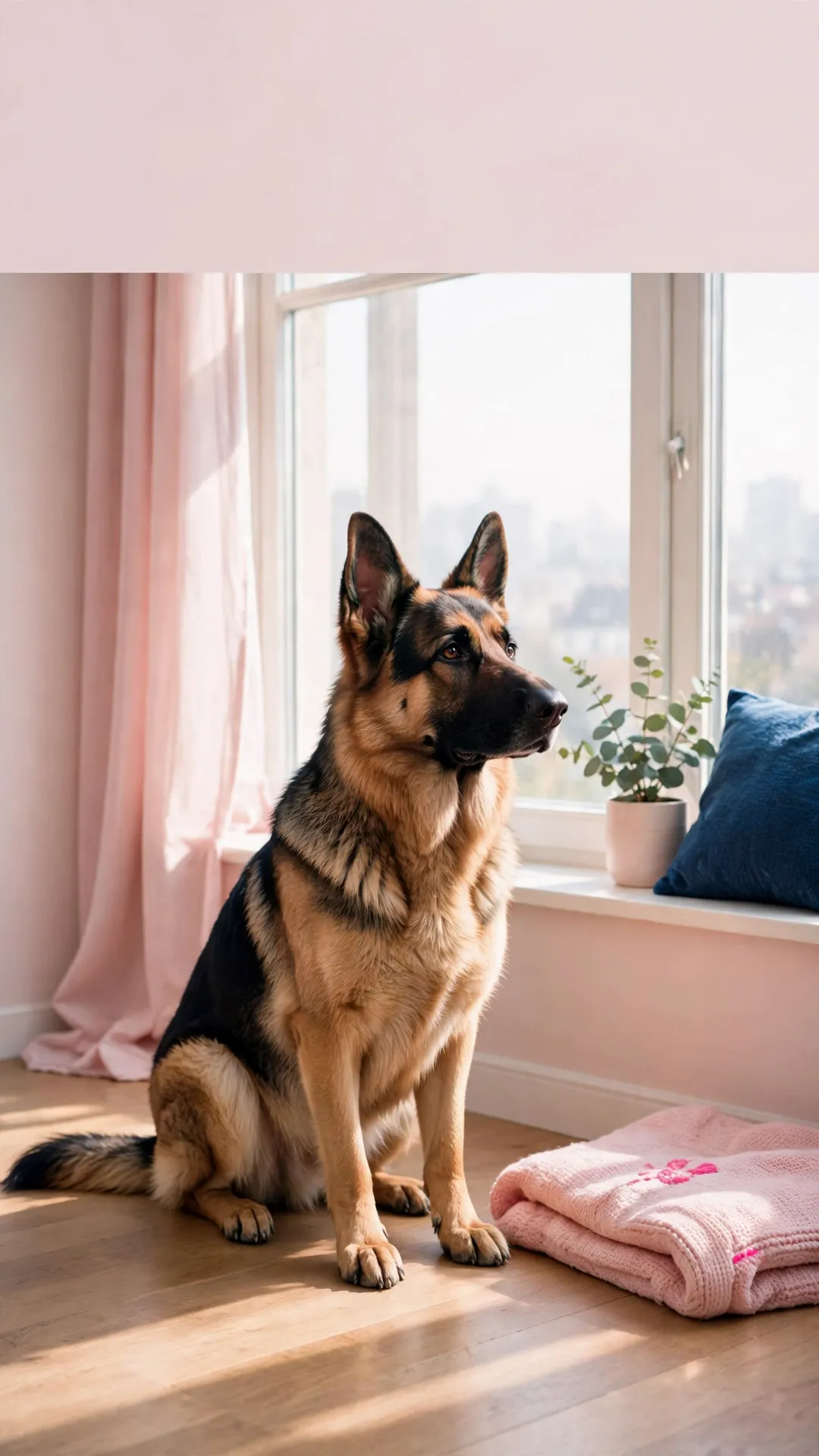
German shepherd wallpapers: cozy indoor set (4)
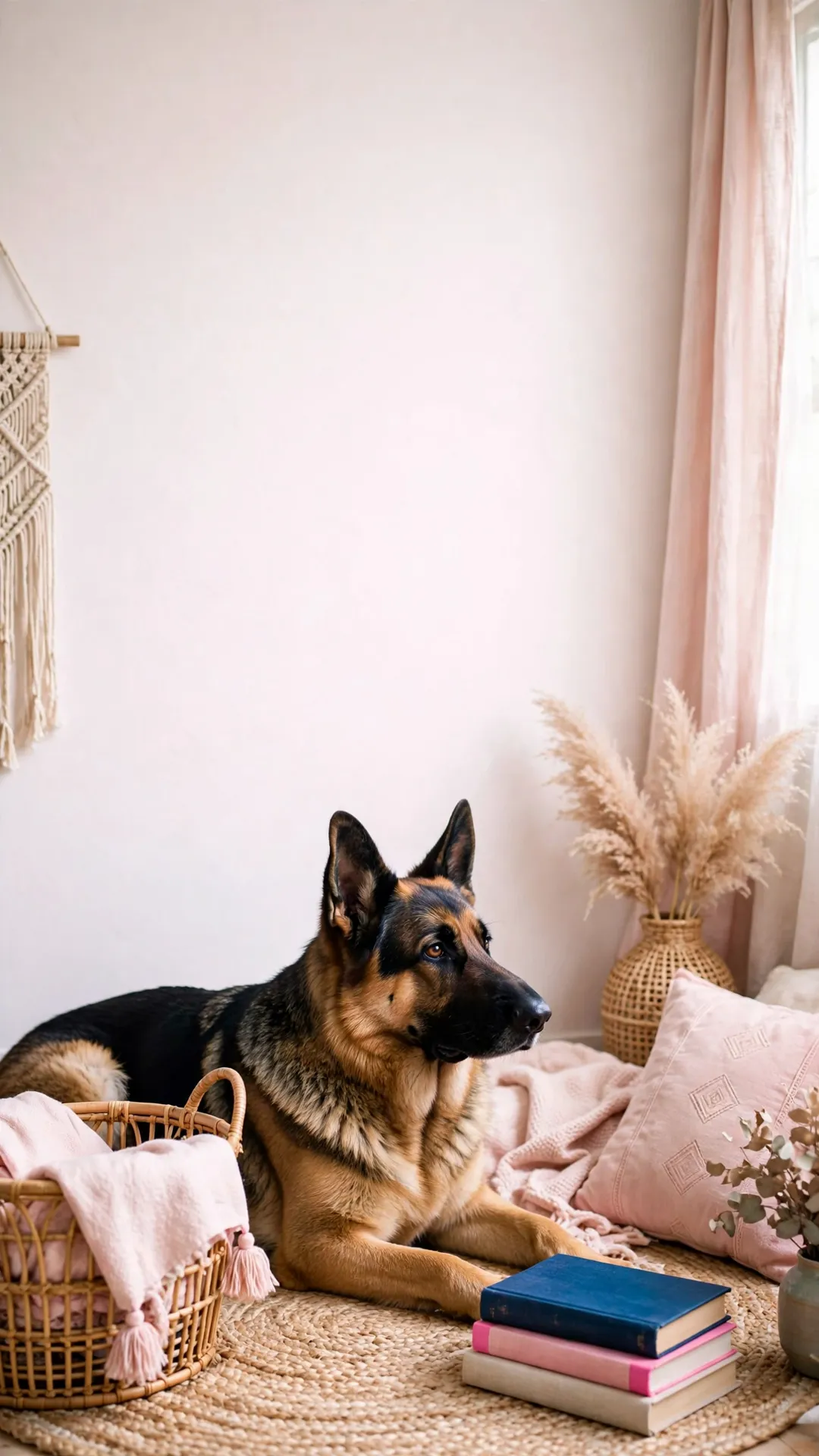
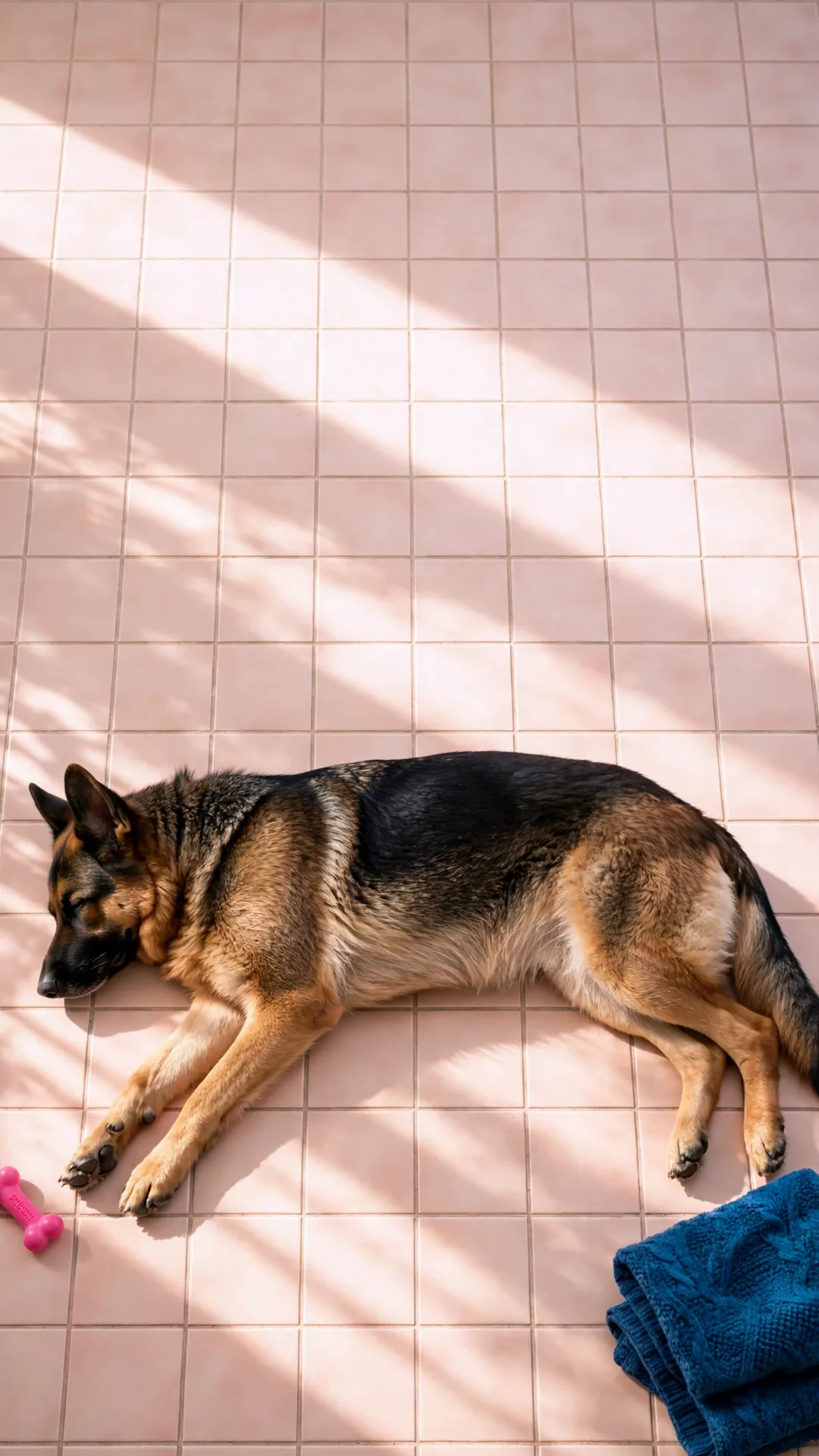
The same dog in four corners of a house: a blush blanket, the window with the pale curtains, the reading chair with a book left open, and a tile floor holding the morning sun.
Outdoor and autumn set (4)
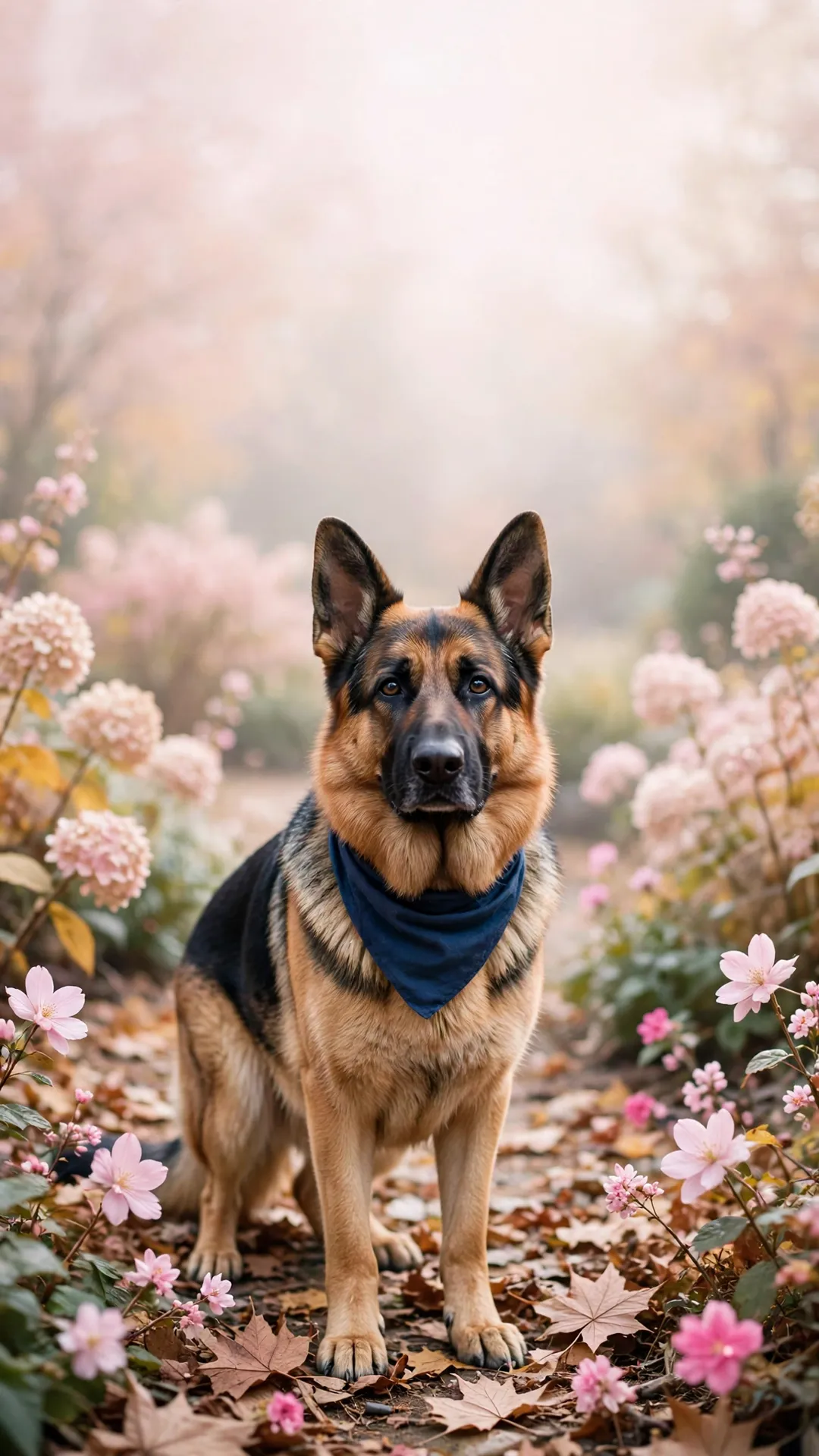
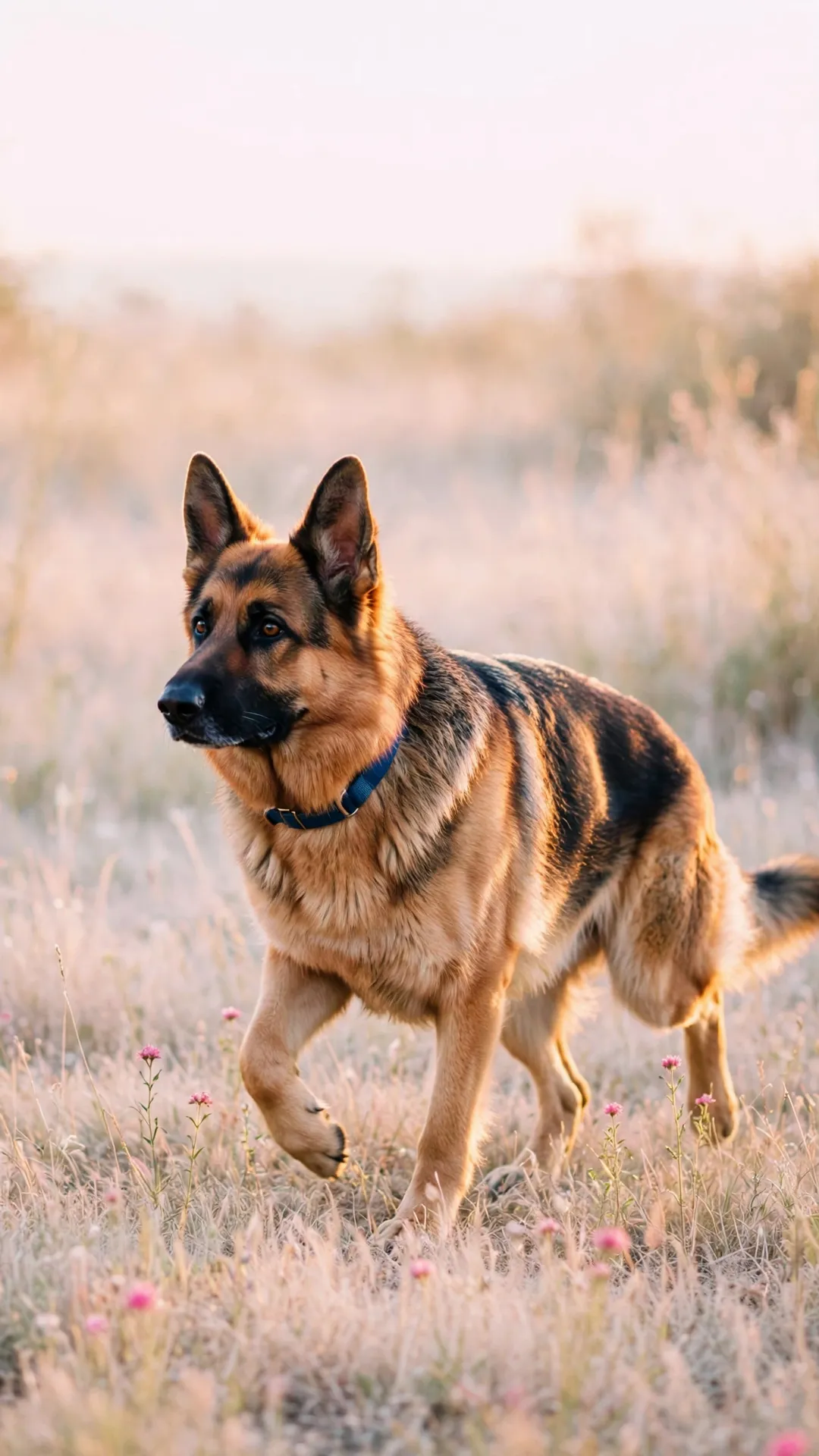
Leaves on the garden path, tall grass at the end of the day, a head tilt in a sunny backyard and a chin resting on the rim of a woven basket by the gate.
Portraits, bandana and night set (4)
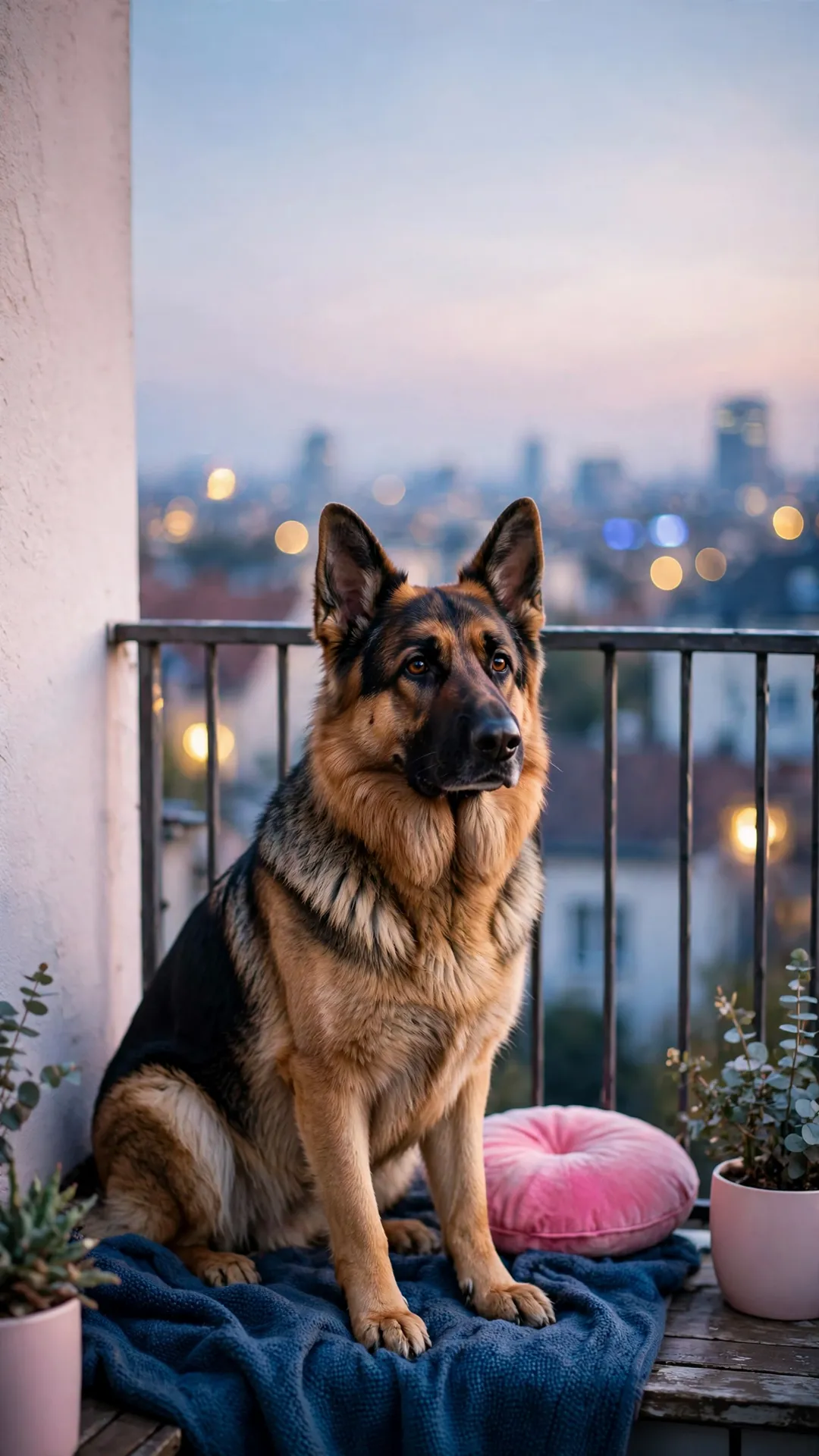
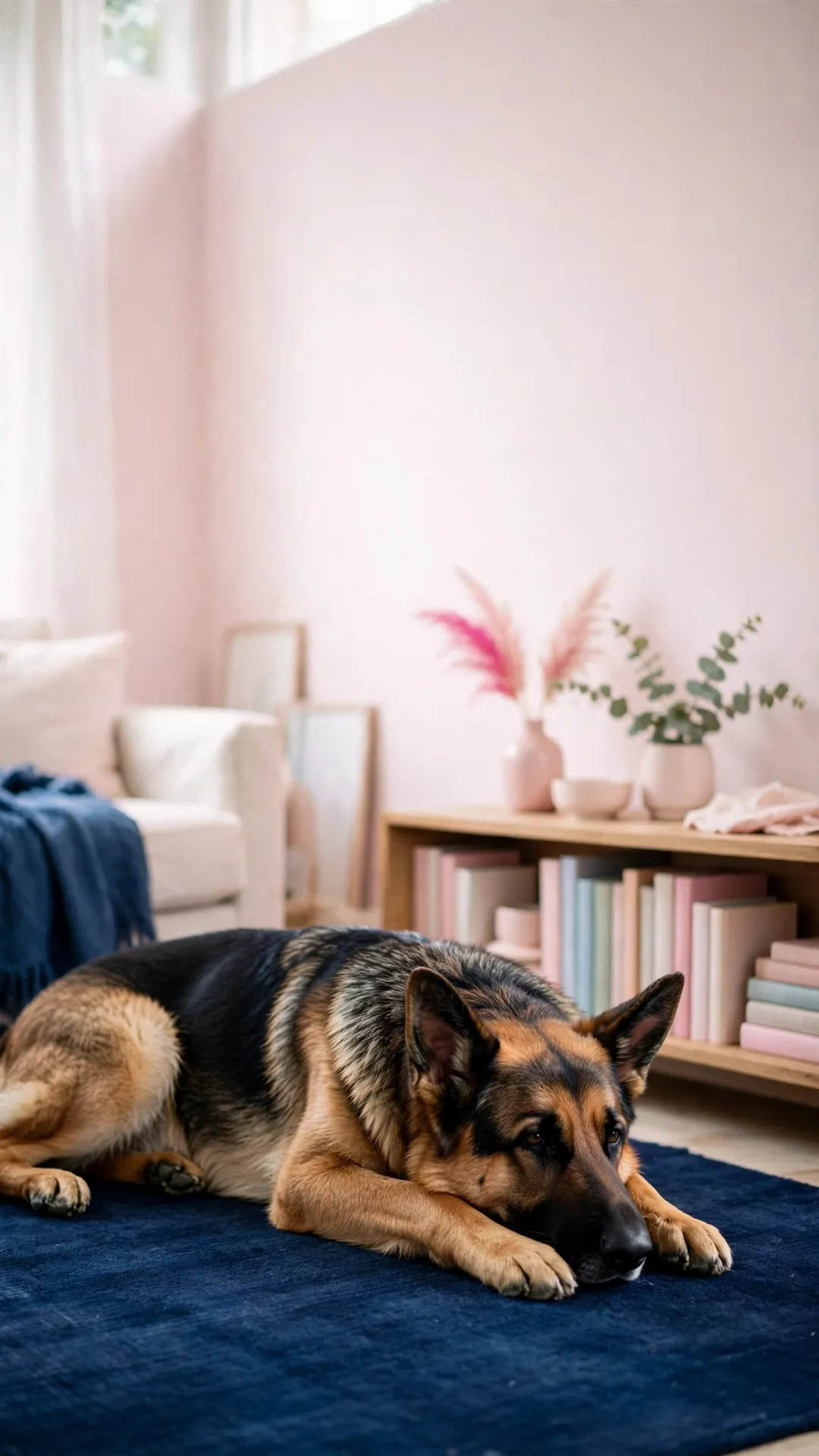
The close-ups. A navy bandana against a pale pink wall, a balcony at dusk, snow still on the muzzle, and a shepherd on a navy rug in a room with only the lamp on.
Desktop wallpapers 16:9 (2)
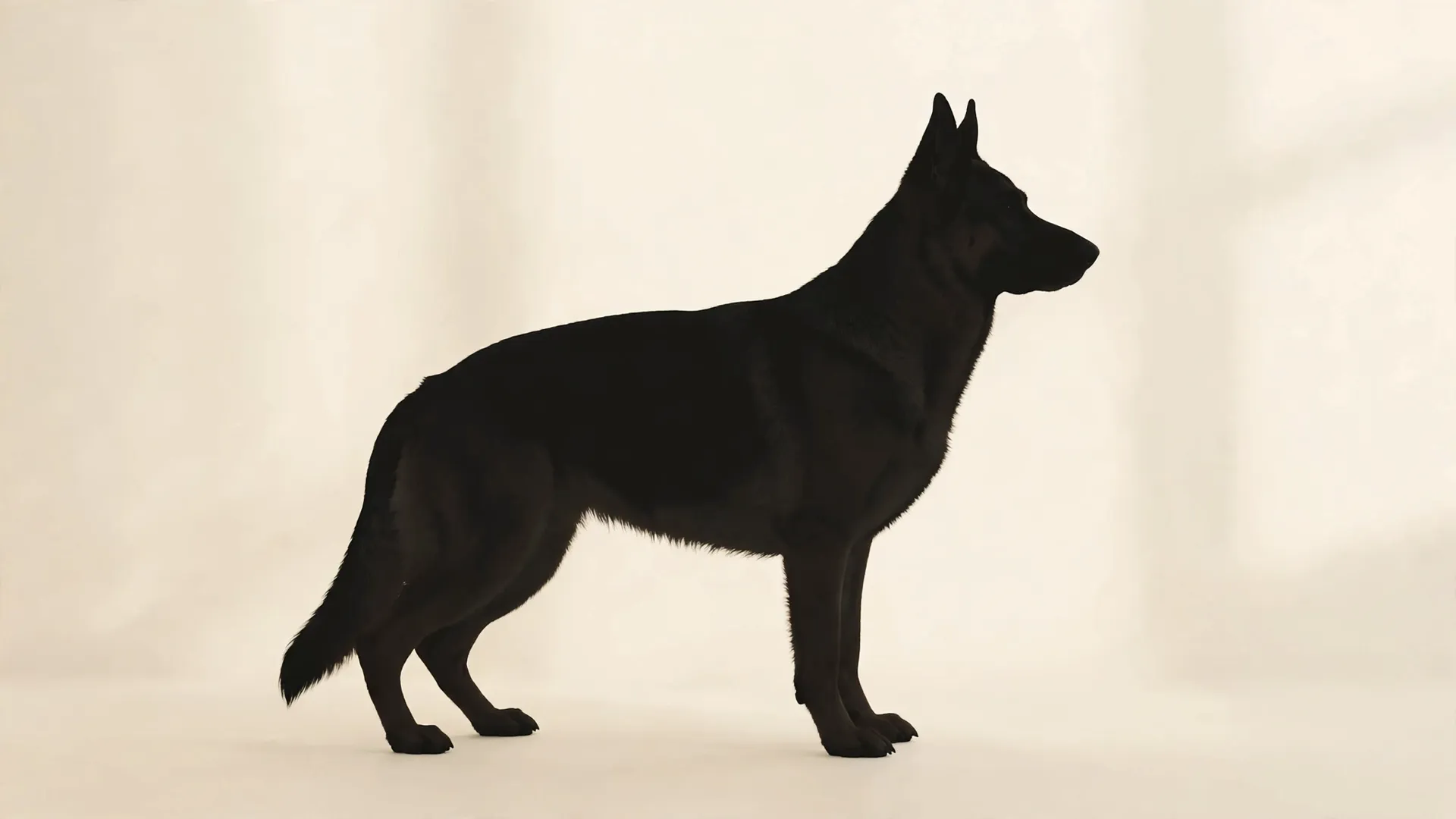
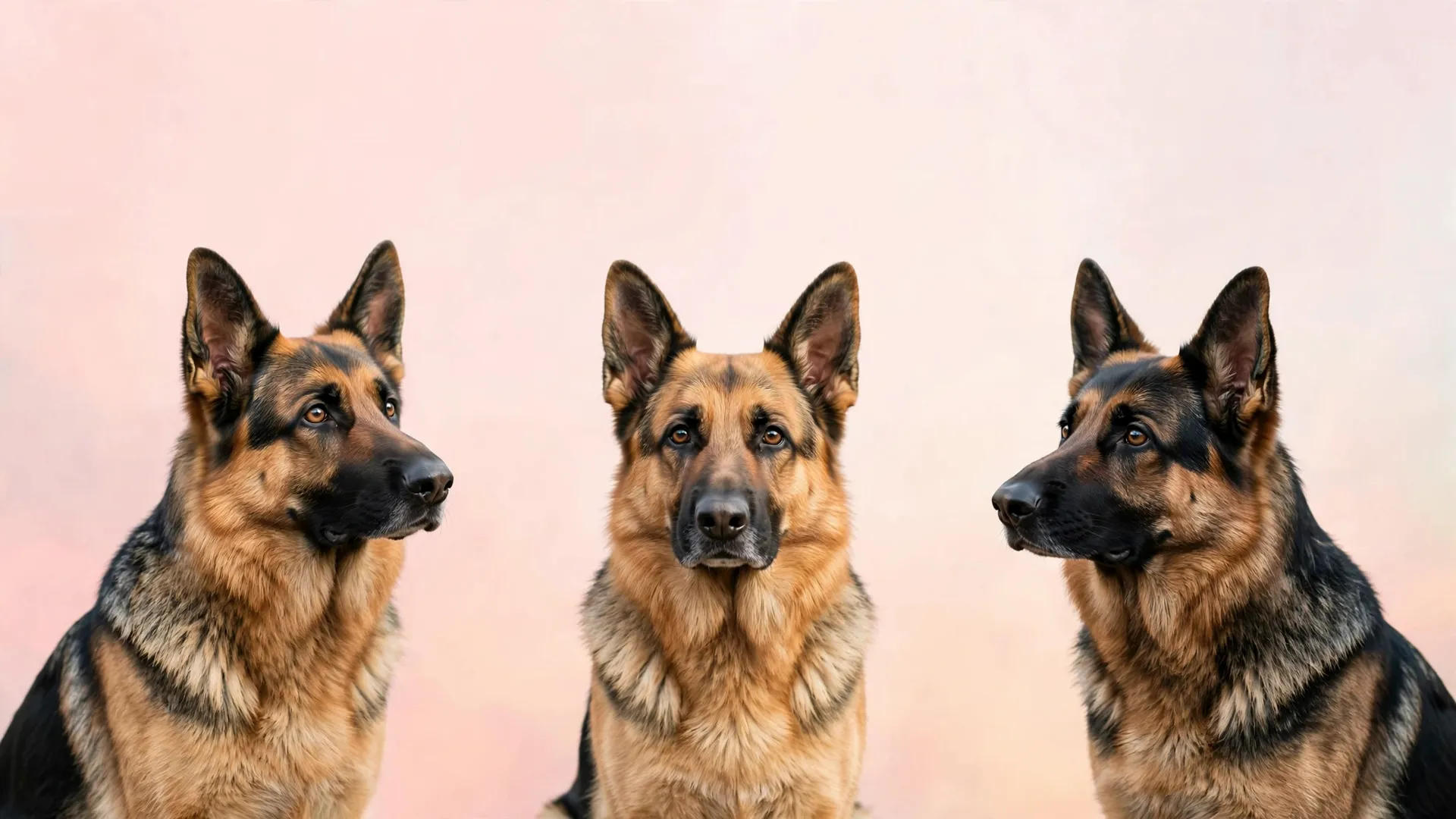
Two 16:9 files at 1920x1080 for laptops and monitors — a window-lit floor and a frosty garden row. For a December screen, the Christmas dog wallpaper pack ships the same two sizes.
How these are cropped for the clock
Every phone file is built the same way. The shepherd sits in the middle-lower two thirds of the frame, and the band across the top stays quiet: a blush wall, a pale curtain, a soft dusk sky, a dark room with one lamp. That empty band is where the clock goes, so the time never lands on a face.
The corner that trips most people up is the widget stack, just under the clock. A portrait of one dog leaves that corner plain, while a wide scene fills it with a hedge, a fence and a horizon — exactly where a small square widget then sits.
That is why a portrait reads better on a lock screen than a wide moment does. Shown small, a portrait is still one shape and one pair of ears, and a landscape turns into texture. Run the same test on the file before you commit: shrink it to the size of a stamp, and if the ears survive, the scene will read across a room. The two desktop files below are the opposite case, made for a screen wide enough to hold a whole scene. For a cold-weather set in the same composition, the winter dog wallpapers keep the dog low the same way.
Set it as your wallpaper
No cropping app is needed: the phone files are 1080x1920 and the desktop files are 1920x1080, so each scene fills the screen it was drawn for. On Android, open the saved file in the gallery, tap the menu and choose Set as wallpaper, then pick the home screen, the lock screen or both. On iPhone, open the photo, tap Share, then Use as Wallpaper. You can also long-press an empty spot on the lock screen and choose Wallpaper from the menu that opens.
- Still or live: choose still for these files. A live wallpaper adds its own motion over the picture, and the plain top band is what keeps the clock readable.
- Parallax: the toggle that tilts the picture when you turn the phone. Switch it off if the shepherd drifts up into the widget corner as you move.
- Dark mode: pair a night file with dark icons and a blush file with a light set, so the row along the bottom keeps its contrast.
Save without losing quality
Four habits keep the file at the size it was made at, so the picture stays sharp on a big screen and on paper.
- Tap and hold the full-size image rather than the thumbnail in the grid, then save the file and keep its original name.
- Do not screenshot the wallpaper. A screenshot re-crops the picture to whatever the screen happened to show and throws away the top band these files were drawn around.
- Keep the original in a folder, not only in the wallpaper slot, so the full file is still there when you change phones.
- Messaging apps re-compress a picture. Send the file from the Photos or Files app if you are texting it to a friend.
Print it instead
Paper, frames and hanging supplies
Matte photo paper, thin frames and hanging supplies for the scene you like best: the same kit that turns one wallpaper into a small wall print.
See paper and frames →As an Amazon Associate we earn from qualifying purchases.
Print one for the wall
A phone crop printed portrait on matte paper turns into a small wall print, and the pastel palette is what makes it work: the blush walls inside these scenes read as a background rather than as a printing mistake. Leave a white border, put it in a thin frame, and hang it at eye height rather than above a shelf.
The same image reads differently at print size. Detail that disappeared on a lock screen shows up on paper, so the scene you skipped for the phone is often the one that belongs on the wall. Print one test page first and check the colors before you run the rest. For a print made of your own dog instead of a scene, the DIY pet portrait guide walks the photo-to-print route, and the watercolor prints for small spaces covers mats and frame sizes for a narrow wall.
Questions we get about the German shepherd wallpapers
What resolution are the files?
One full-size file per picture: 1080x1920 for the twelve phone scenes and 1920x1080 for the two desktop files. No thumbnail, no crop and no watermark.
Will a black-and-tan shepherd show up well on a dark lock screen?
Start with the two night files. A balcony at dusk and a shepherd on a navy rug keep a dark field behind the dog, so a white clock lands on quiet space instead of on the face. The blush indoor files work better on a light-mode screen, where pale icons would disappear into them.
Can I use these on a tablet or a desktop?
Yes. The phone files fill a tablet screen, and a tablet trims a little from the sides while showing more of the backdrop. The two 16:9 files are the ones made for laptops and monitors.
Do I need to sign up or give an email?
No. Tap the image, save the file, and that is the whole download. There is no form, no inbox confirmation and no newsletter behind these pictures.
Can I print one, and can I sell it?
Print as many as you like for your own wall, your own phone and your own fridge door. The art is for personal use, so please do not sell the files or anything printed straight from them.
Save these on Pinterest
Pin the set you saved, then pick up the husky pack for the same indoor scenes on a snowier dog. The Pet Art collection holds every wallpaper pack, coloring page and print guide on the site.
Every download is AI-made art, hand-checked before publishing.
And once the phone shows the breed, the German shepherd training page shows the work behind the good behavior.