 PawStyle Daily
Pet Art & Wallpaper
Cute Cat Backgrounds and Wallpapers in 4K
A cat background is the smallest piece of pet art in the house and the one you look at the most: it lights up with every text, every alarm and every coffee-order confirmation. This page collects the scene ideas that photograph well, the export sizes that stay sharp on a phone, a tablet and a desktop, and the per-device settings that stop the crop from cutting off ears or paws. Everything here works with a photo you already own or a frame from the free packs.
By PawStyle Daily · Updated 19 November 2026
Good to know: pastel calm scenes · one crop per screen · the cat off-center · free packs, no purchase needed.
What makes a cat background work on a screen
The best cat backgrounds share two traits with the best photographs: one clear subject and one calm field of color behind it. A sleeping ragdoll on a pastel blanket reads at a glance from across the room. A kitten in a busy living room with six competing focal points turns into noise the moment app icons land on top of it. The screen is a small, bright, glossy stage, and the wallpaper that wins on it is the one that was composed for it rather than cropped to it.
The dog side of the same shelf has its own pages: the aesthetic golden dog wallpaper pack covers the golden-retriever looks, and the dog wallpaper 4K desktop page handles the wide screens. This page keeps the whiskers.
The scenes that photograph well
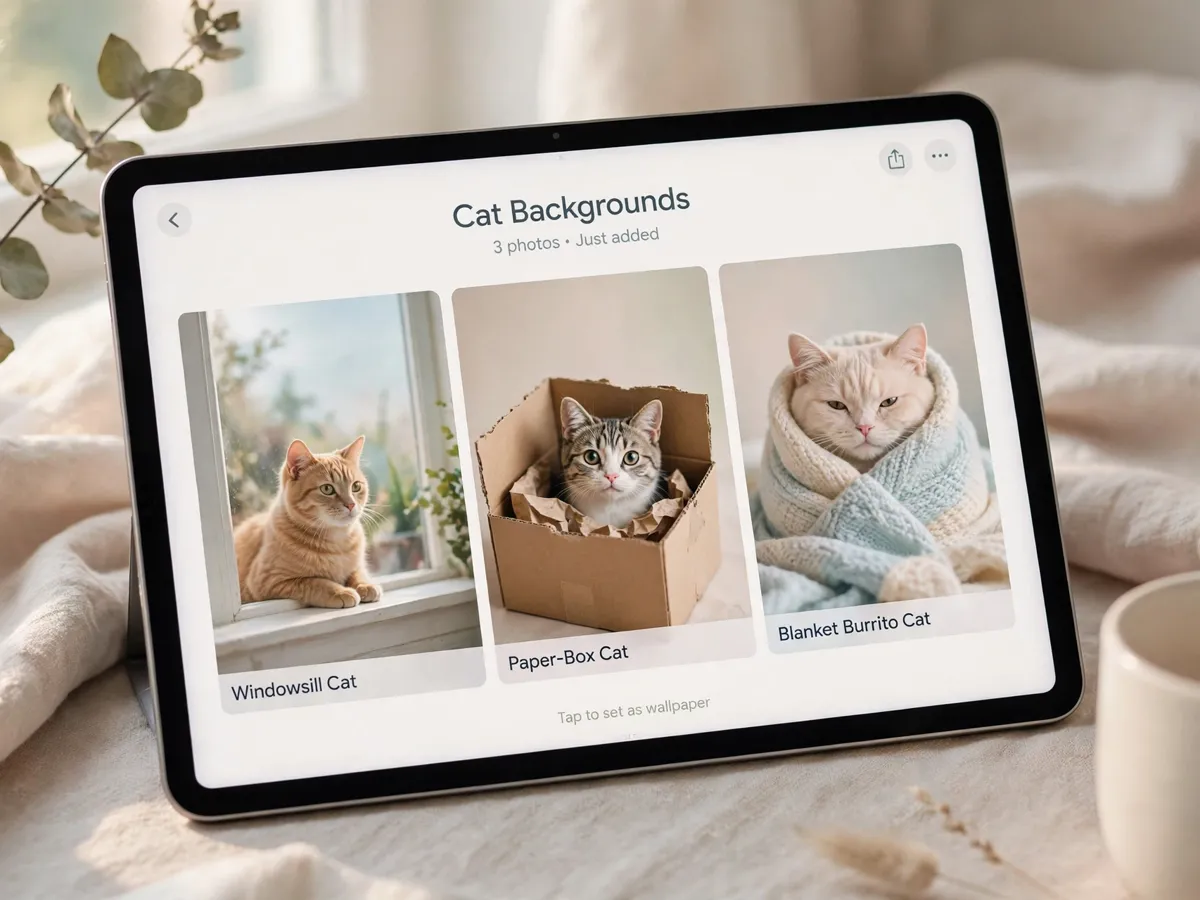
The windowsill cat is the classic. A cat in profile against a bright window, with the sill line running level under the frame, gives the wallpaper a horizon and the cat a glow. The paper-box cat is the comedy option: a cat folded into a box too small for it, shot straight on, with the box corners doing the framing work. The blanket burrito is the cozy option, a cat wrapped with only the face showing on a soft neutral throw, and it photographs well in any light because the blanket does the color work.
Three more fill out a rotation. The paw-up stretch, shot vertical, puts the toe beans at the top of the frame where the clock sits. The peeking kitten, with just the eyes and ears over the edge of a sofa or a desk plant, leaves most of the frame calm for the icon grid. The loaf, a cat with its paws tucked under on a wooden table, is the cleanest single-subject scene of the set and the one that crops most forgivingly to any screen shape.
Shoot all of them in daylight near a window, at the cat's eye level, with the background one plain color wherever the room allows. That single choice, background first, is what separates a wallpaper from a pet photo that happens to be on a screen.
Export sizes that stay sharp on every screen
The export rule is simple: the image needs more pixels than the screen will ever display, because the OS will scale it down cleanly but never scale it up cleanly. For a modern phone, export the long edge at 3000 pixels or more and keep the file in PNG or maximum-quality JPEG. For a tablet, 2800 pixels on the long edge covers both orientations. For a desktop monitor, 3840 pixels wide is the 4K target, and a 16:9 crop of the original photo gets there without stretching.
The crop is per device, never shared. The phone is a tall frame, the desktop is a wide one, and the same image cropped correctly for each one is what keeps ears out of the zoom and paws out of the dock. Crop with the cat's face in the upper third for the phone so the clock does not cover the eyes, and center-left or center-right for the desktop so the icon columns have clear air. Save each crop as its own file rather than overwriting the original, because the original is the master that every future device will crop from.
Setting one per device without blur
The blur almost never comes from the wallpaper file. It comes from the sync. Sending the image to yourself over a messaging app compresses it, and the compressed version is what the device sets, sharp in the preview and soft on the screen. The fix is the transfer, not the image: move the file by cable, cloud drive or local network, and the full-resolution original is what reaches the wallpaper setting.
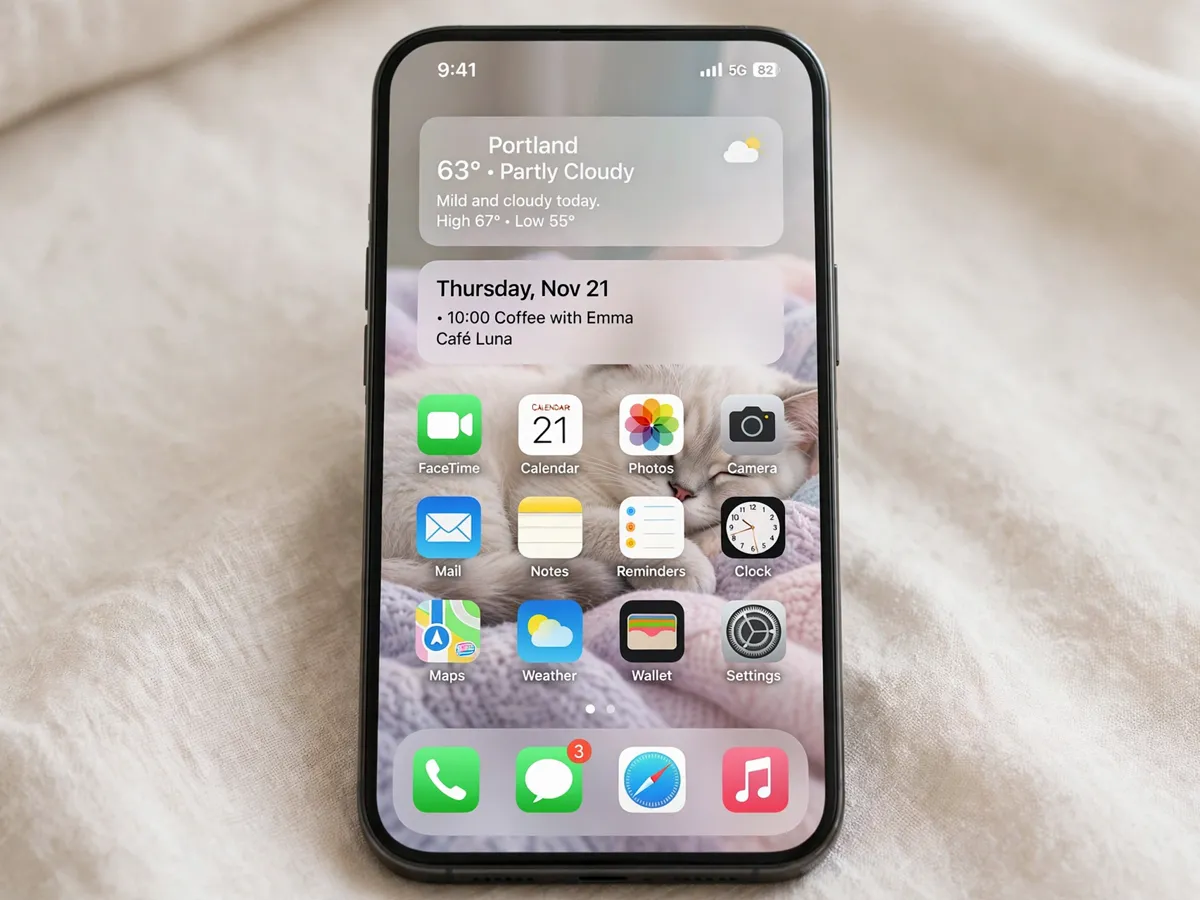
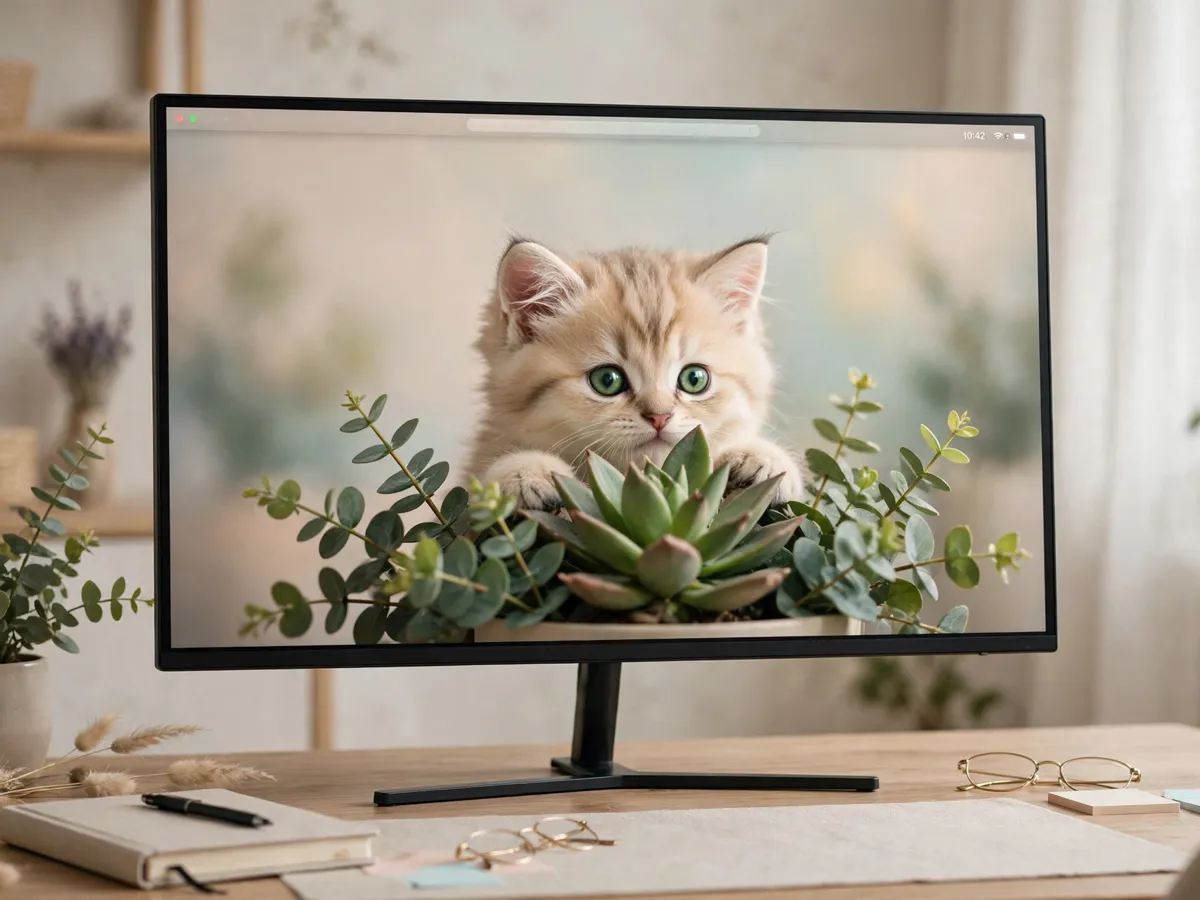
Per device, the setting is one toggle deep. On the phone, choose the tall crop, set it for both the lock screen and the home screen if the OS separates them, and turn off any perspective or parallax effect, which shifts the crop every time the phone tilts. On the desktop, pick the wide crop and set the fit to fill rather than fit to screen, so the image runs edge to edge instead of letterboxing. On the tablet, set each orientation separately, since the landscape home screen and the portrait reading screen want different crops of the same master.
One habit finishes the setup: check the result with the icons on. A wallpaper judged in the settings preview always looks perfect and sometimes fails the screen, because the preview has no icon grid. Set it, go home, and look at it under real conditions before deciding it is the one.
Cat wallpaper questions
Do 4K backgrounds drain the battery?
The resolution itself is not the cost. A busy scene forces more redraws than a calm one, so the calm frames are the gentle ones on the battery.
Which scenes read best behind app icons?
A simple background with the cat off-center. The icon grid stays legible and the cat still reads as the subject.
How often should I rotate backgrounds?
Whenever a frame stops registering. A small rotation of five or six keeps each one feeling new.
Save these background ideas
Pin the page for the next photo day and keep the size table handy for every new device. The Pet Art collection holds the rest of the screen shelf, from the golden dog pack to the desktop wallpaper guides.
The the black-cat corner of the shelf page is the moodiest cut of the same set.