 PawStyle Daily
Cute Pet Wallpaper 4K
30 Aesthetic Dog Wallpapers for Phones — Free 4K Downloads
Five breeds, thirty scenes, zero paywall: every wallpaper below is the full-size file. Tap a picture, save it, and your lock screen is set.
By PawStyle Daily · Updated 13 November 2026
Good to know: 30 free downloads · 24 phone files at 1080x1920 · 6 desktop files at 1920x1080.
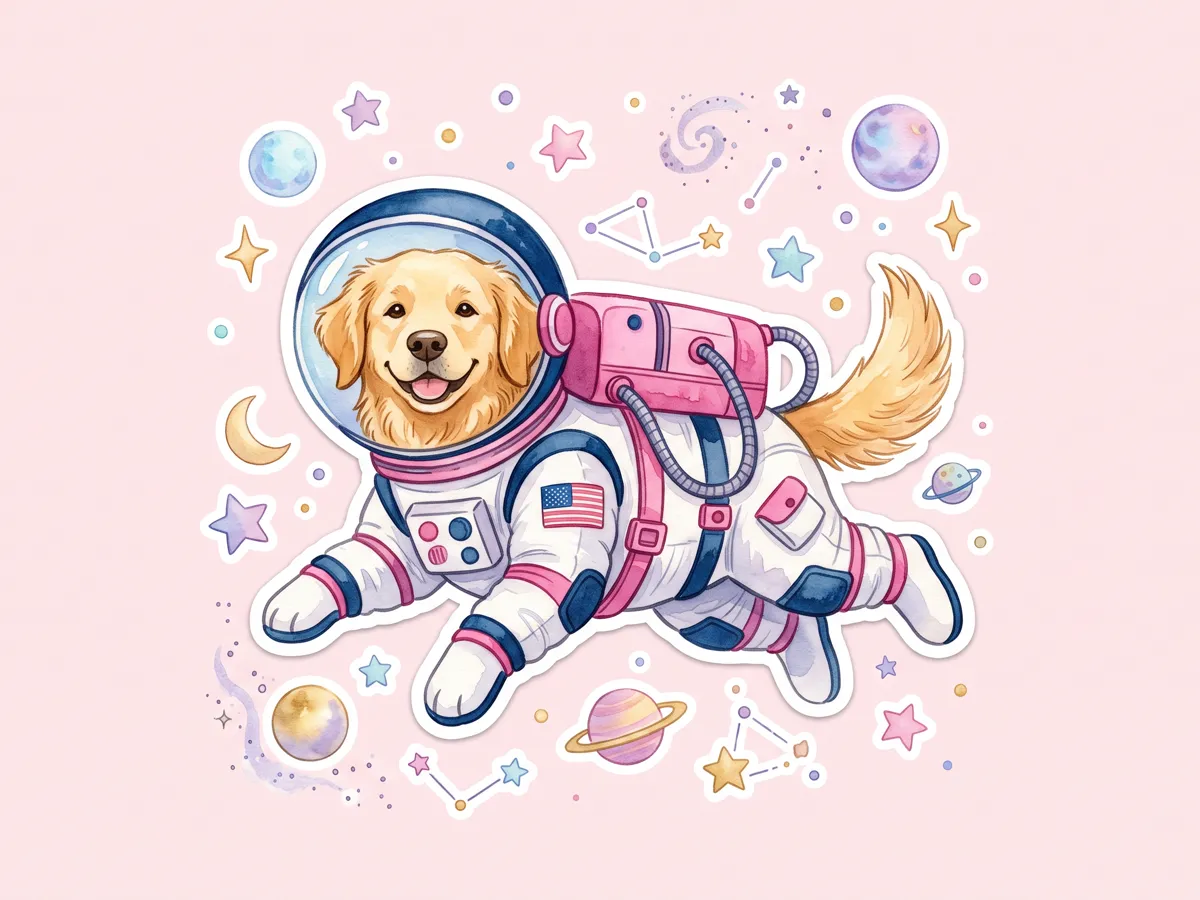
Tap any image to download the full-size file — no signup, no email, no watermark.
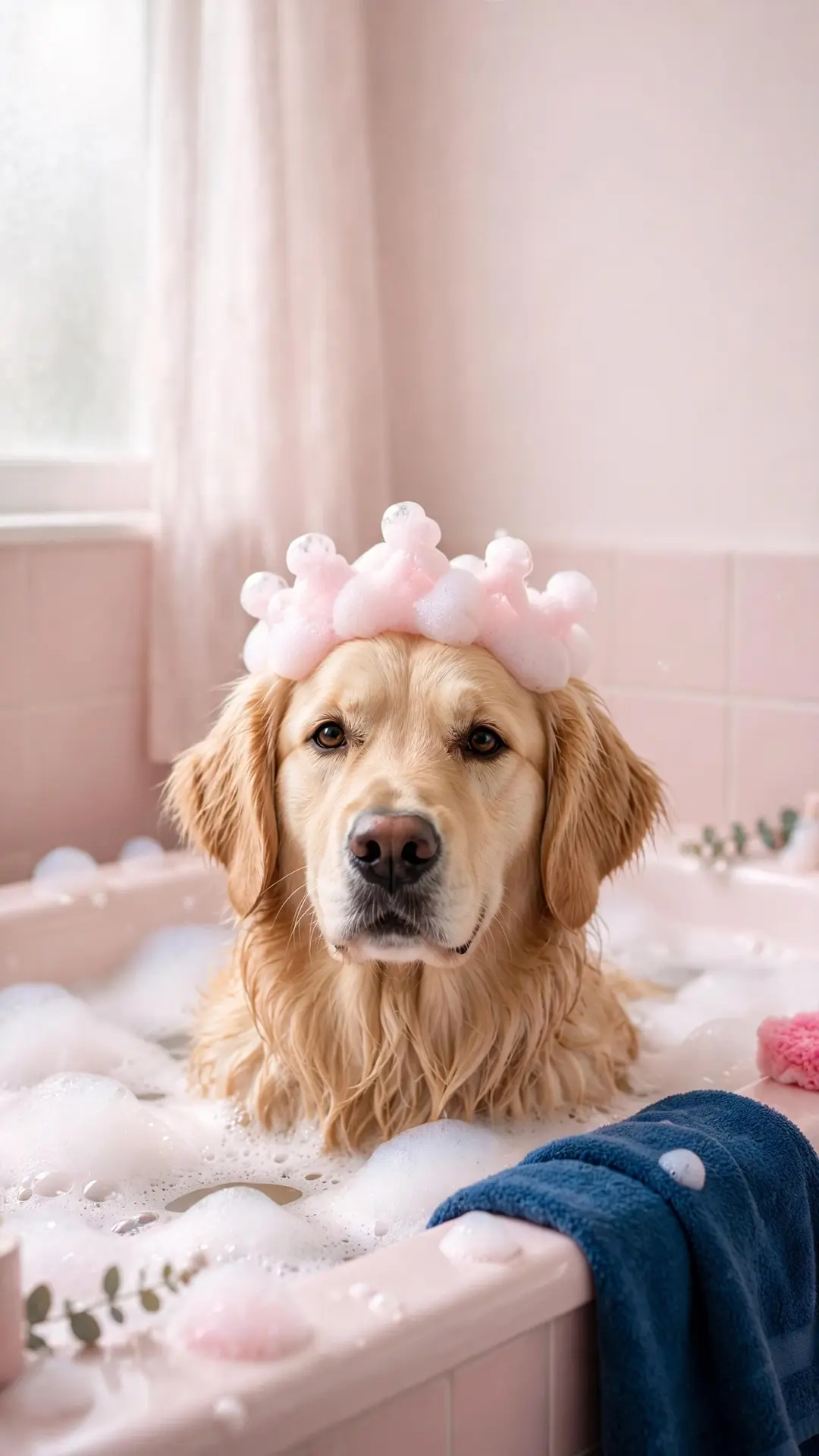
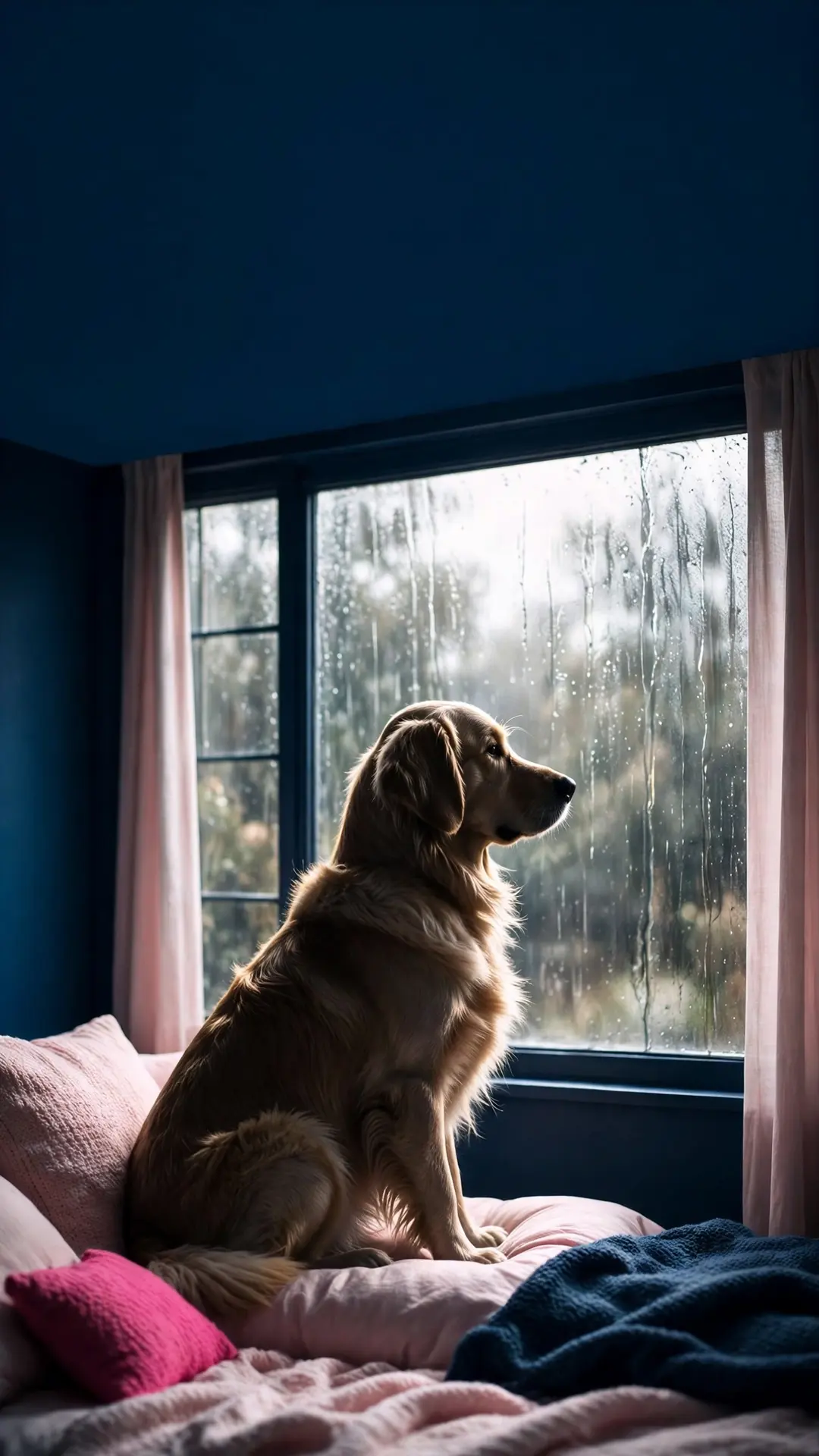
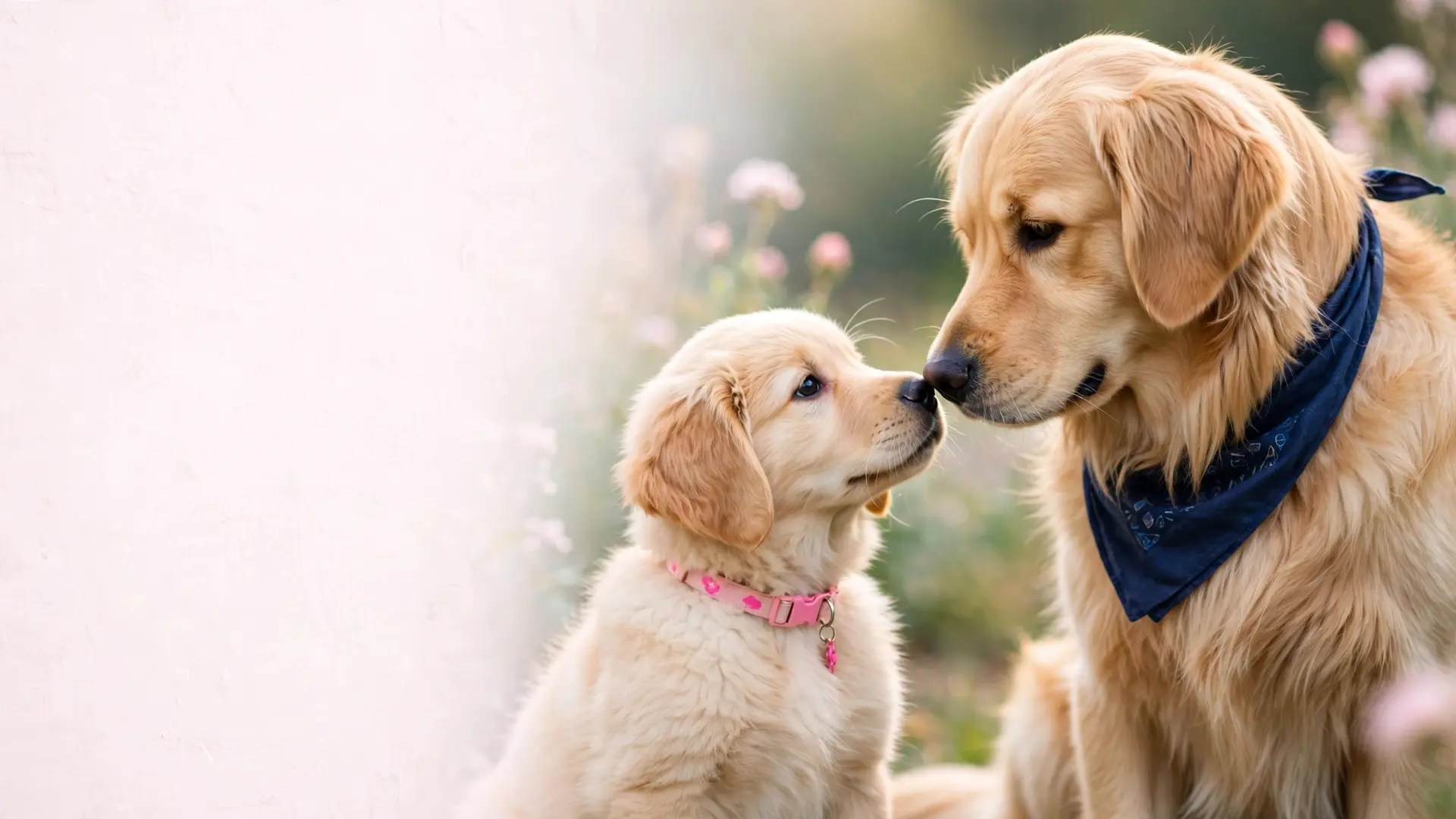
Golden retriever wallpapers (8)
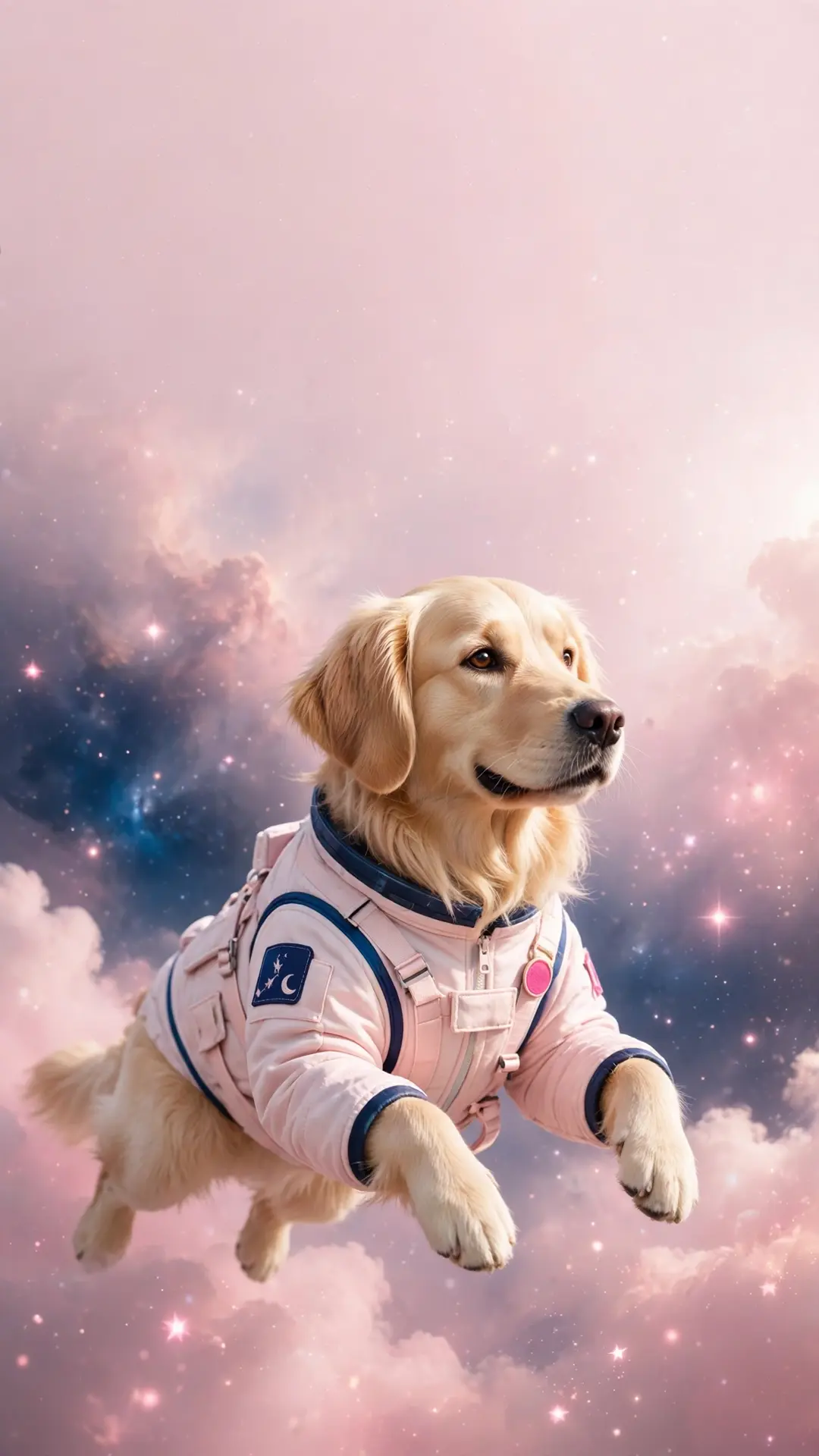
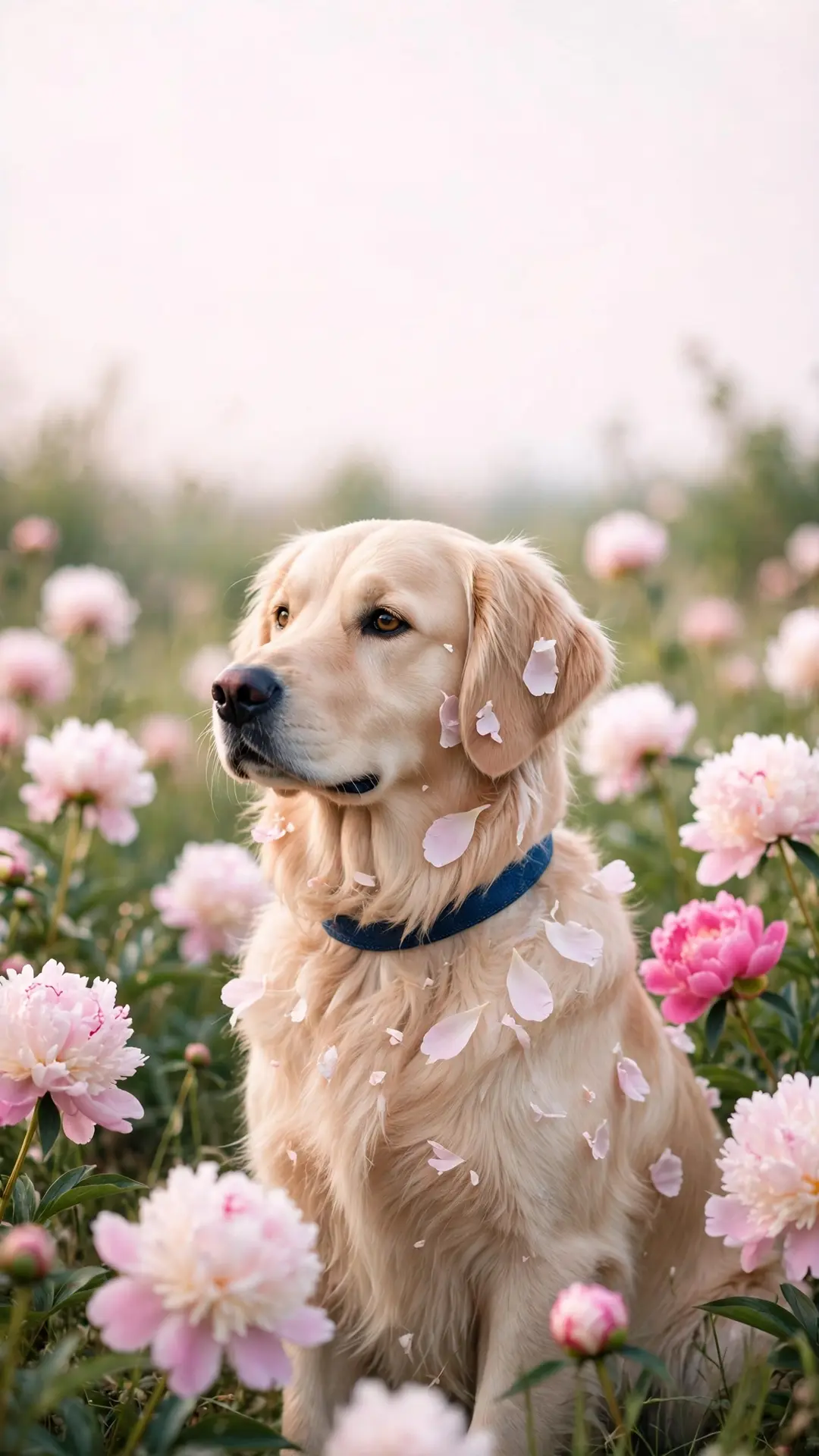
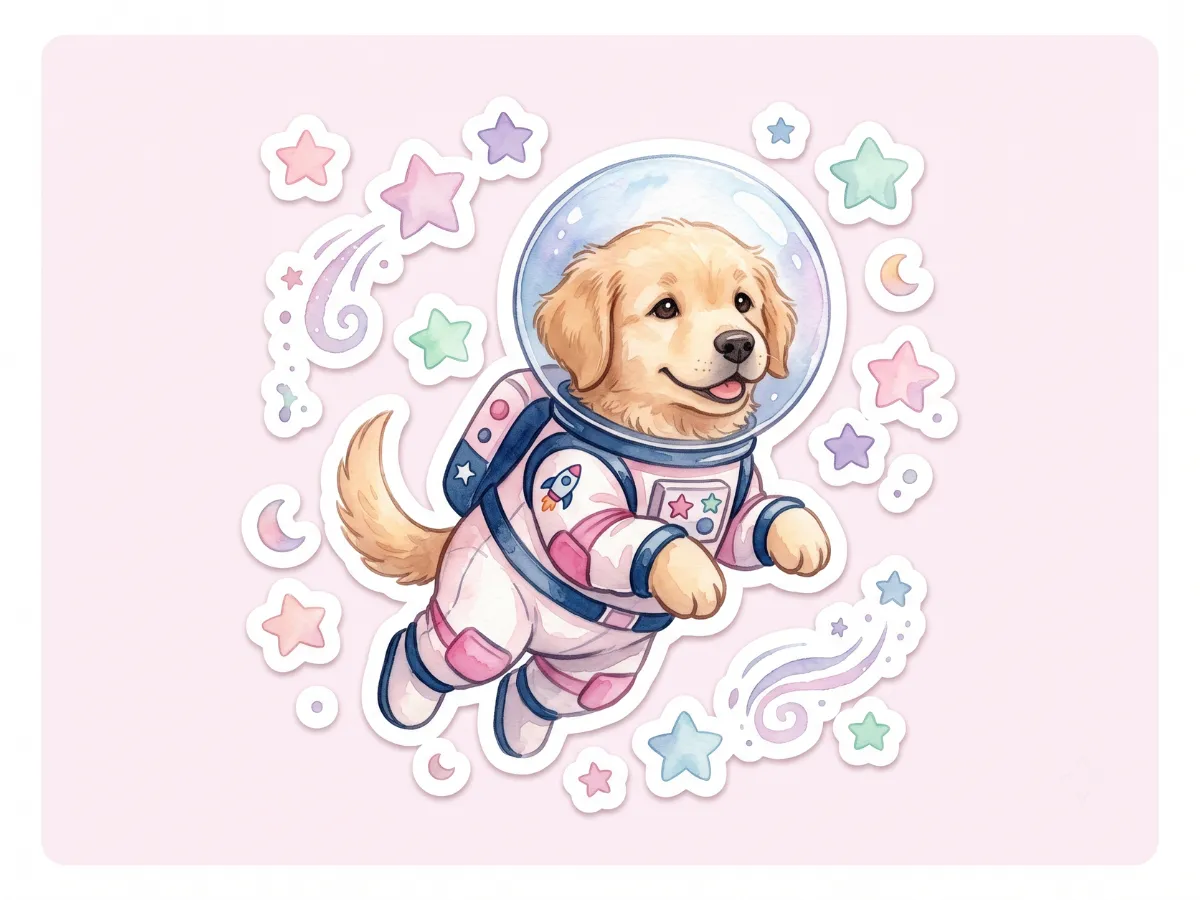
The set that started this page — the astronaut, the peony field, the cabin nap and five more golden moods.
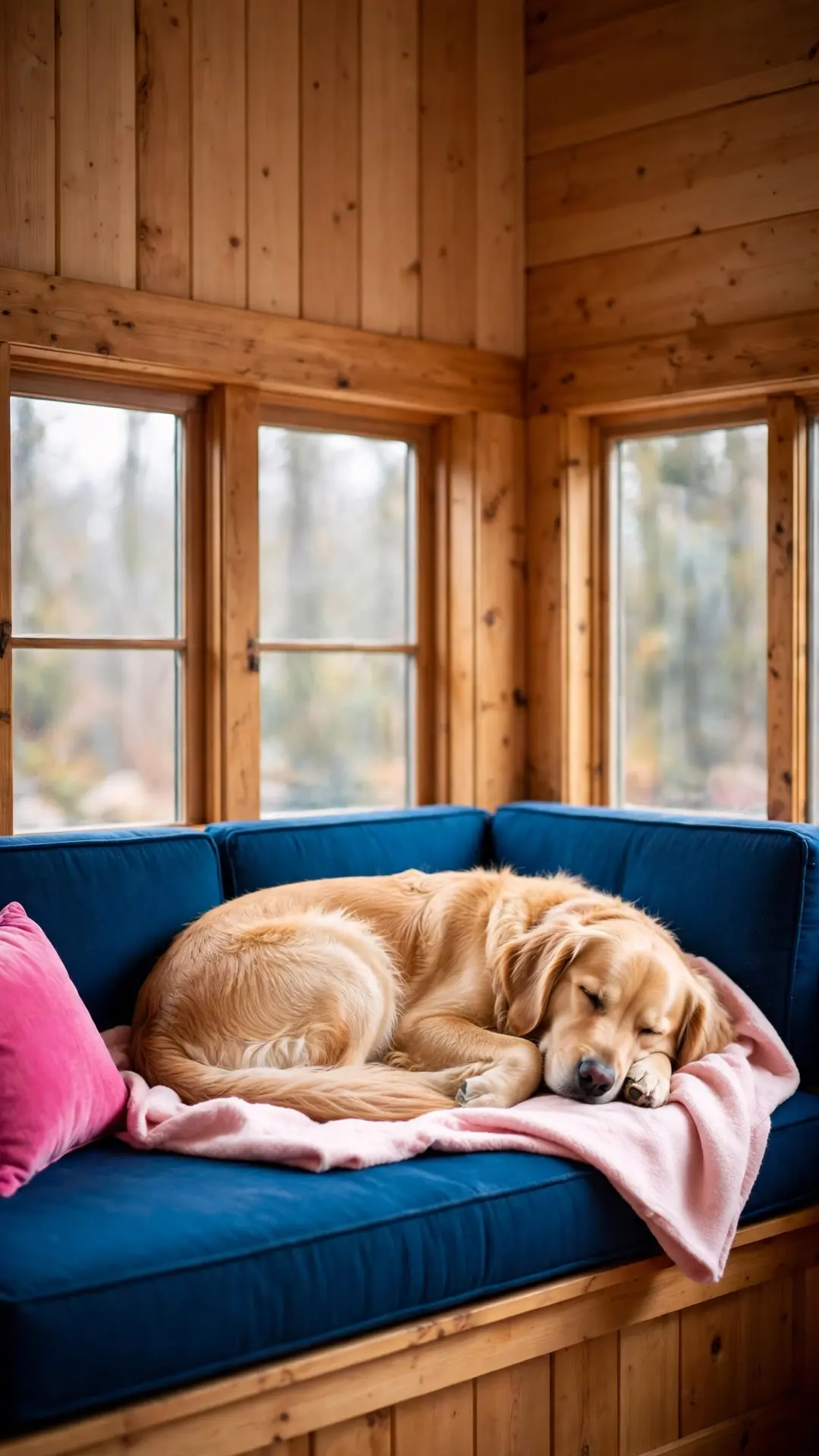
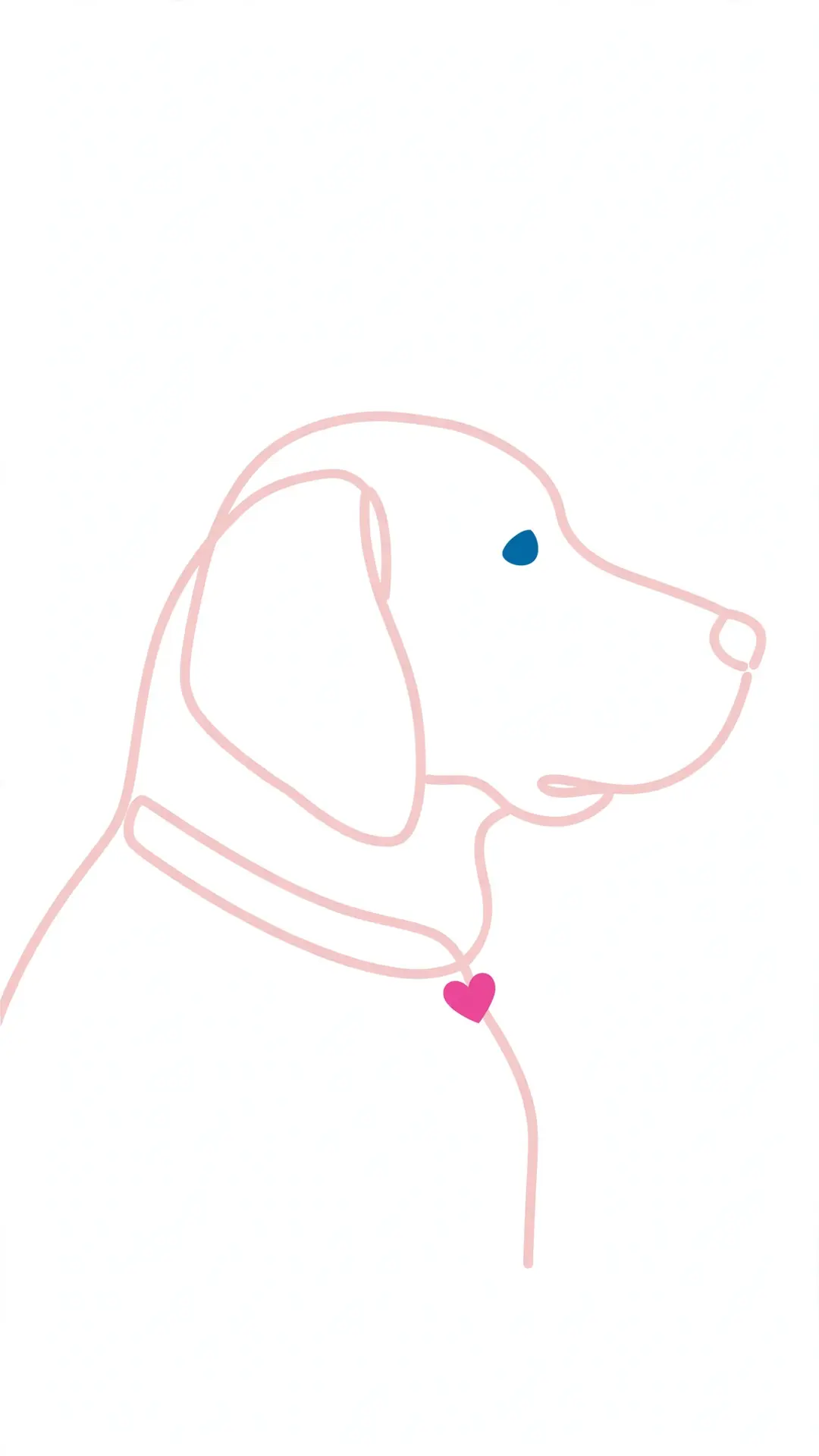
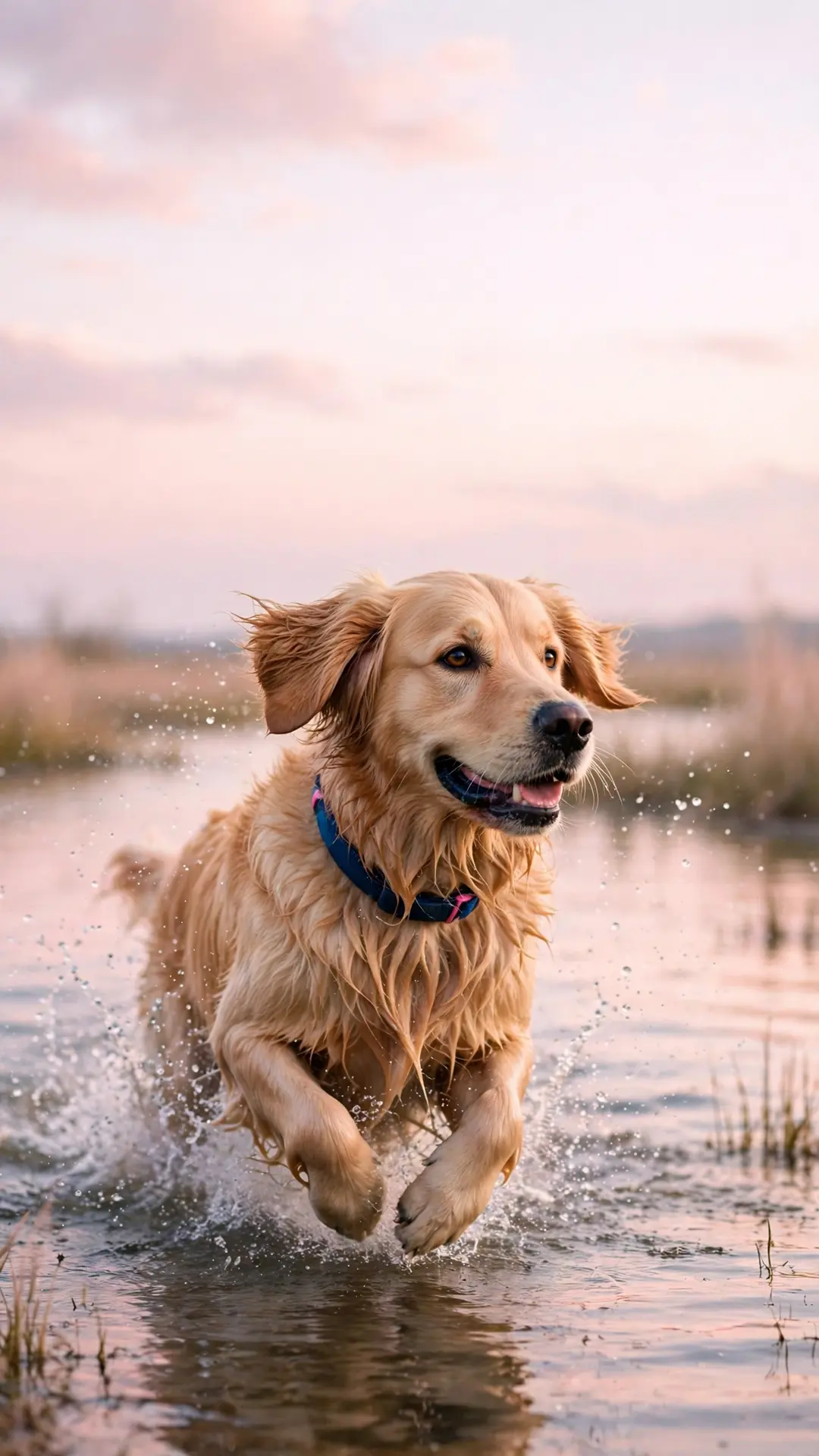
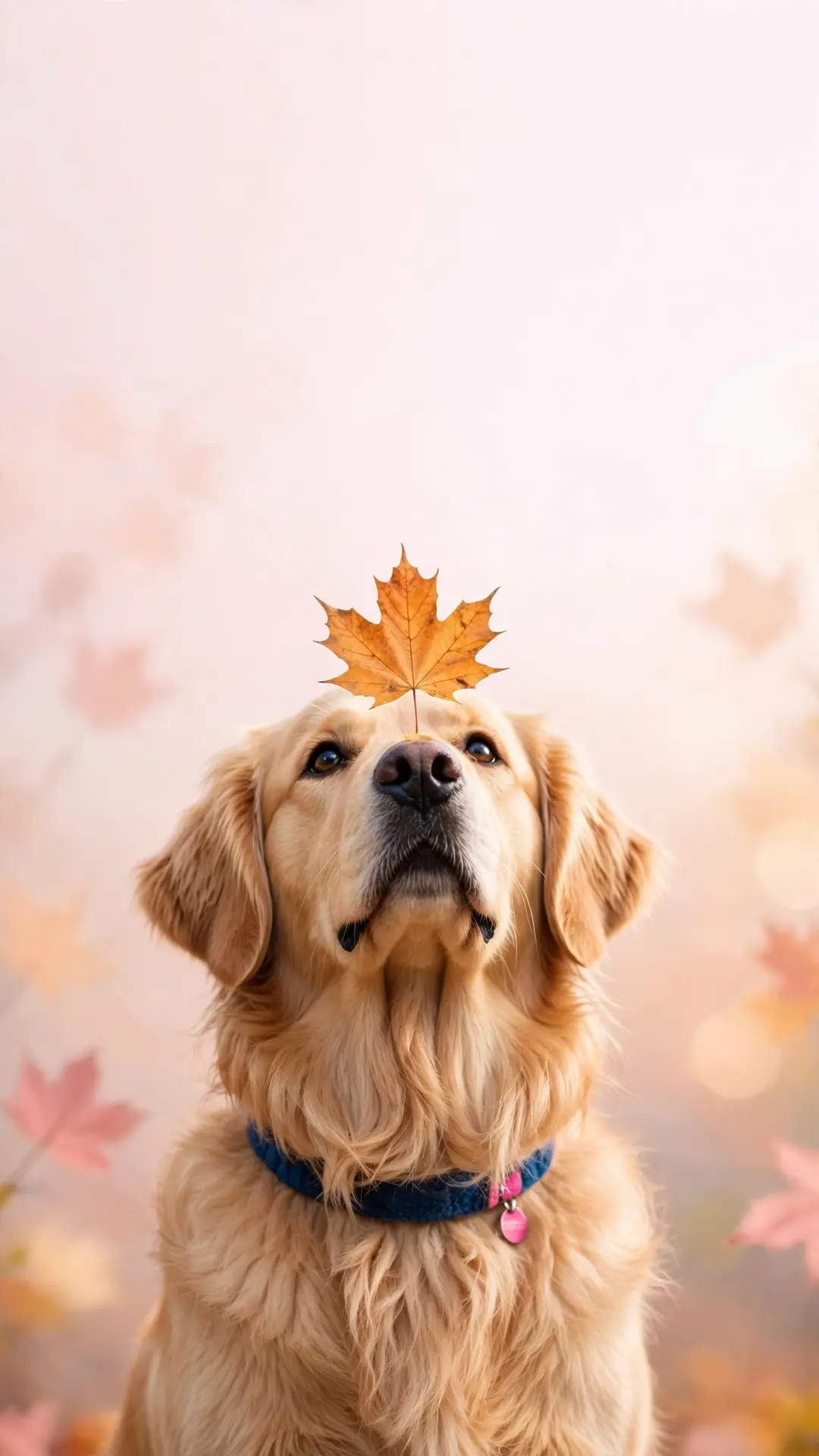
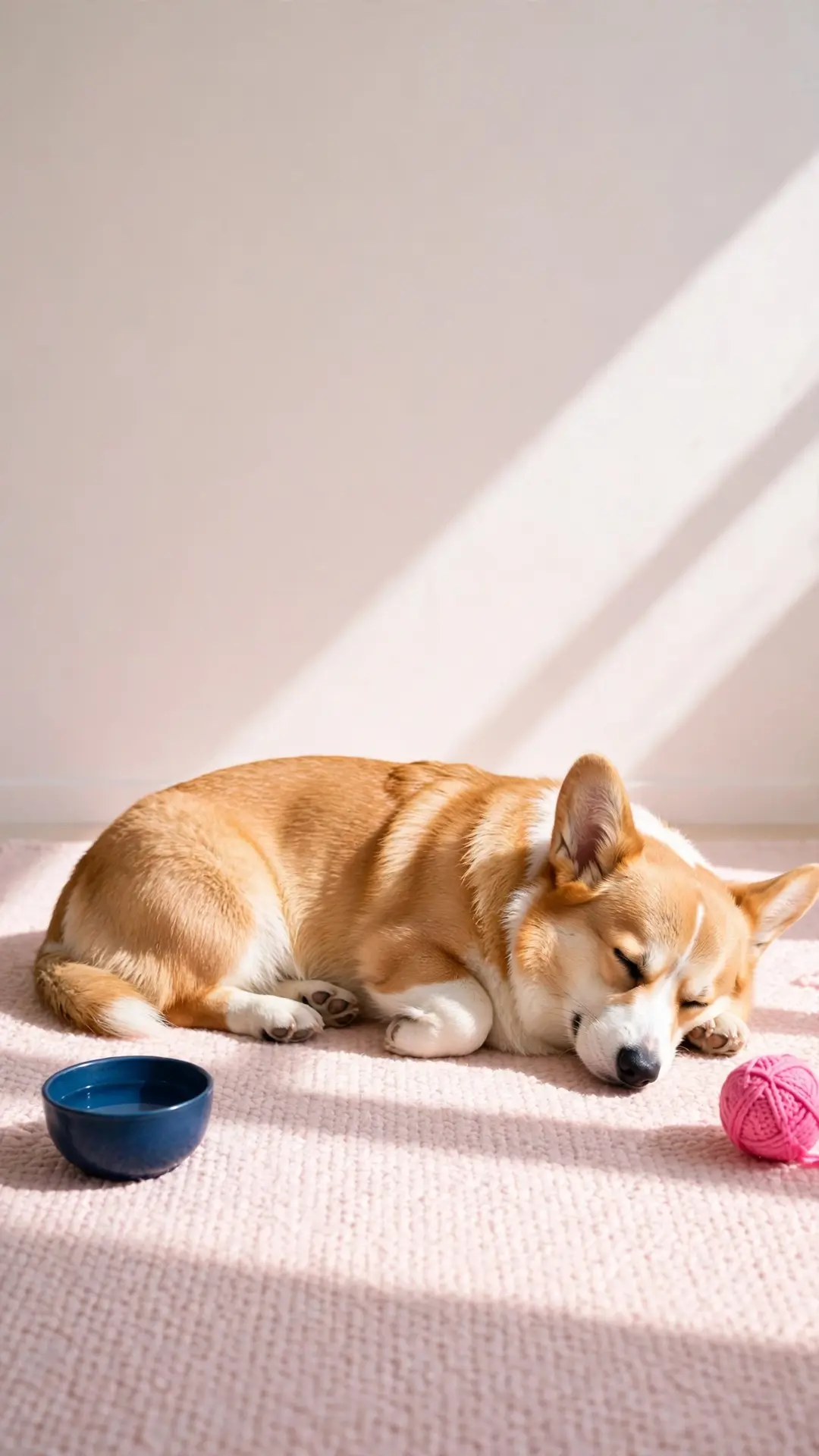
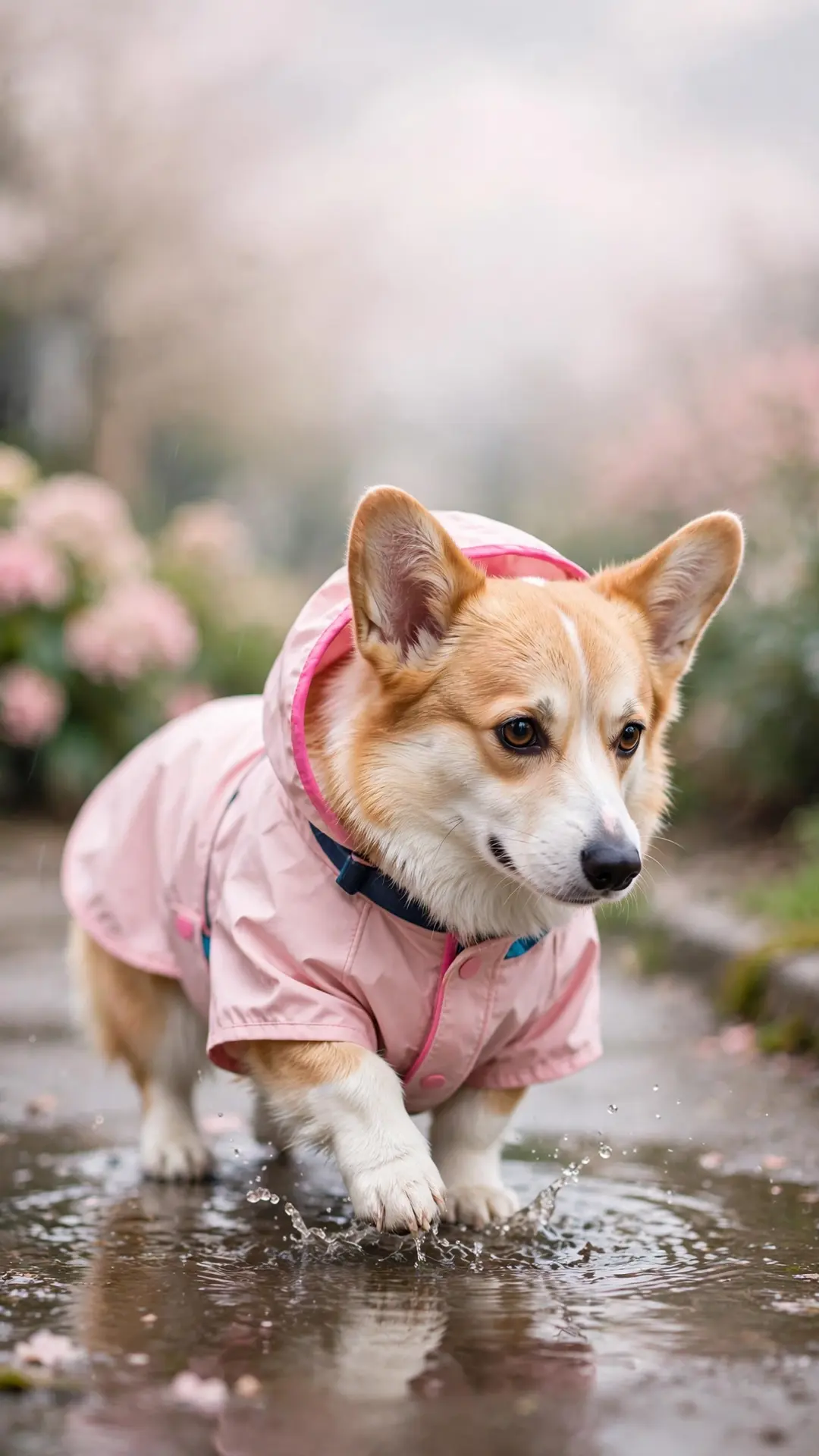
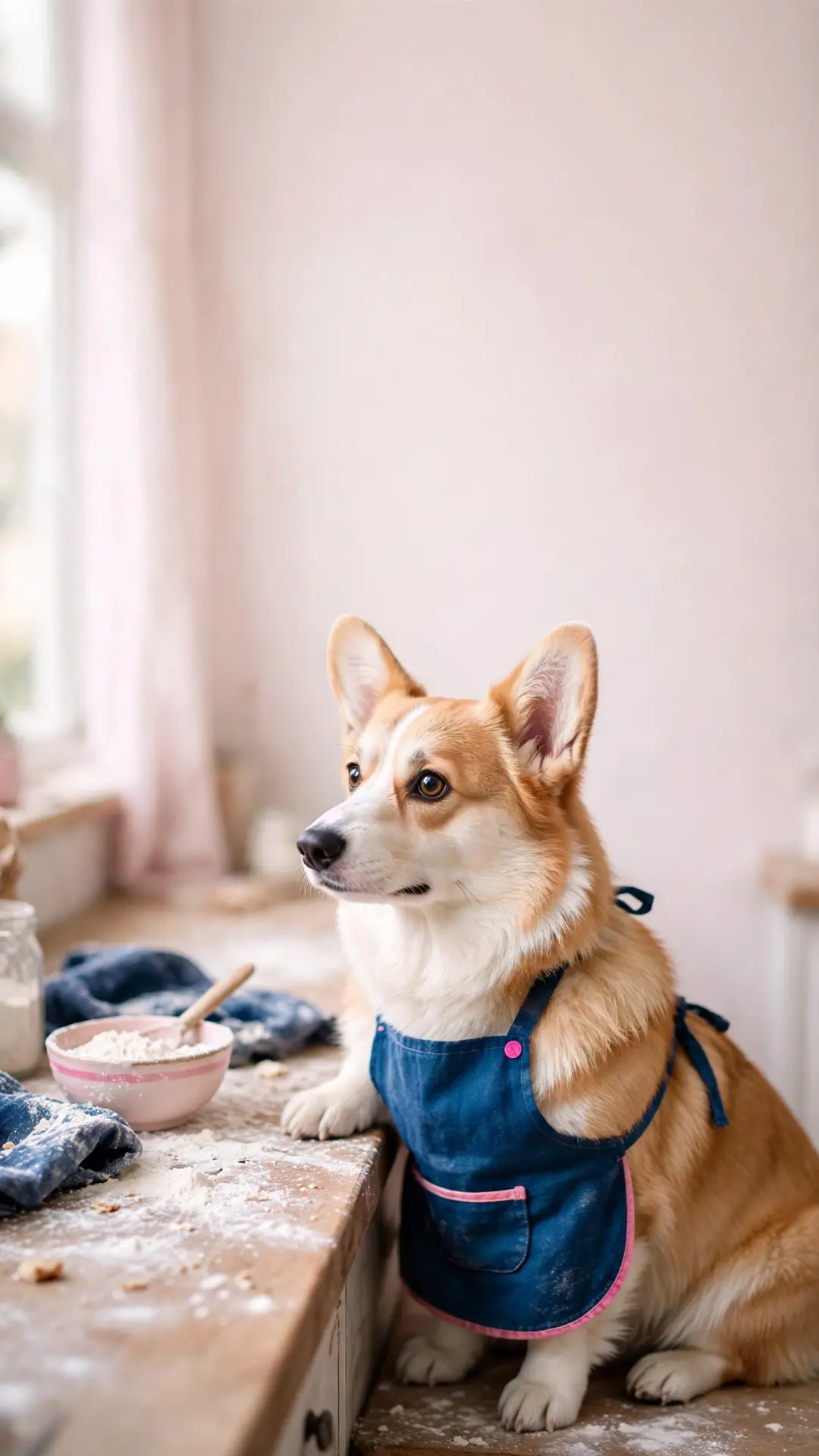
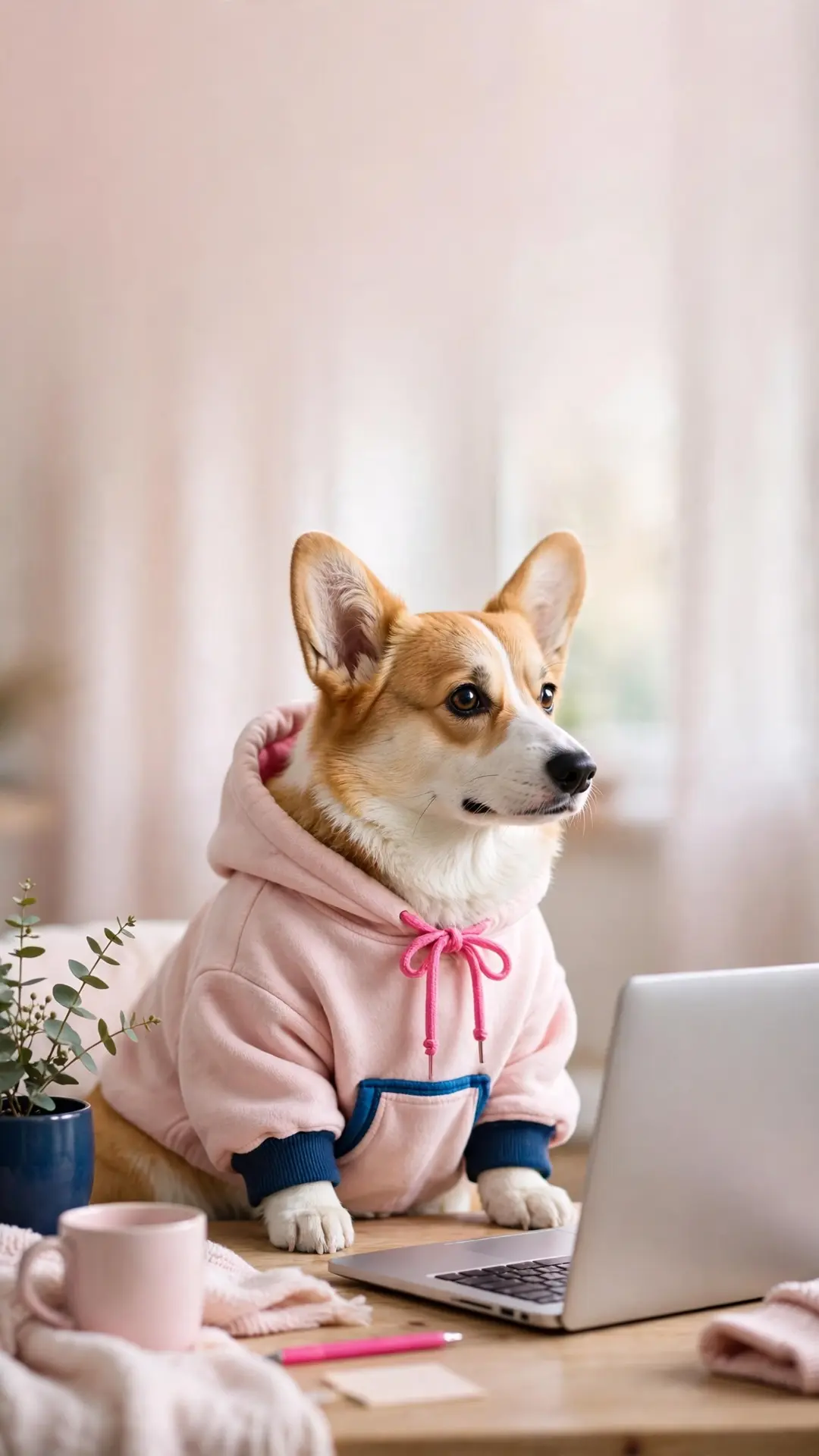
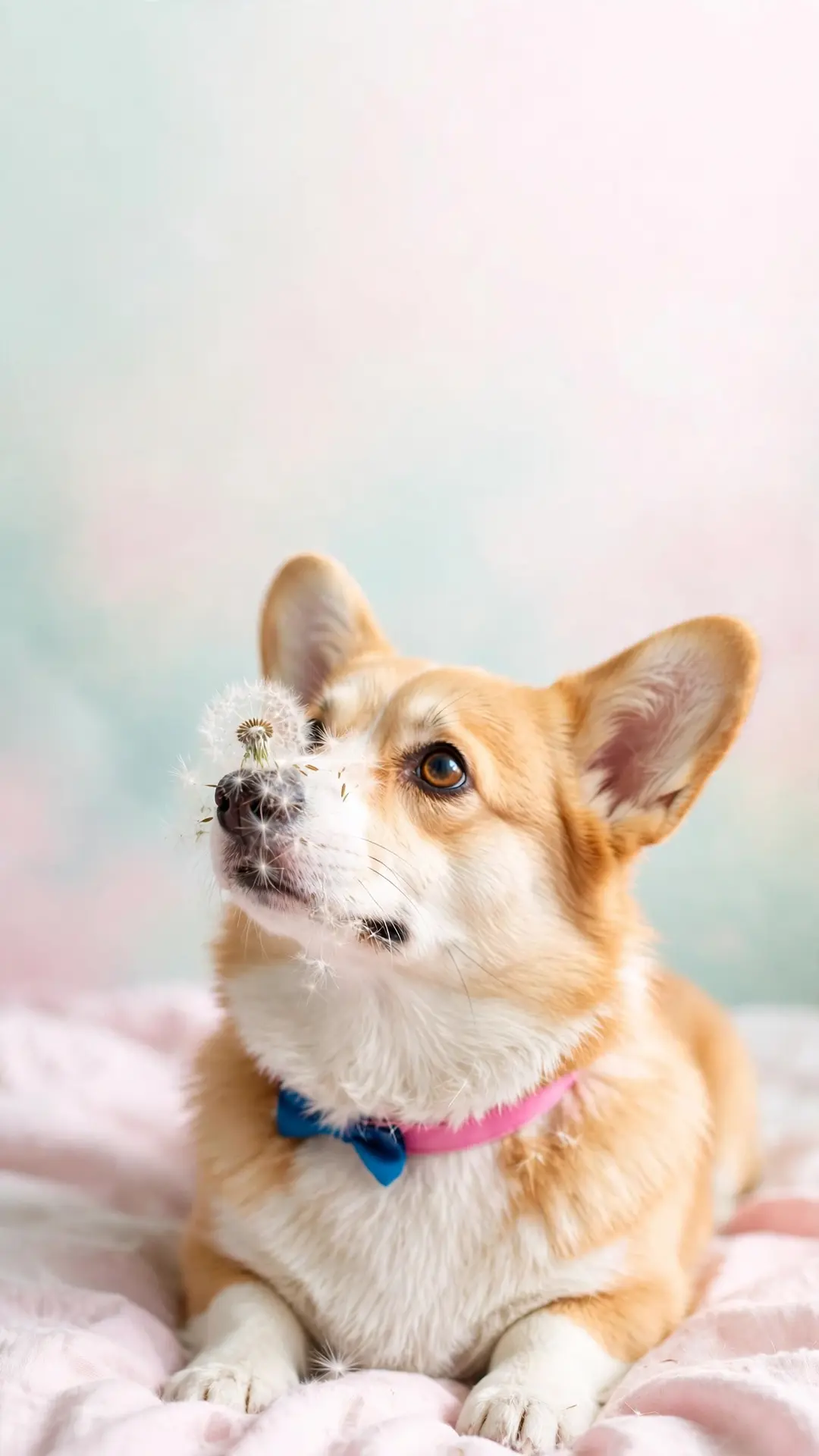
Corgi wallpapers (5)
Five corgi scenes, from the sunbeam loaf to the dandelion nose.
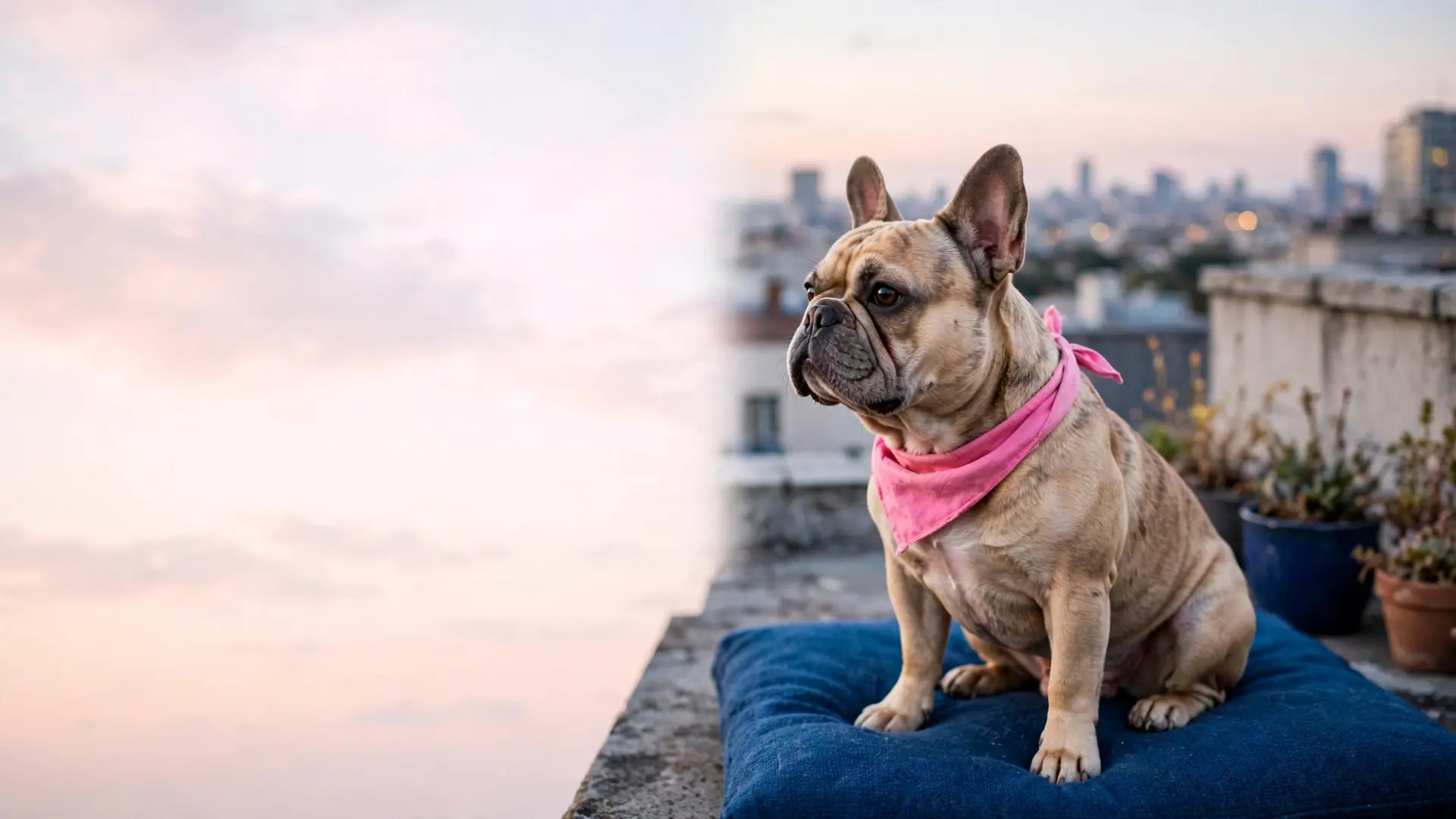
French bulldog wallpapers (4)
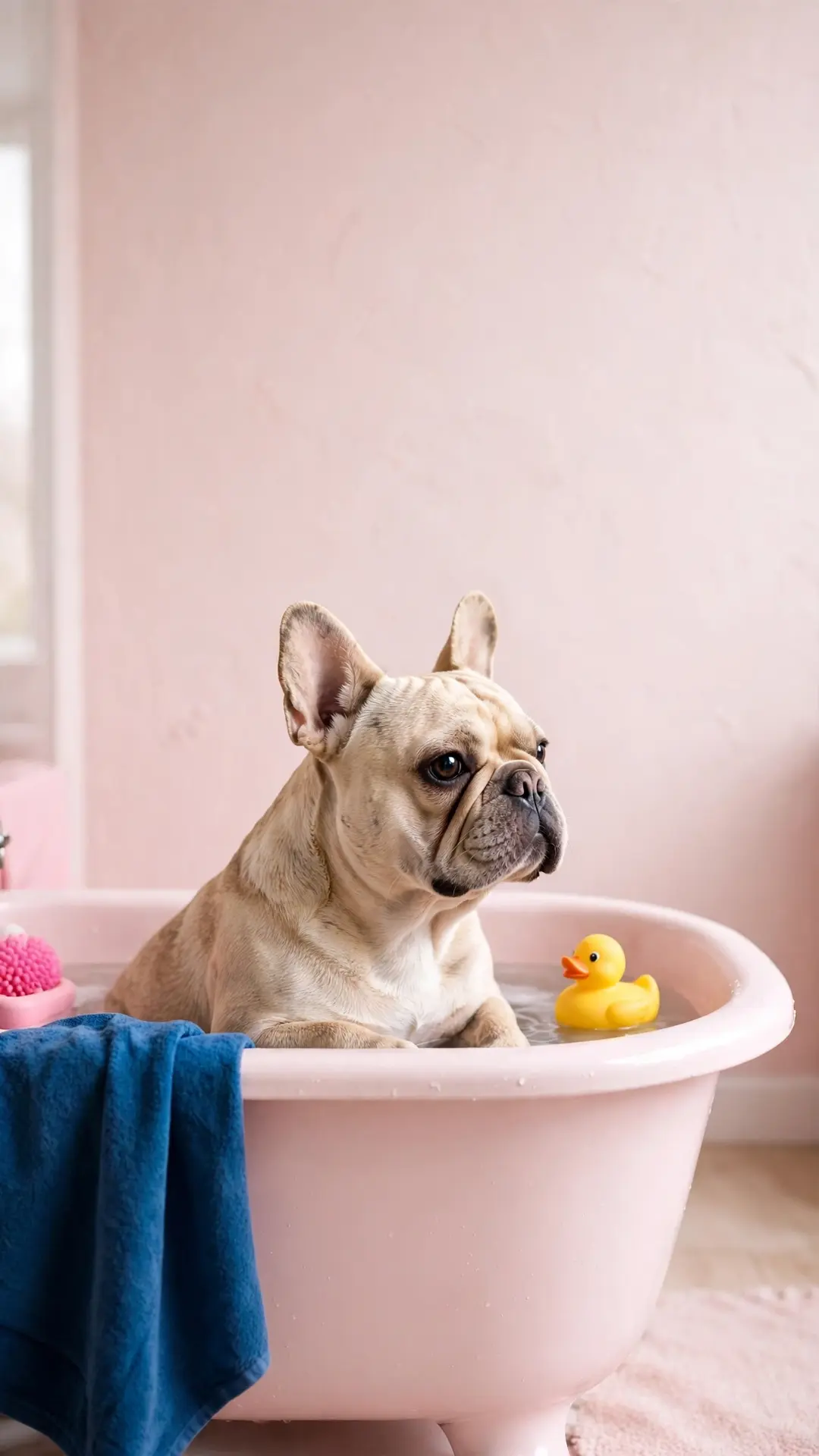
Four french bulldog scenes — bathtub, cafe chair, pillow fort and bow tie.
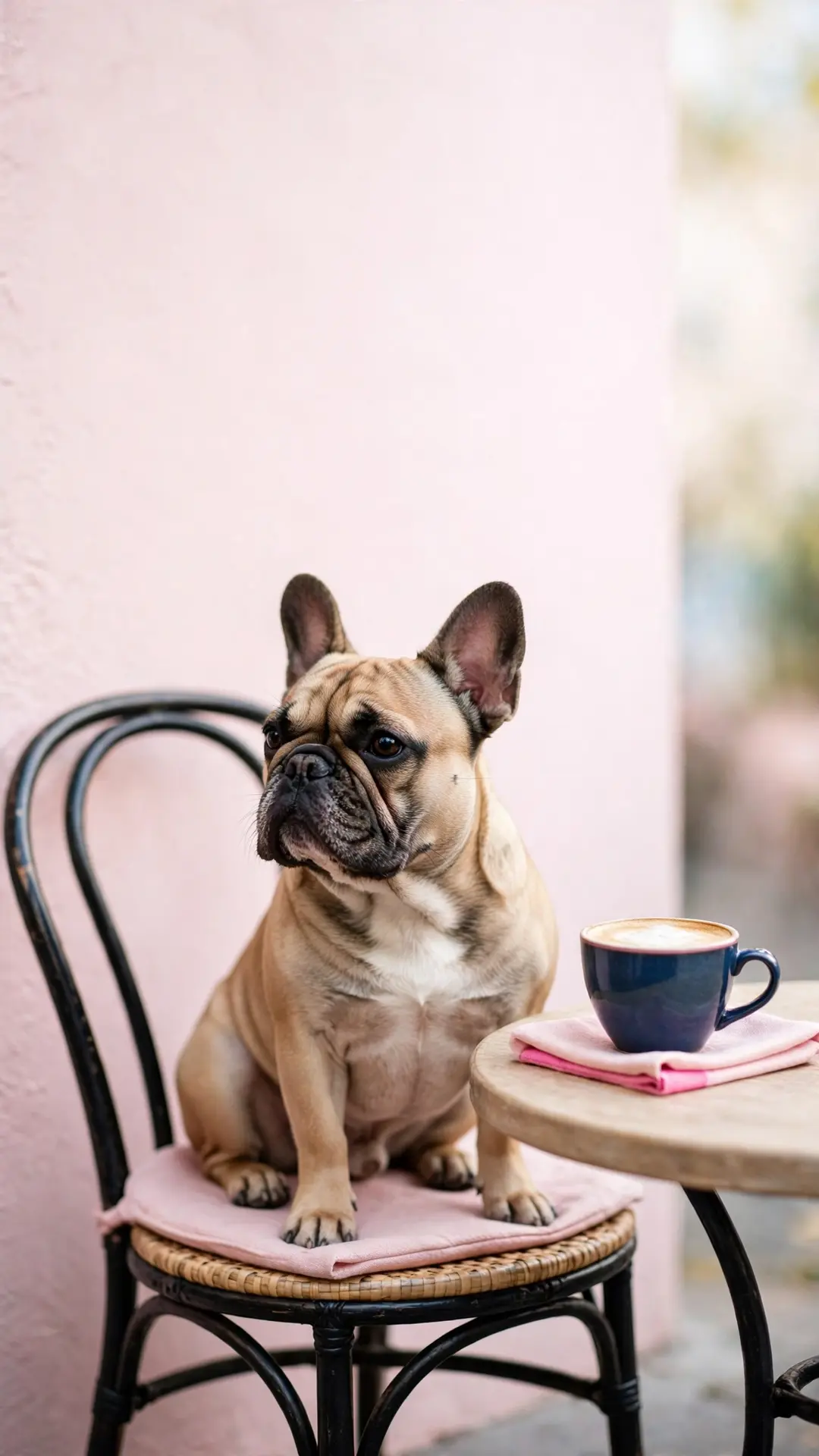
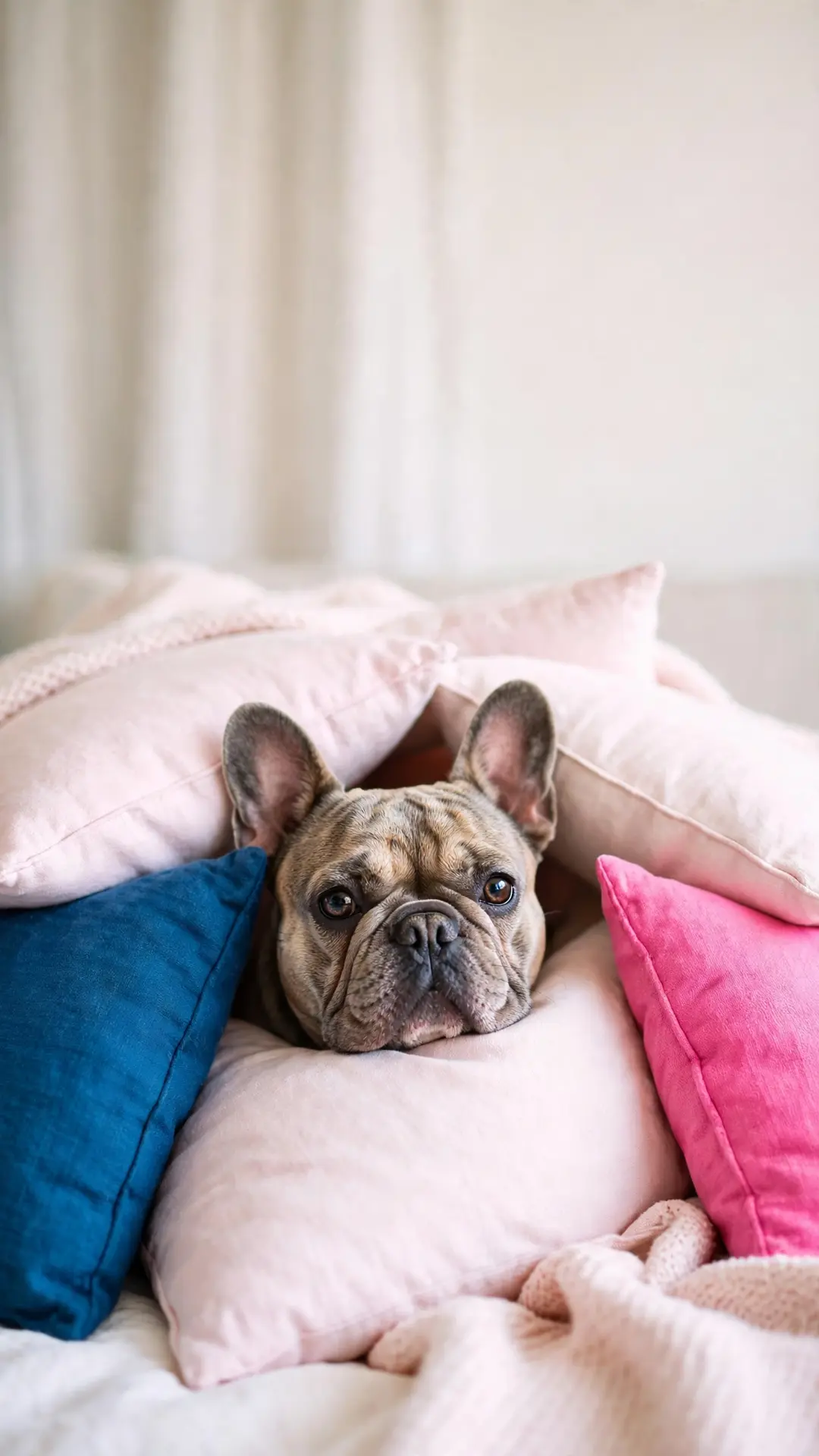
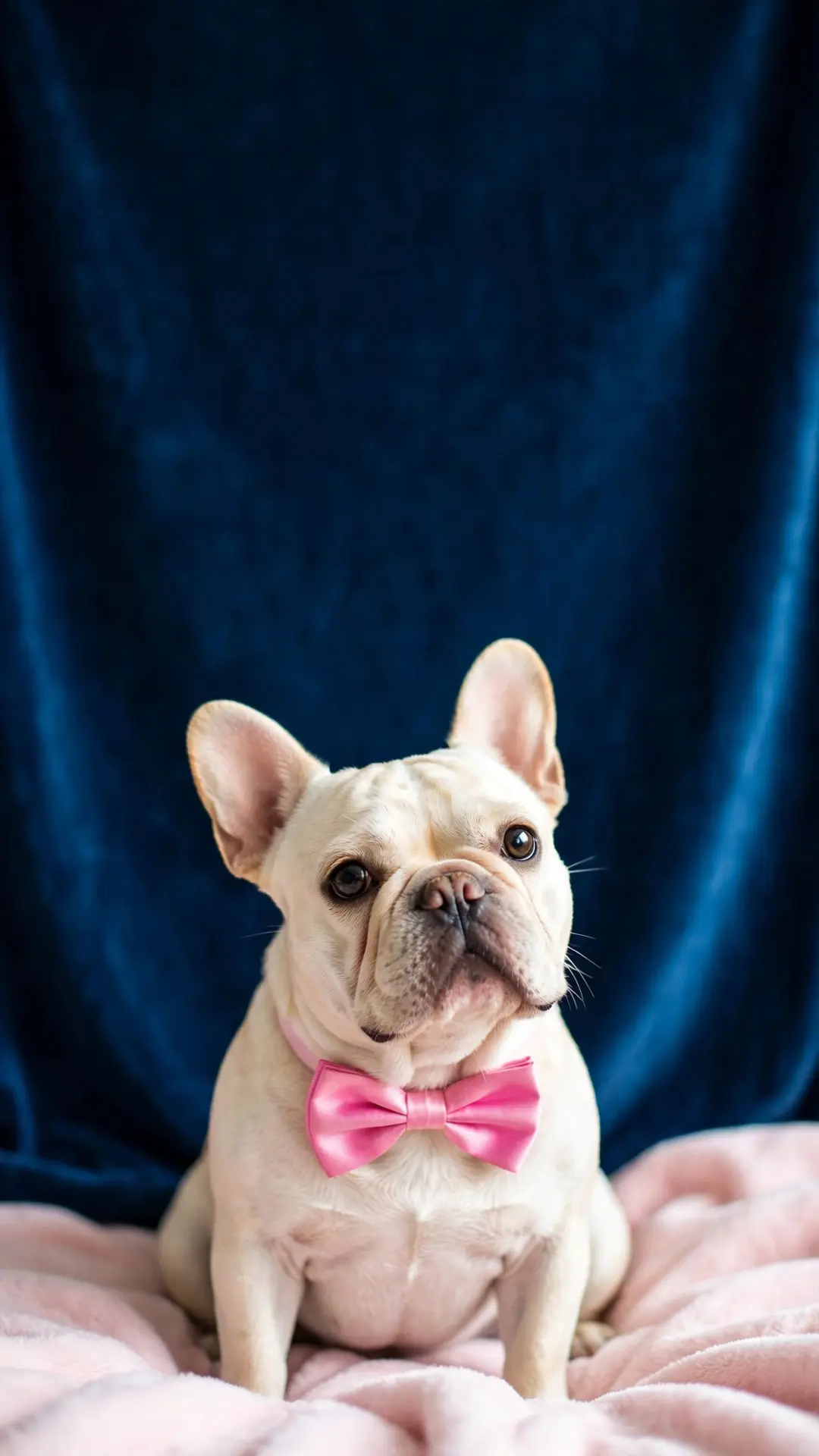
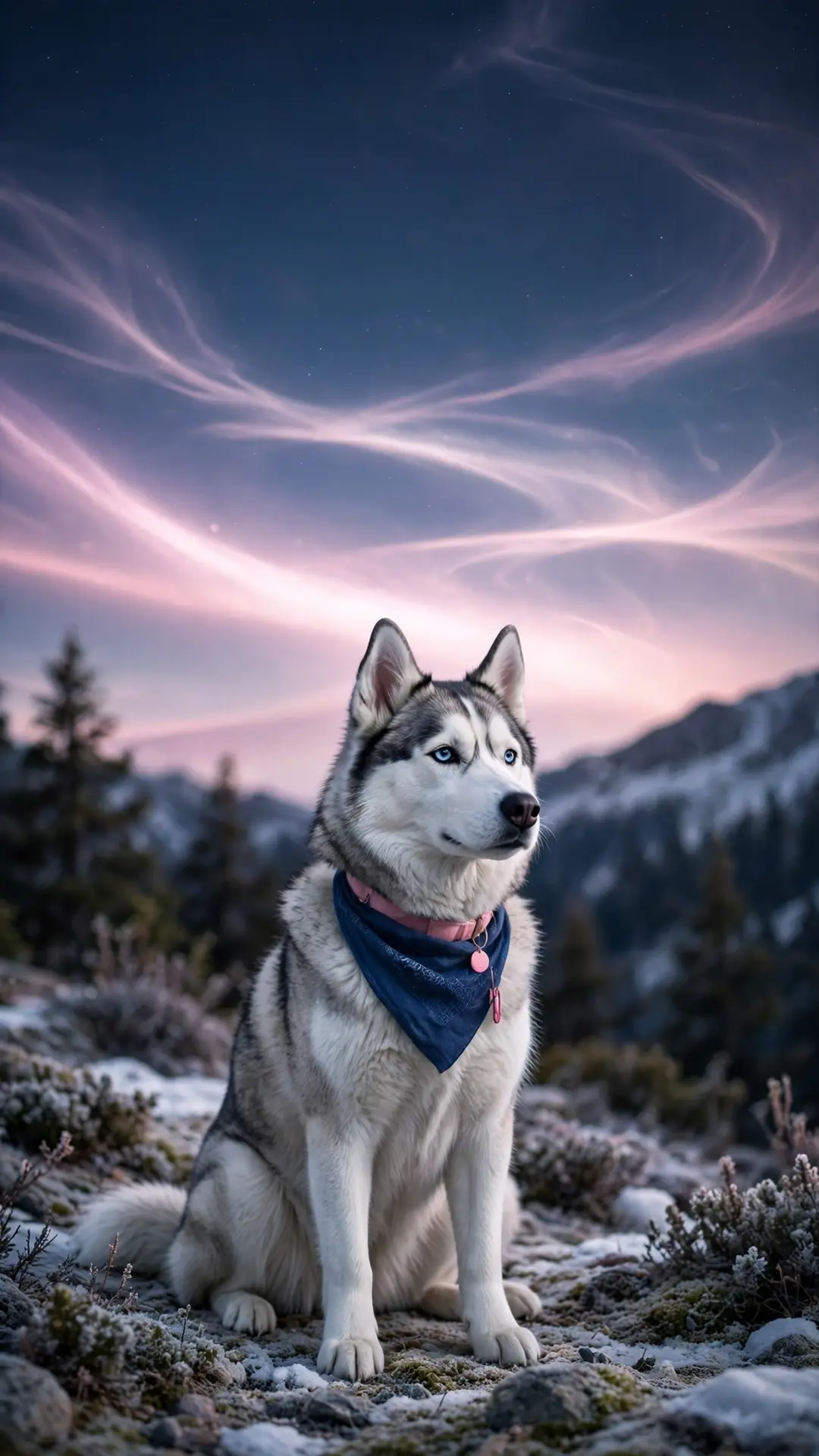
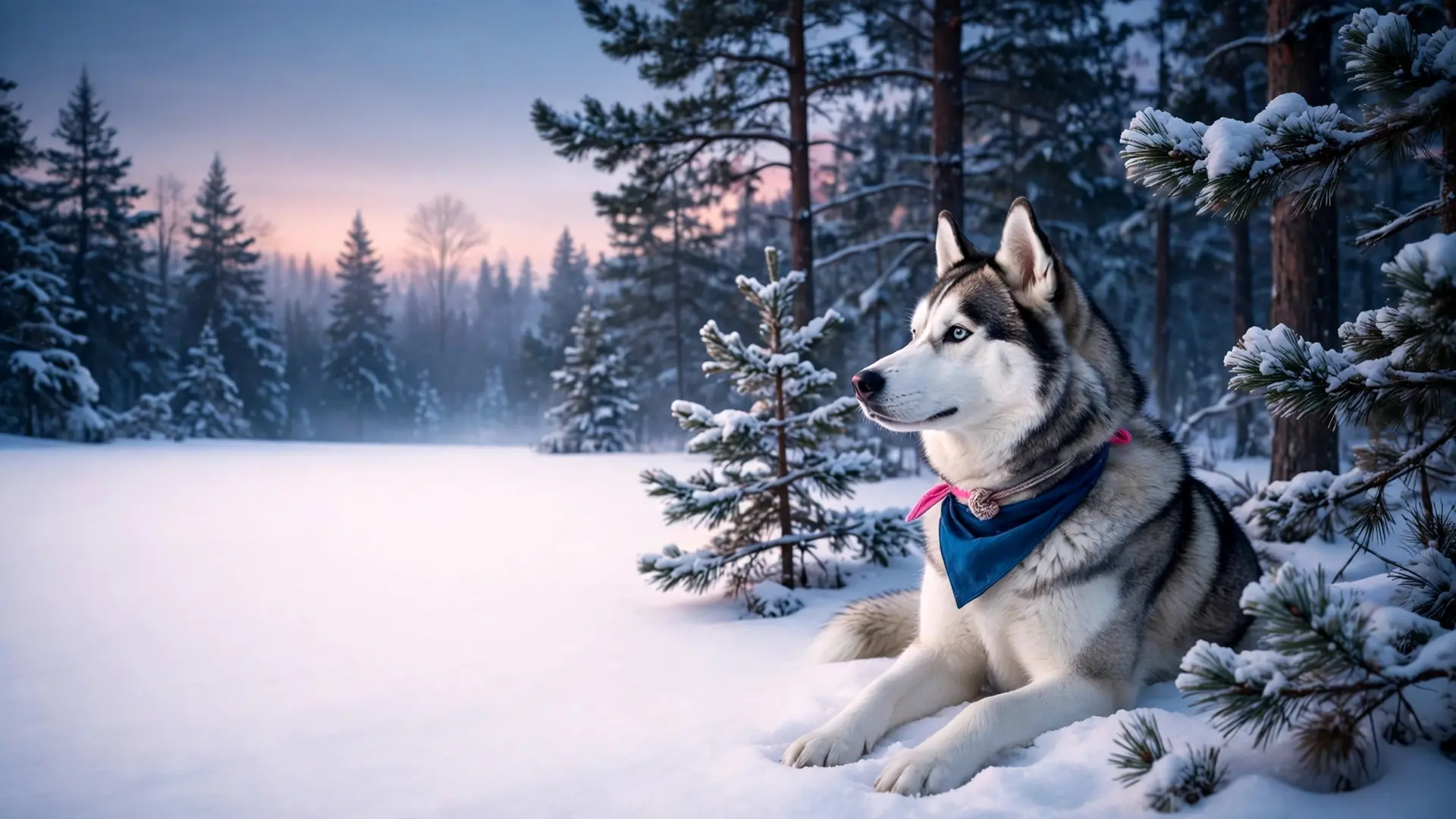
Husky wallpapers (4)
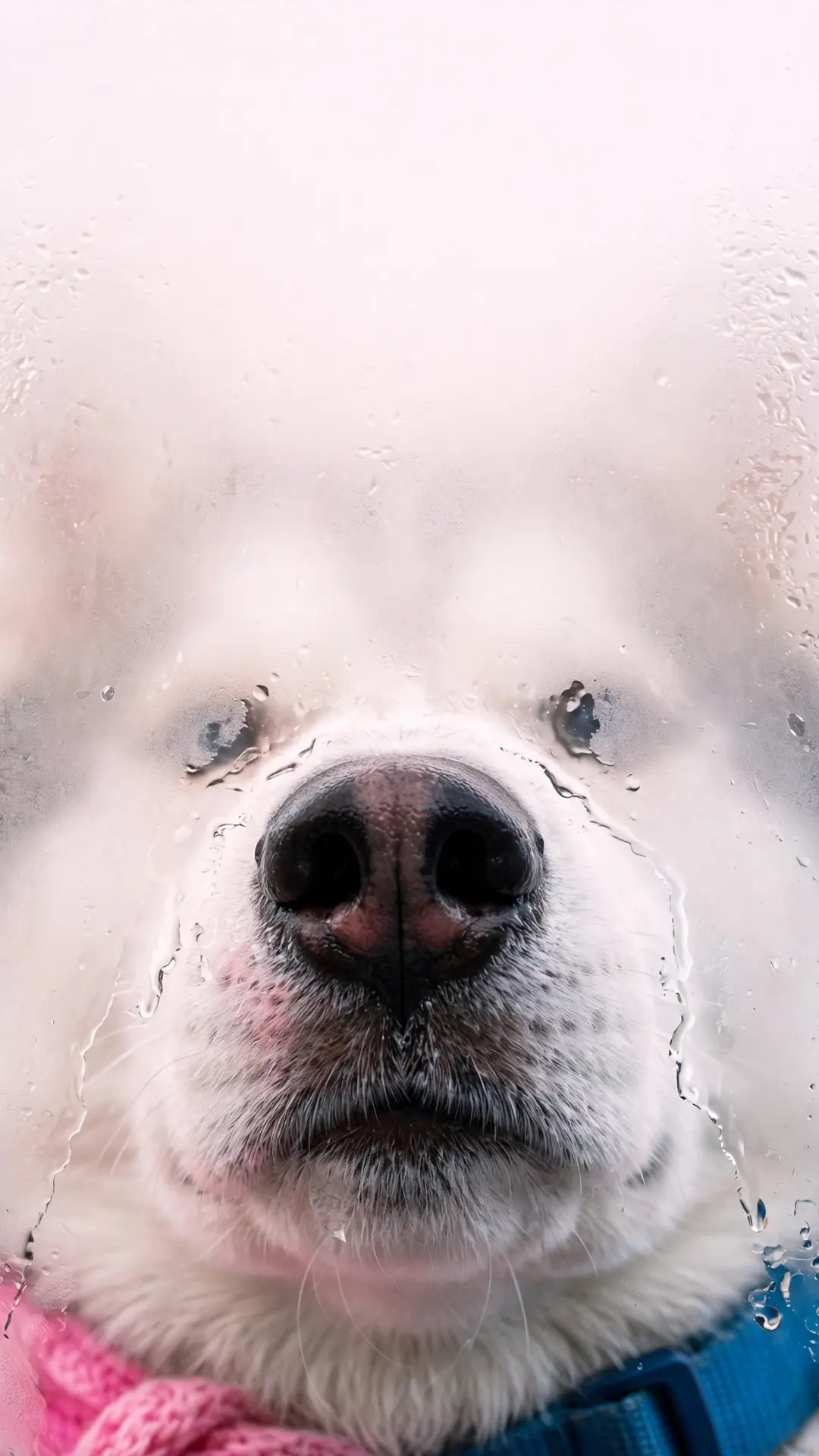
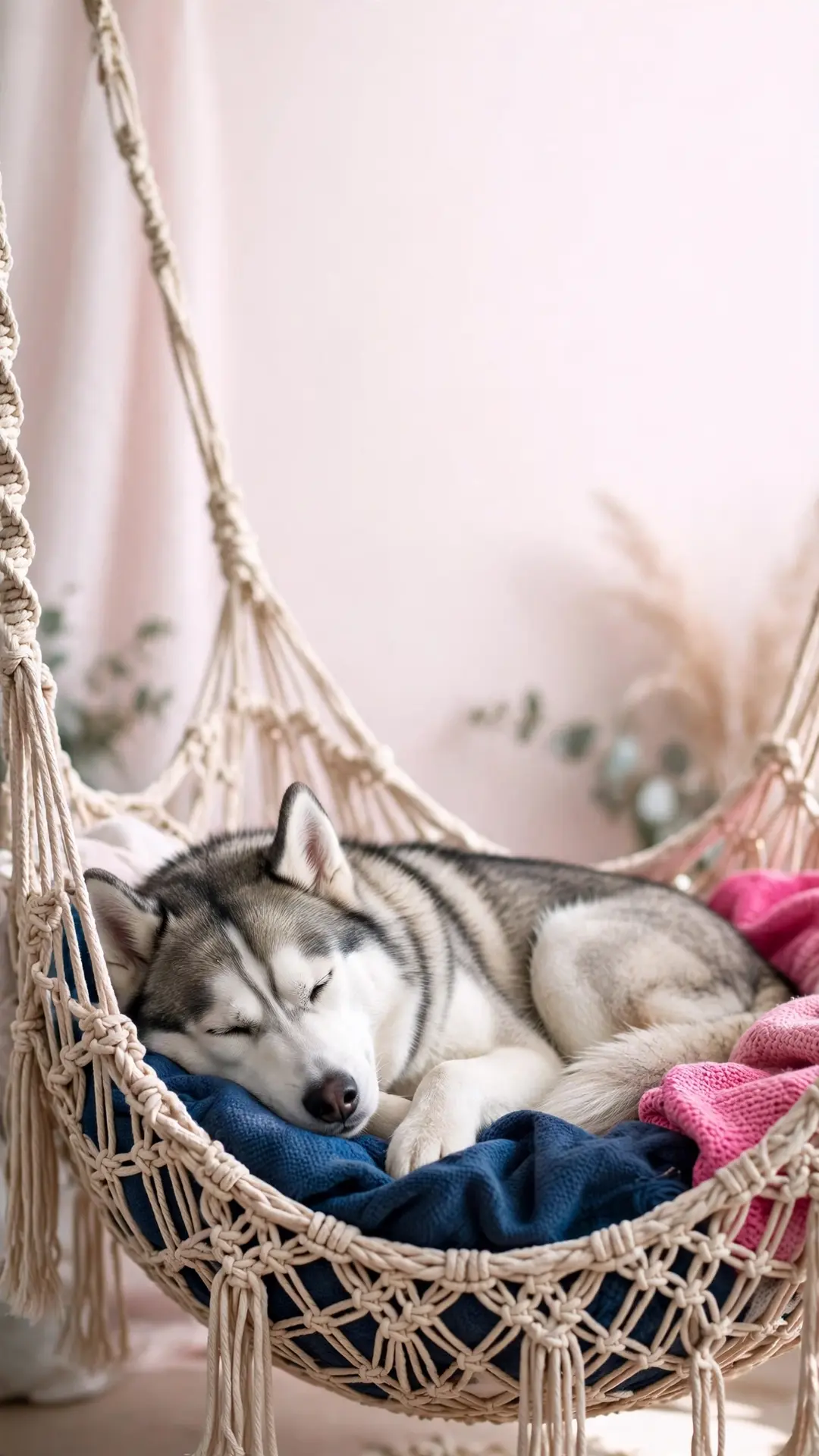
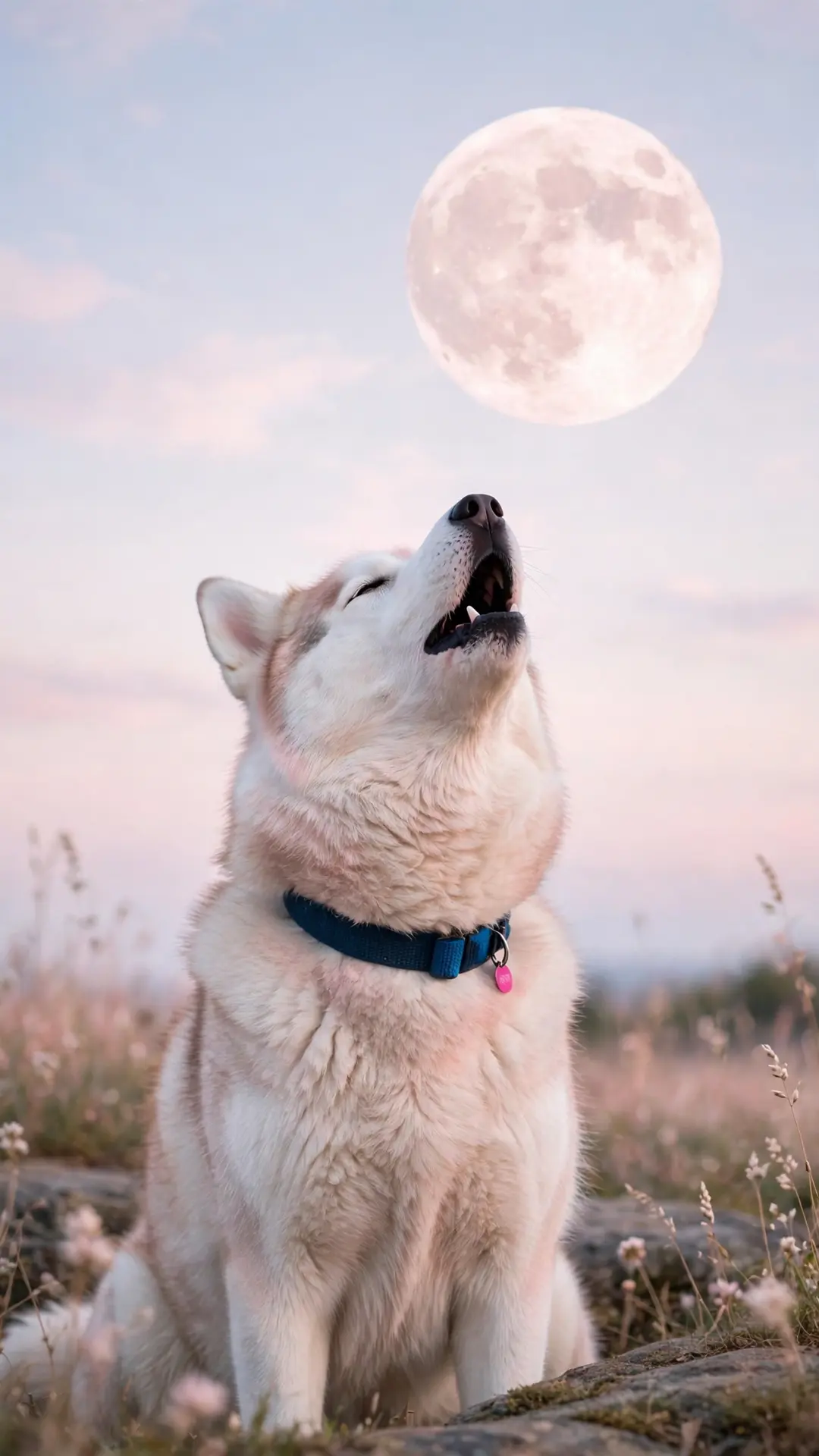
Four husky scenes made for a darker lock screen — aurora, frosted glass, hammock and moon.
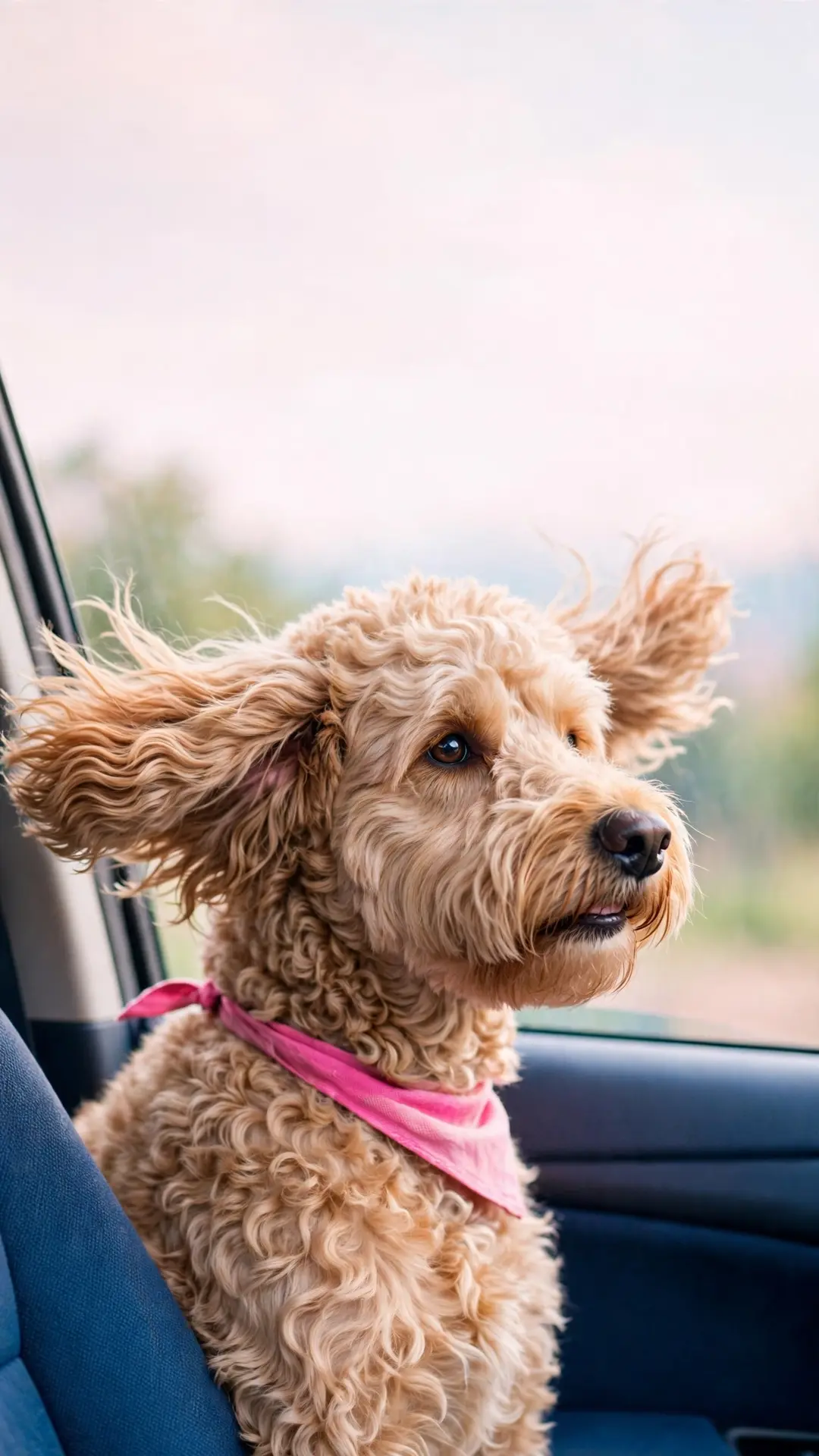
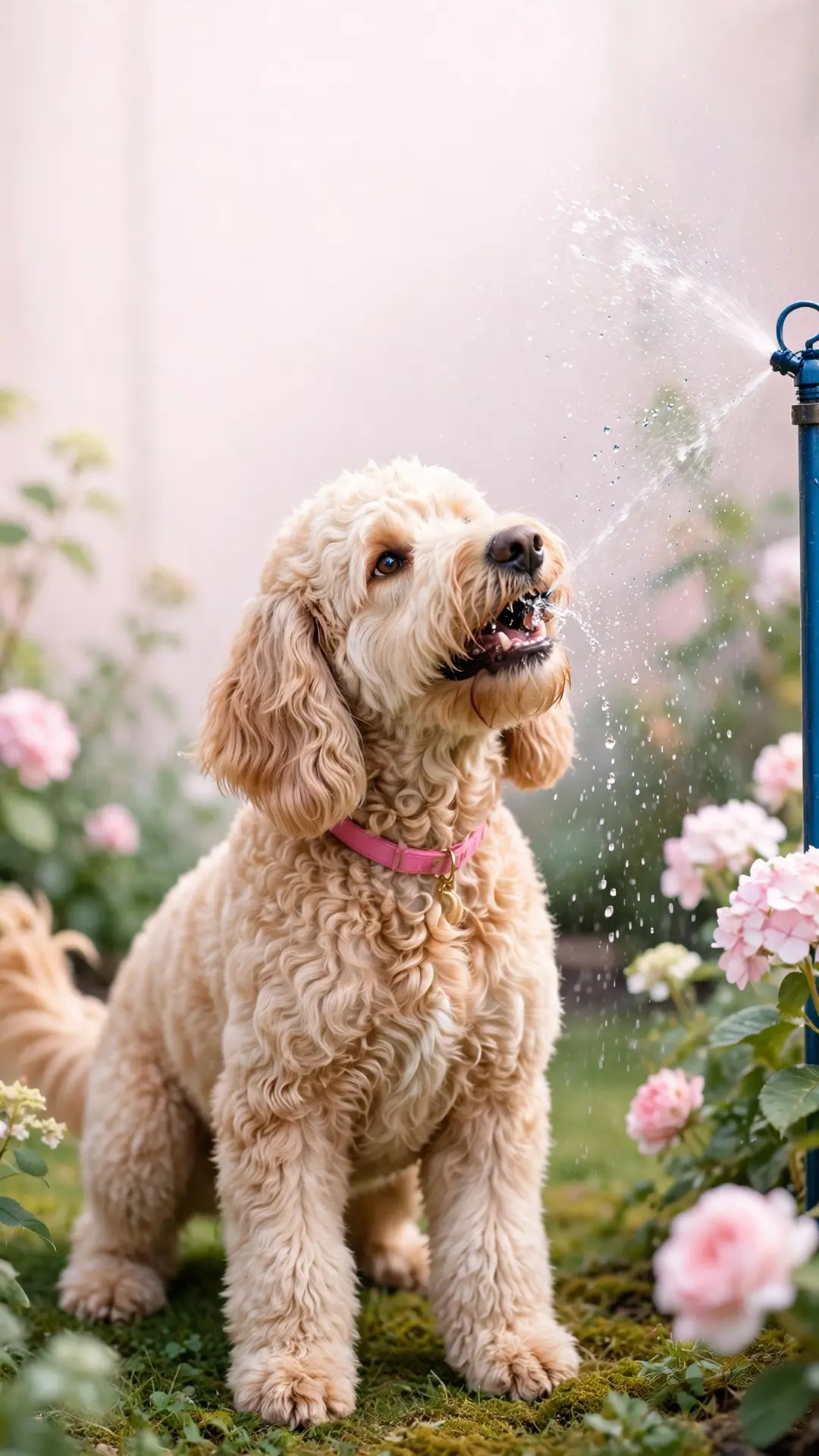
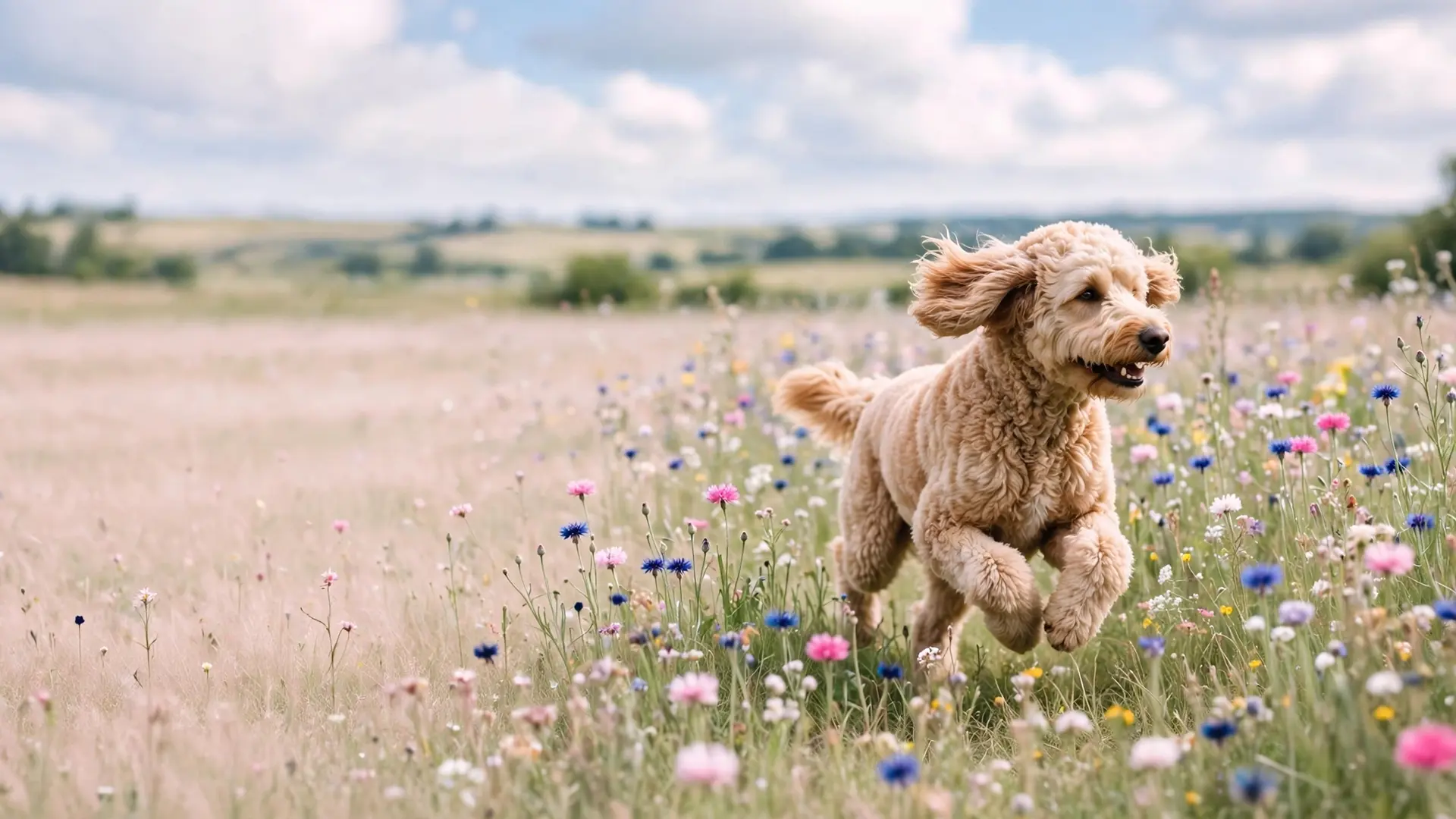
Doodle wallpapers (3)
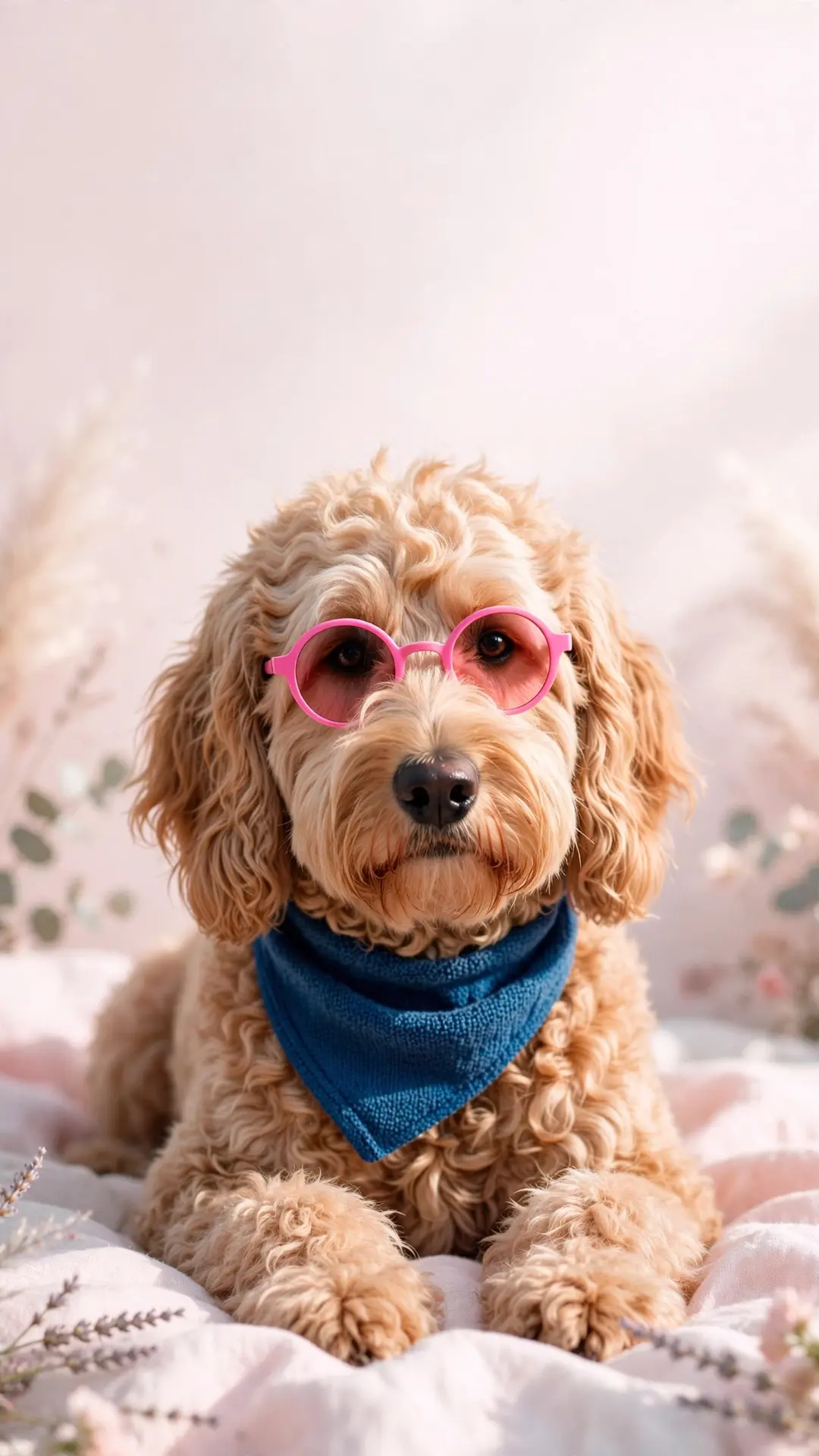
Three doodle scenes — sunglasses, car window and sprinkler.
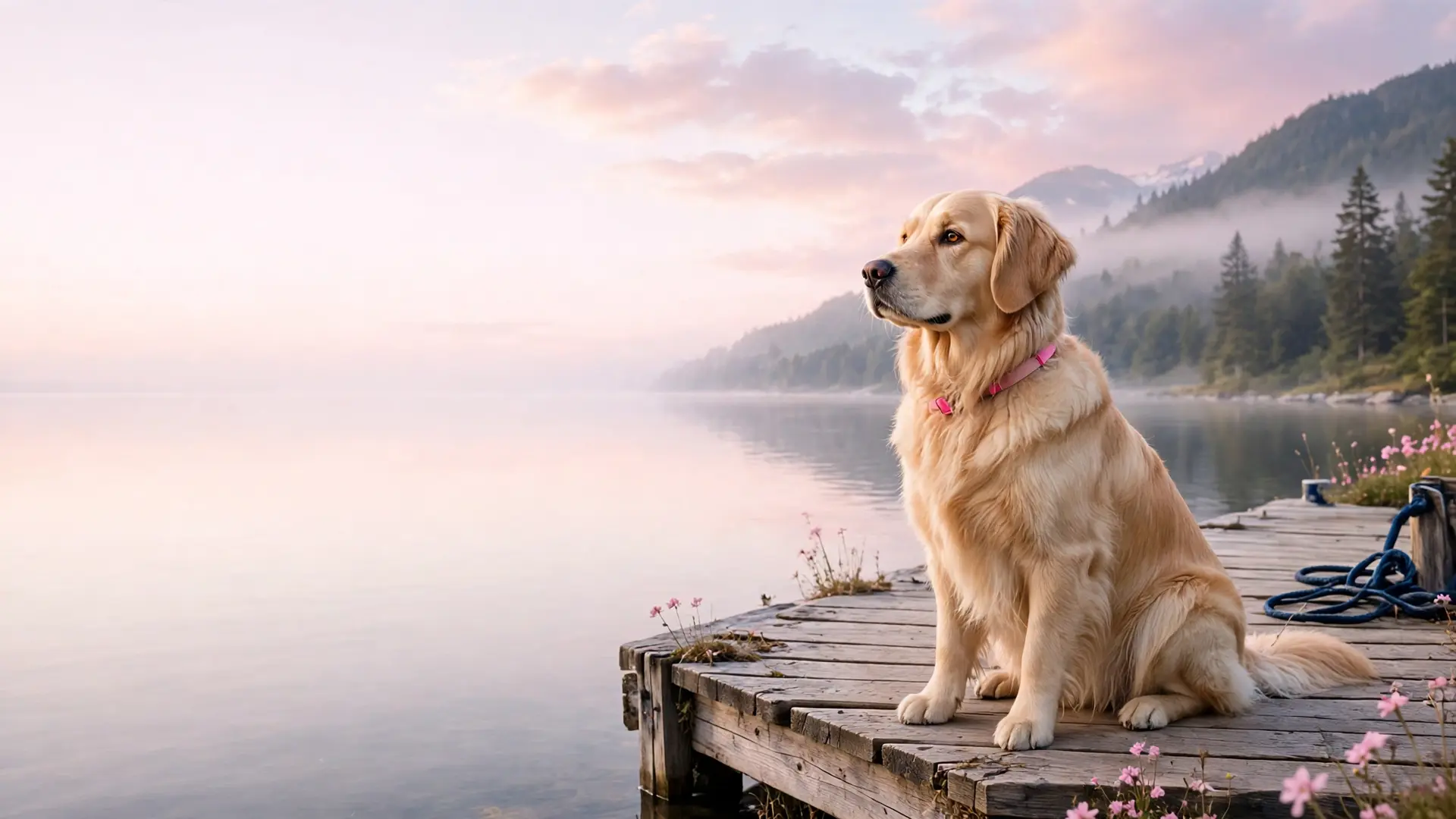
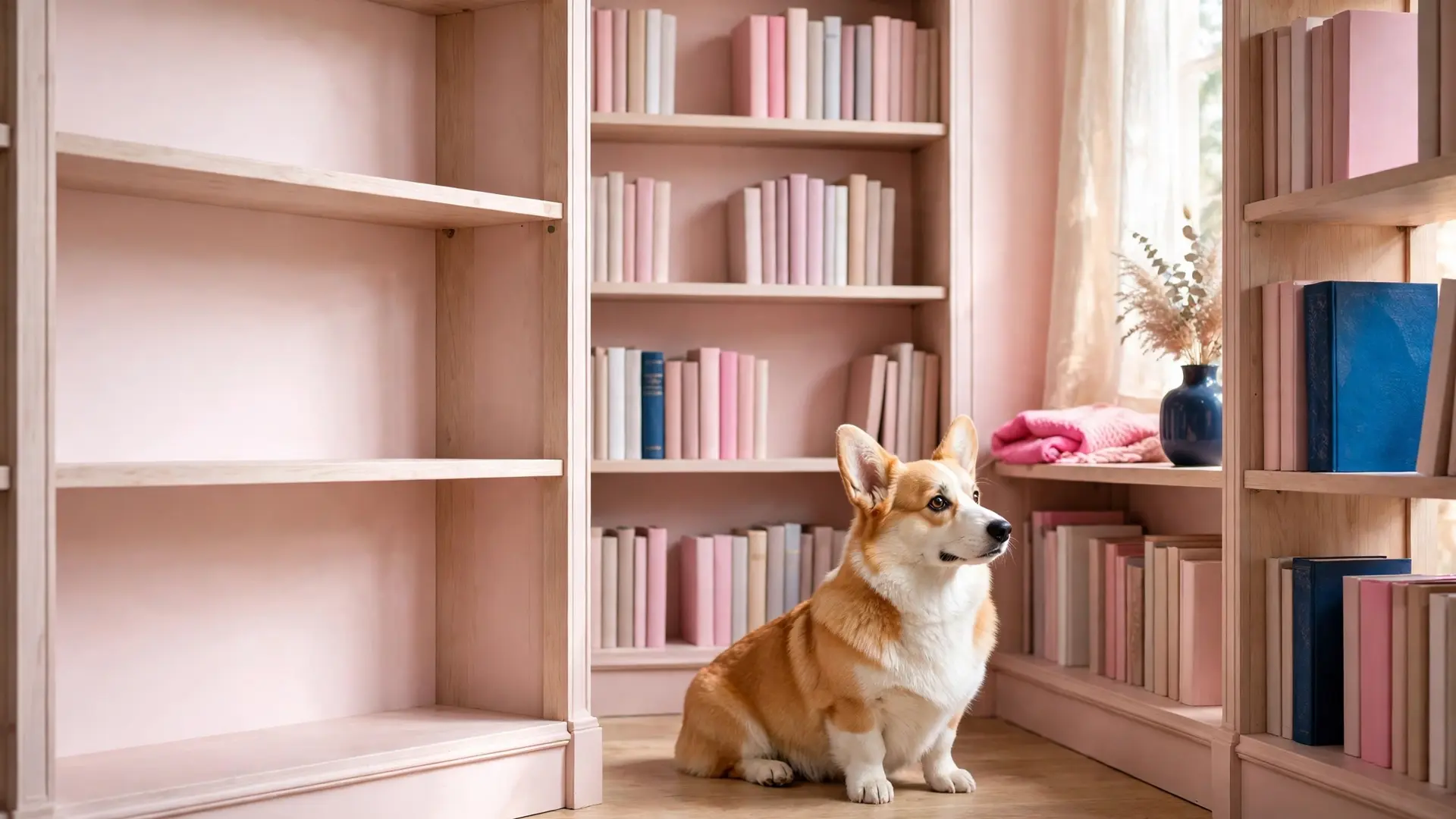
Desktop wallpapers 16:9 (6)
Six 16:9 crops for laptops and monitors — one scene per breed plus the puppy pair.
File sizes and where they fit
Every download delivers the scene at its full size, and the numbers below are the real pixels of the files in this gallery.
Wallpaper file sizes
| File type | Pixels | Best for | What to watch |
|---|---|---|---|
| Phone (9:19.5) | 1080x1920 | Modern iPhone and Android lock screens | The clock sits over the top third, so keep the dog low |
| Phone, home screen (9:19.5) | 1080x1920 | A home screen with the dock at the bottom | The dock row covers the bottom edge, so the low scenes suit it best |
| Tablet (4:3 or 5:3) | 1080x1920 file, scaled up | iPad and Android tablet screens | A tablet crops a little from the sides and shows more of the sky |
| Desktop (16:9) | 1920x1080 | Laptop and monitor backgrounds | A taskbar and the icon row sit along the bottom edge |
| Desktop, widescreen | 1920x1080 file, scaled up | An ultrawide monitor or a 2000x1200 display | A wide screen fills the sides, so pick a scene with a wide backdrop |
| 1080x1920 or 1920x1080 | Letter size today, and 8x10 or larger from the 16:9 set | A printer leaves its own margin unless the print is trimmed |
A phone trims a few pixels at the edges when a wallpaper is applied. These scenes are composed so the trim lands on empty sky or backdrop, and the dog sits low so the clock, the dock and the widget row stay clear.
Print it instead
Turn the art into a framed print
Print-at-home paper, frames and hanging supplies for the scene you like best: the same kit that turns a coloring page into wall art.
See paper and frames →As an Amazon Associate we earn from qualifying purchases.
Set it as your wallpaper
No cropping app needed: the phone files are 1080x1920 and the desktop files are 1920x1080, so the scene fills the screen as downloaded.
- Tap a wallpaper above and save the file to your device.
- Open the saved file and choose Set as wallpaper from the share menu.
- Position the dog low so the clock and icons stay clear.
Set it on each device
The same file works everywhere, and each screen asks for a slightly different step. Four short walks below.
- iPhone: open the Photos app, tap the saved image, then the share button, then Use as Wallpaper. Pick the lock screen, the home screen or both.
- Android: open the file in the gallery, tap the menu and choose Set as wallpaper, then pick the home screen or the lock screen.
- Desktop: right-click the saved file and choose Set as background, or drop it into the wallpaper settings on your system.
- Tablet: the same steps, and you may nudge the scene a little to center the dog behind your app icons.
Save without losing quality
Four habits keep the file at the size it was made at, so the picture stays sharp on a big screen.
- Tap the full-size image, not the small thumbnail in the grid.
- Save the original file and keep its name, so you know which scene it is later.
- Skip the screenshot: a screenshot crops the edges and shrinks the file.
- Keep a folder named by date, and add the breed in the file name if you save a lot at once.
Print one for the wall
Any file prints cleanly at letter size on matte photo paper, and the desktop 16:9 crops work best in a frame: trim the print to your mat and hang it. The paper, frames and hanging supplies linked above are the same kit the coloring pages use.
- Paper: matte photo paper holds the soft pastels without a shine that catches the window light.
- Border: a 0.5 inch white border reads calm on a wall, and a borderless print needs trimming with a paper cutter.
- Size: the 16:9 set and the 2000x1200 files are large enough for 8x10 and bigger; the phone files stay sharpest at letter size.
- Print one test page first and check the colors before you run the rest.
Questions about the free dog wallpaper downloads
Can I use these on a lock screen?
Yes. The phone files are 1080x1920, and every scene places the dog in the lower two-thirds so the clock never covers the ears.
Can I print them?
Yes. Print any file at letter size on matte photo paper, and the 16:9 desktop set has room to scale up to 8x10.
Are they free?
Yes, every wallpaper is free. Tap an image, save the file, and that is the whole download.
Can I request a breed?
Send the request through the contact page. New breeds join a future pack when the set is refreshed.
Do they work on a tablet?
Yes. The 1080x1920 files fill an iPad or an Android tablet, and a tablet crops a little from the sides.
Can I post one to my own account?
Yes, post one to your own feed and credit PawStyle Daily with a link back to this page.
Is the art AI-made?
Yes. The art is AI-made, and every image is hand-checked before publishing.
Can I share the downloads?
Save them for yourself, and send friends the page link rather than the file; that keeps the gallery free for everyone.
Save these on Pinterest
Save the set you want this week. The Pet Art collection holds every wallpaper and coloring guide. Prefer a page you can color yourself? Browse the cute cat coloring pages next, or see the custom pet portrait guide to put your own dog on the lock screen.