 PawStyle Daily
Cute Pet Wallpaper 4K
Corgi Wallpapers 4K for Phones — 12 Free Downloads
Fourteen corgi scenes, and every file below is the full-size original: 12 phone wallpapers at 1080x1920 plus two desktop files at 1920x1080. A corgi loafed on a blush blanket, cocoa afternoons, snow-day zoomies and a quiet line-art set for dark mode. Tap a picture, save the file, and the phone is wearing a corgi by tonight.
By PawStyle Daily · Updated 17 November 2026
Good to know: 14 free downloads · 12 phone files at 1080x1920 · 2 desktop files at 1920x1080 · AI-made art, hand-checked before publishing.
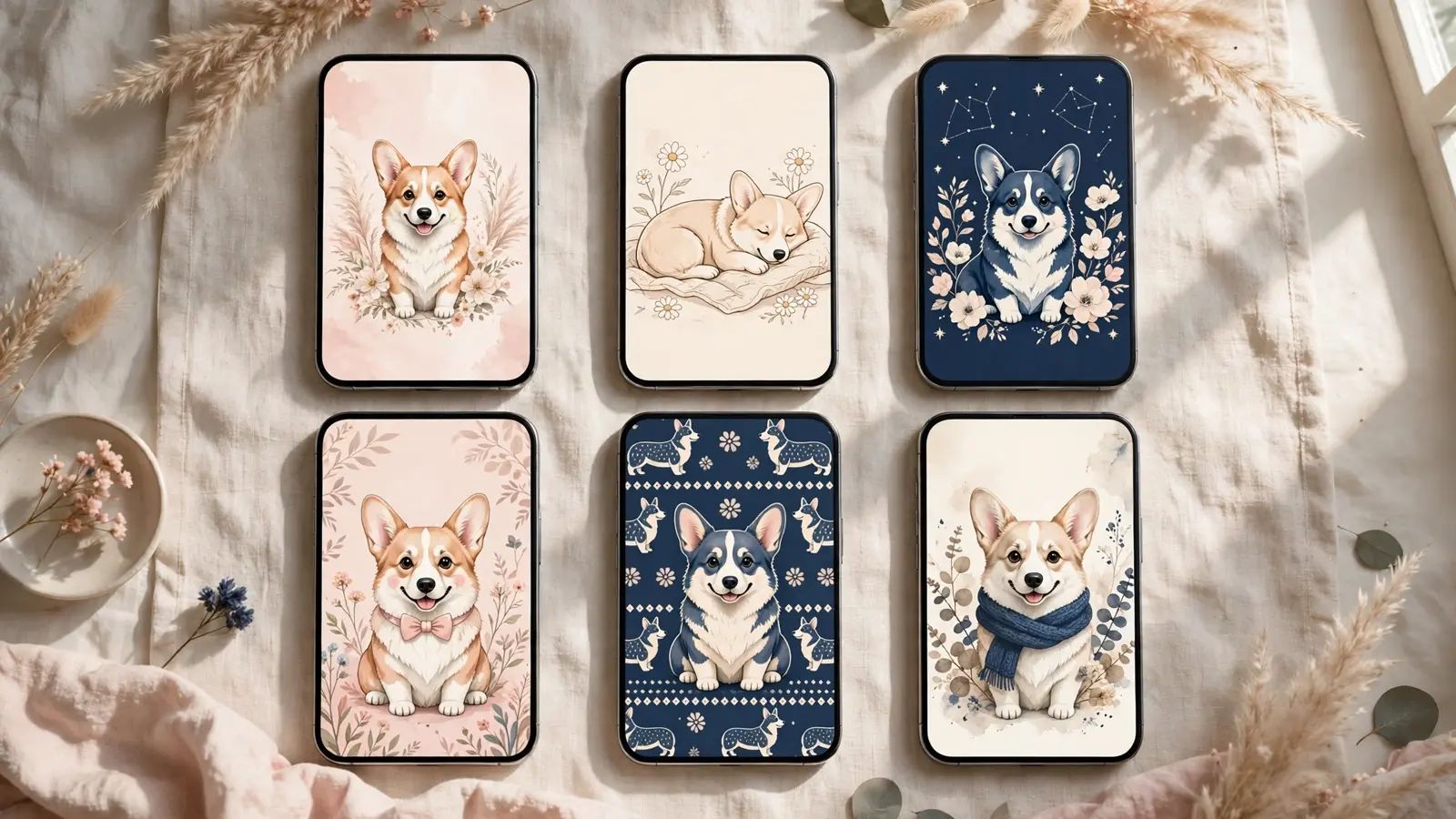
Tap any image to download the full-size file — no signup, no email, no watermark.
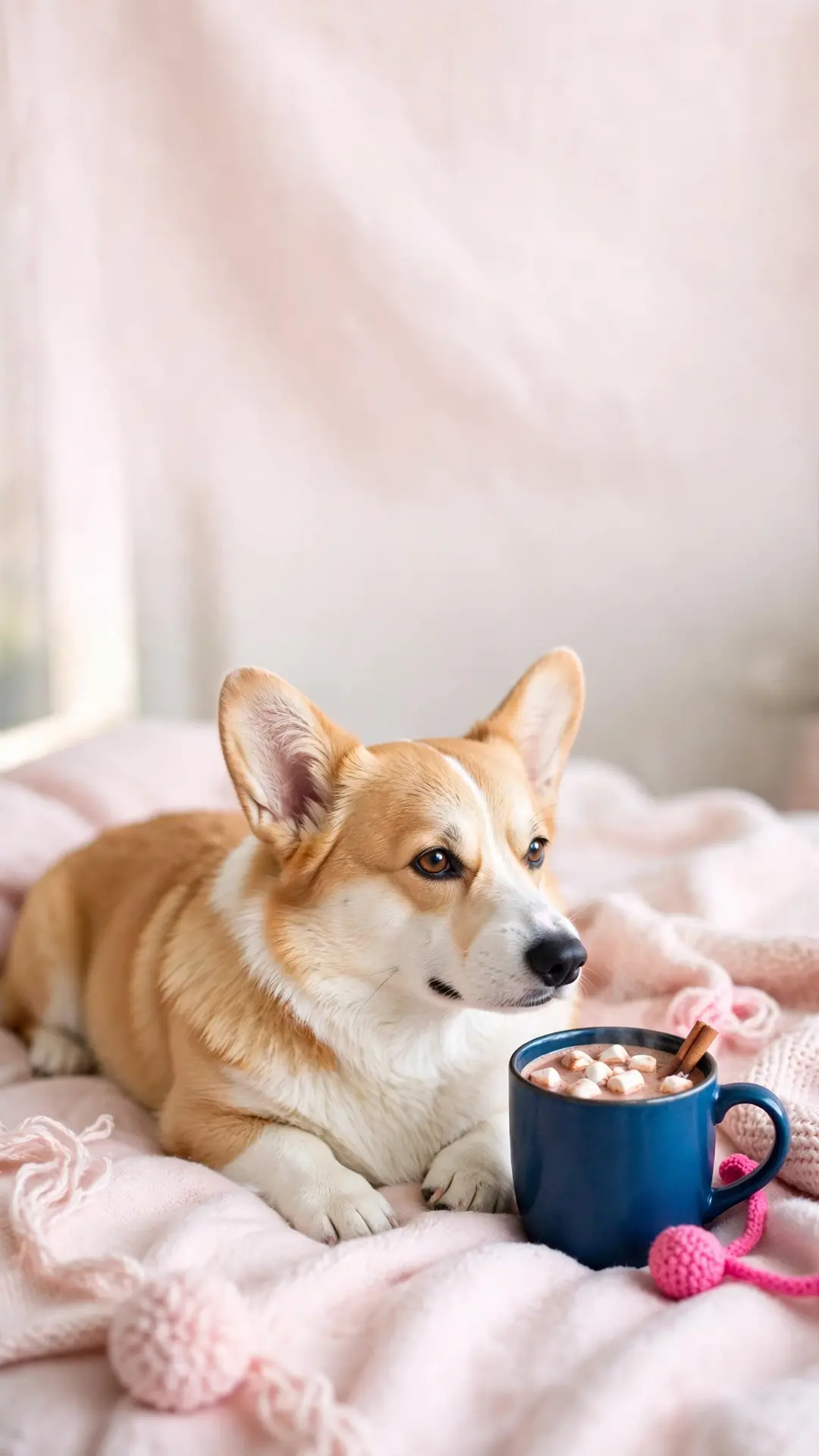
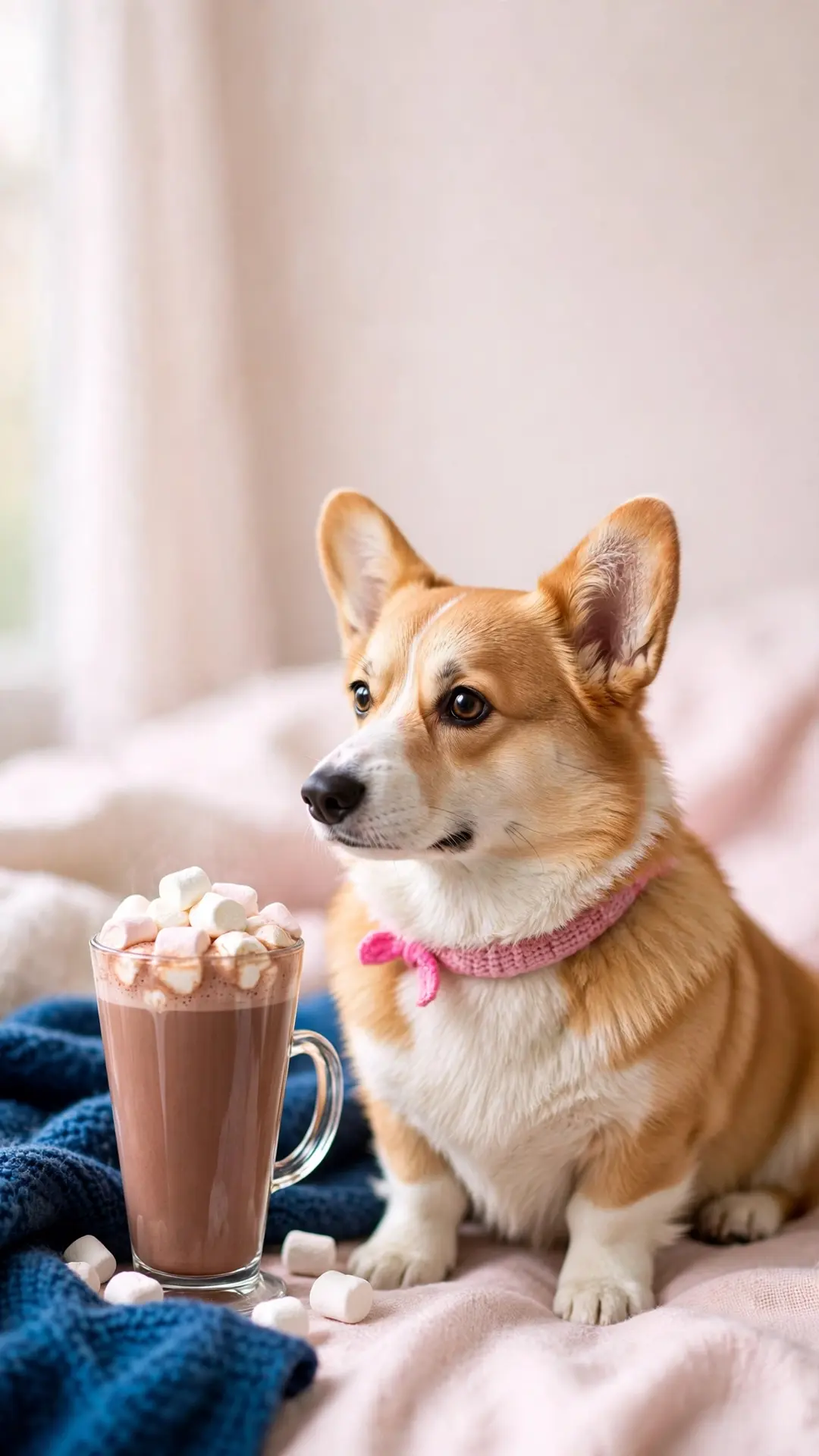
Cozy corgi wallpapers (4)
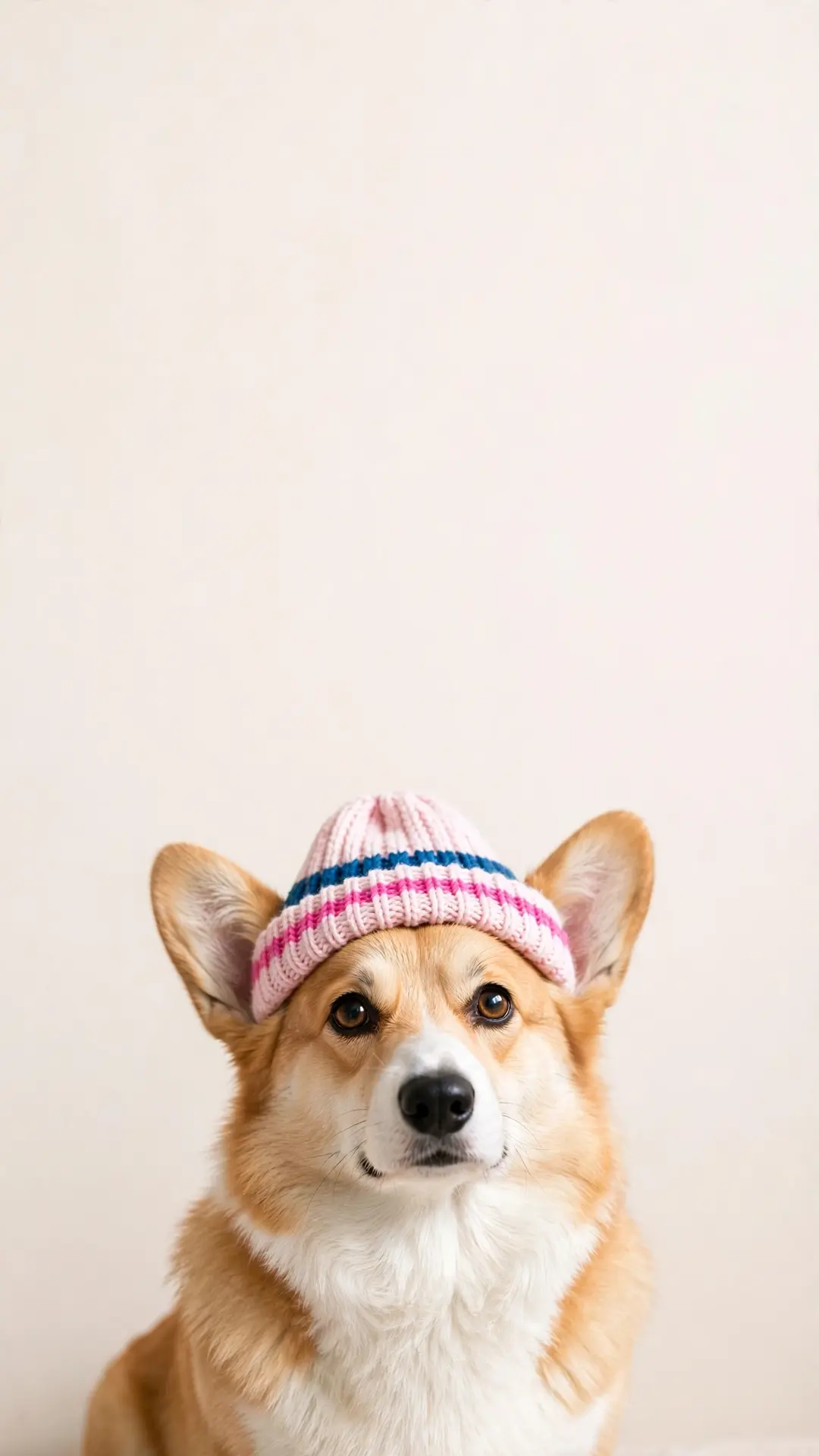
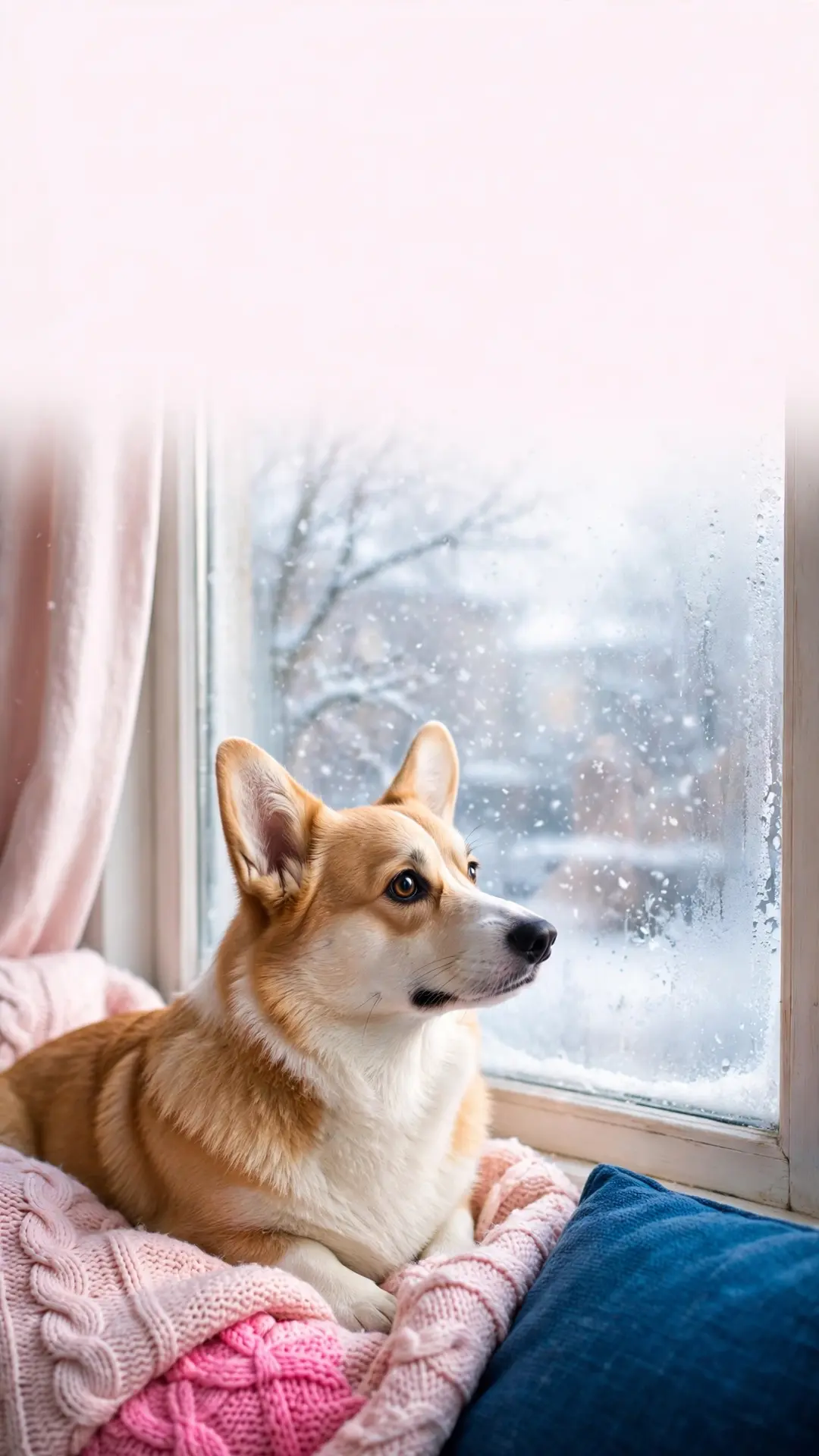
The indoor pack: a loaf on a blush blanket, a mug of cocoa, a beanie portrait and a winter-window watch.
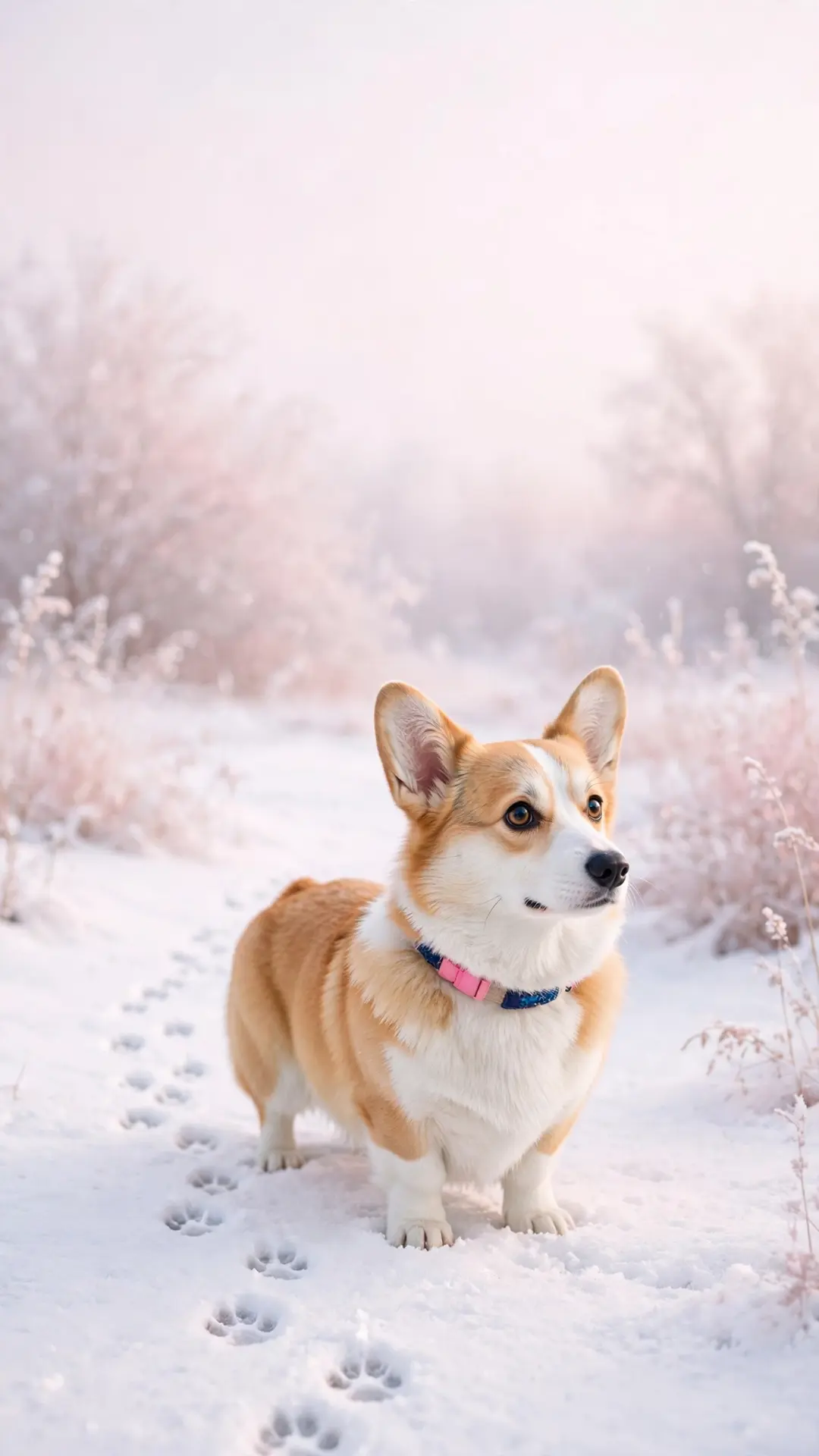
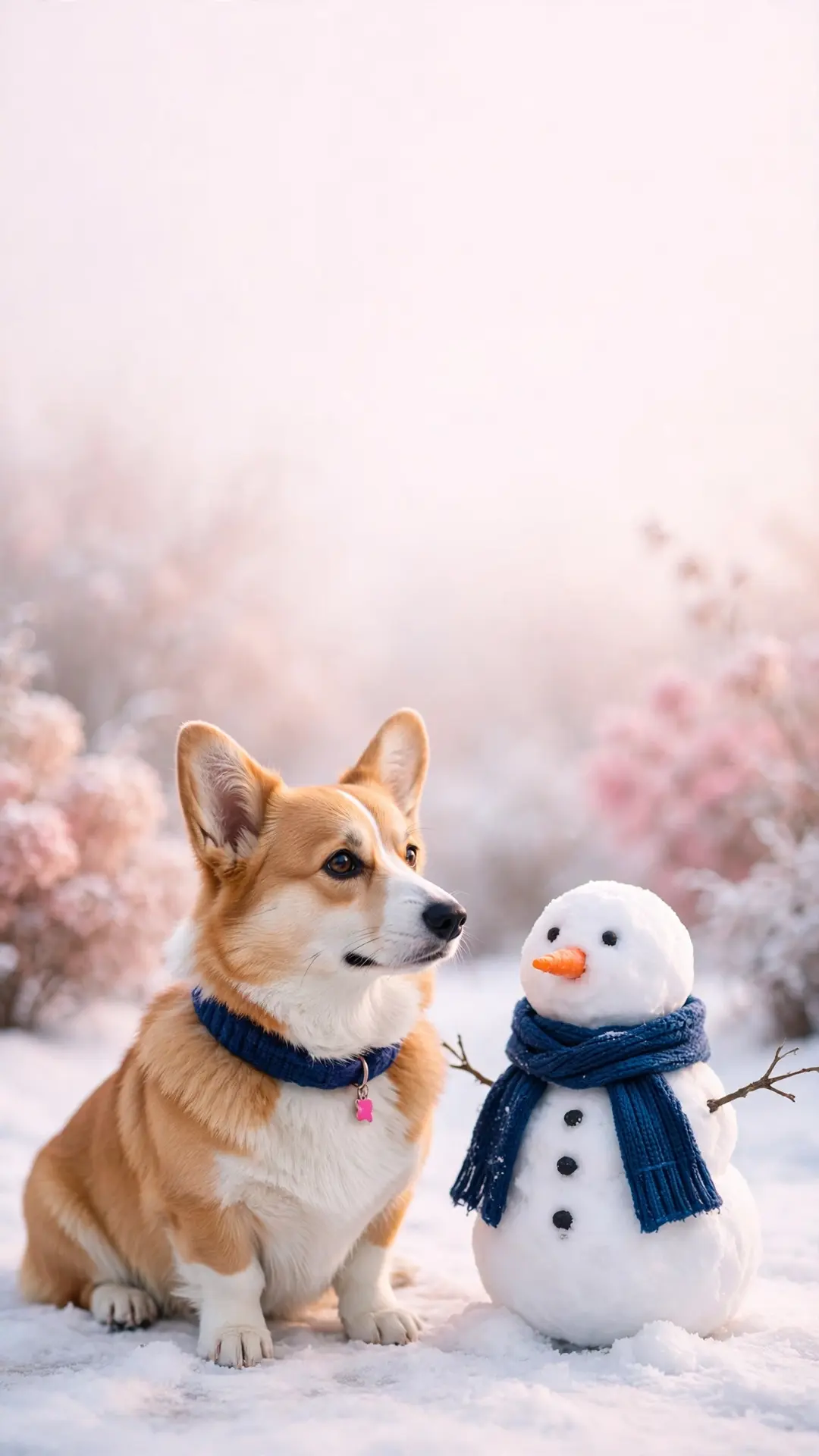
Snow day corgi wallpapers (4)
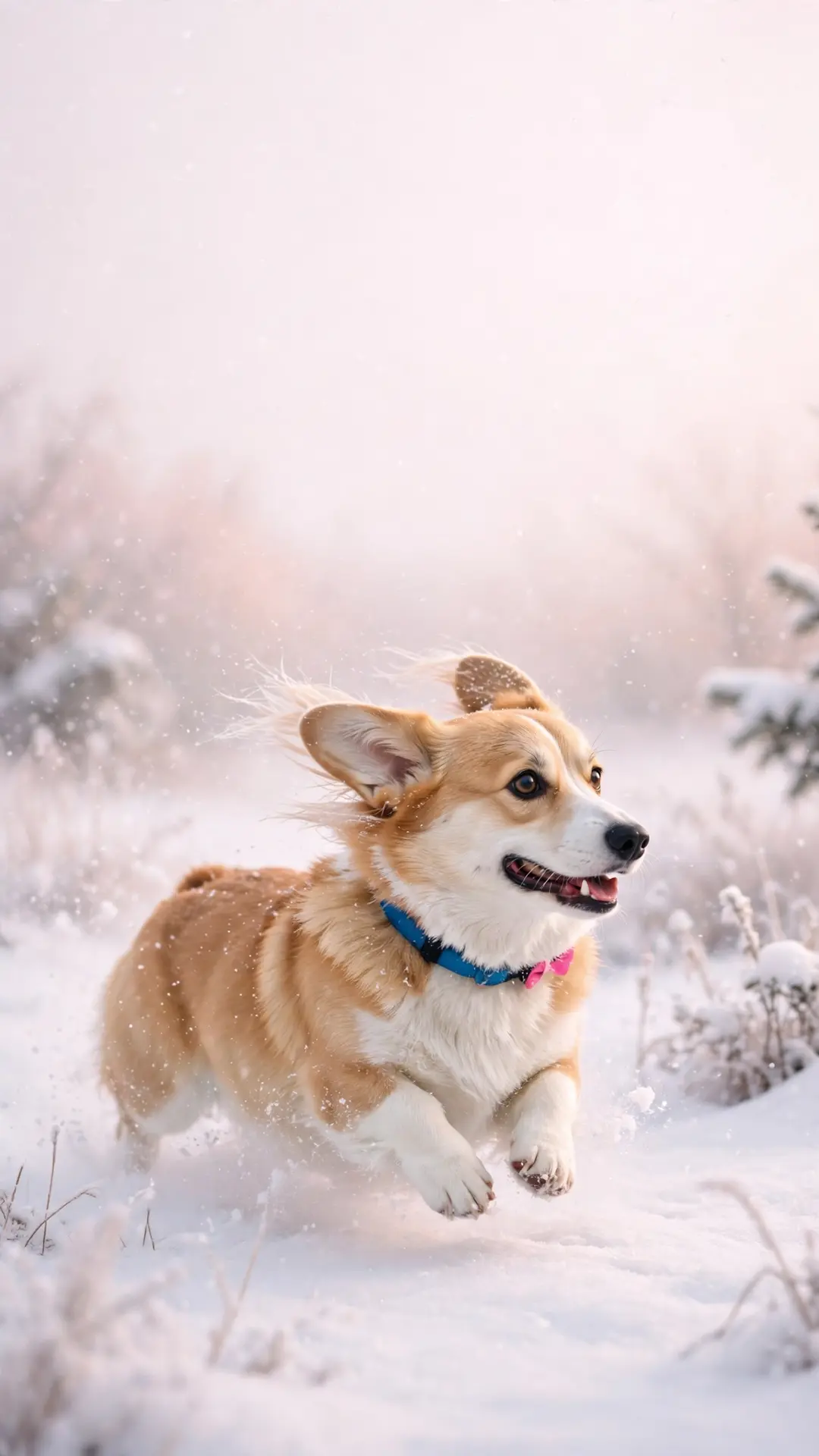
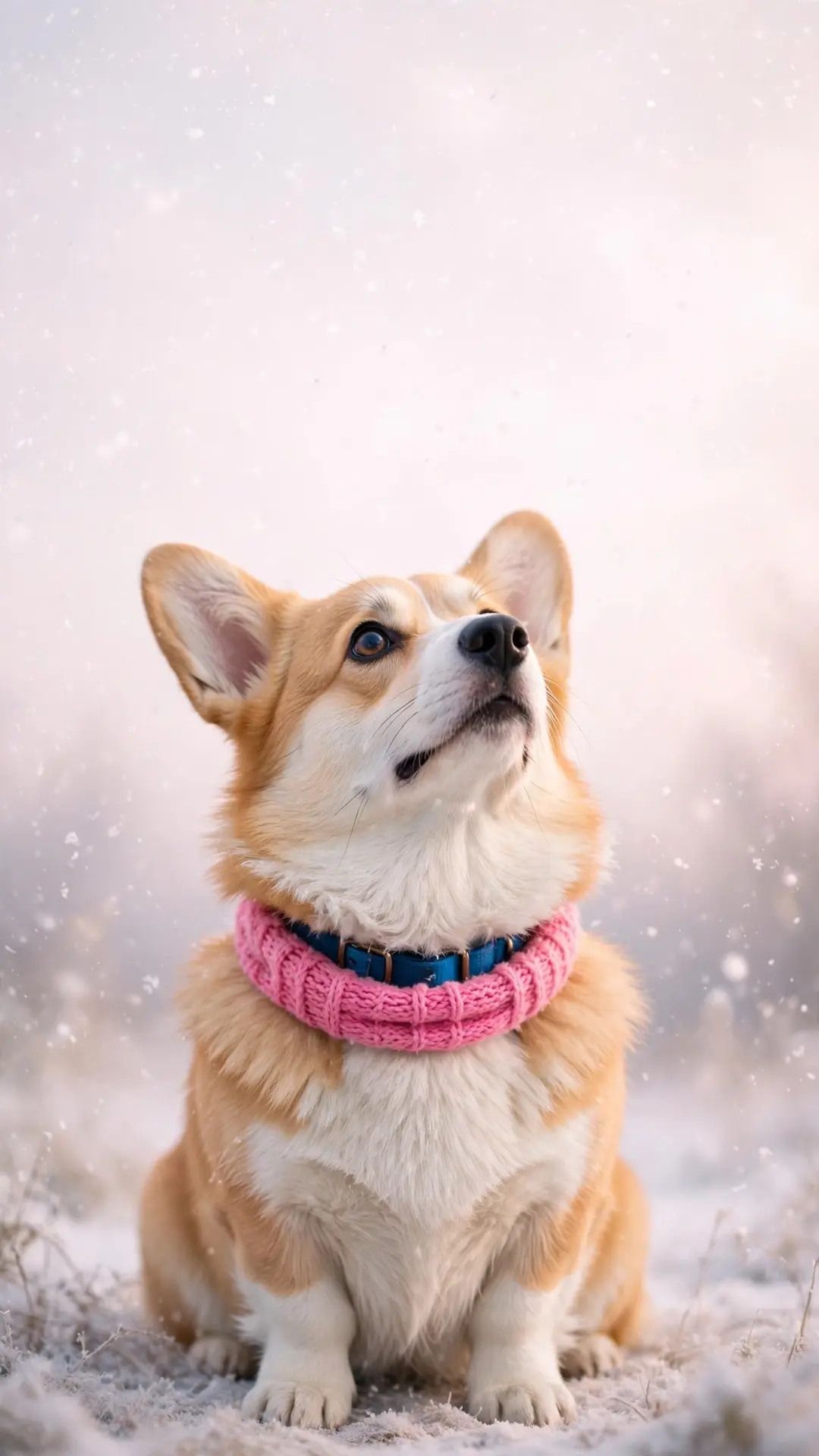
The outdoor pack: a run through fresh snow, falling flakes, paw prints on a white path and a snowman meeting a new friend.
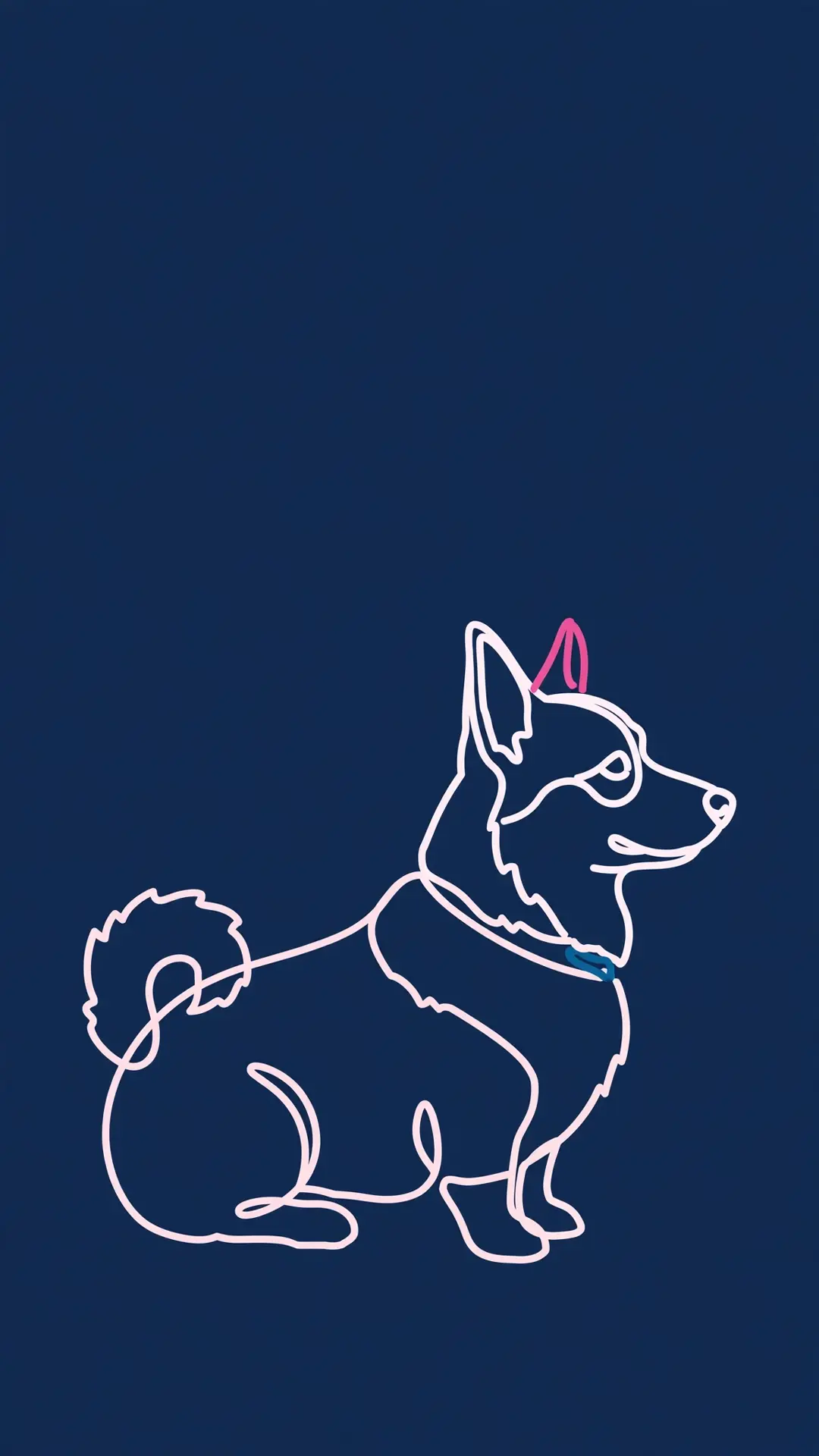
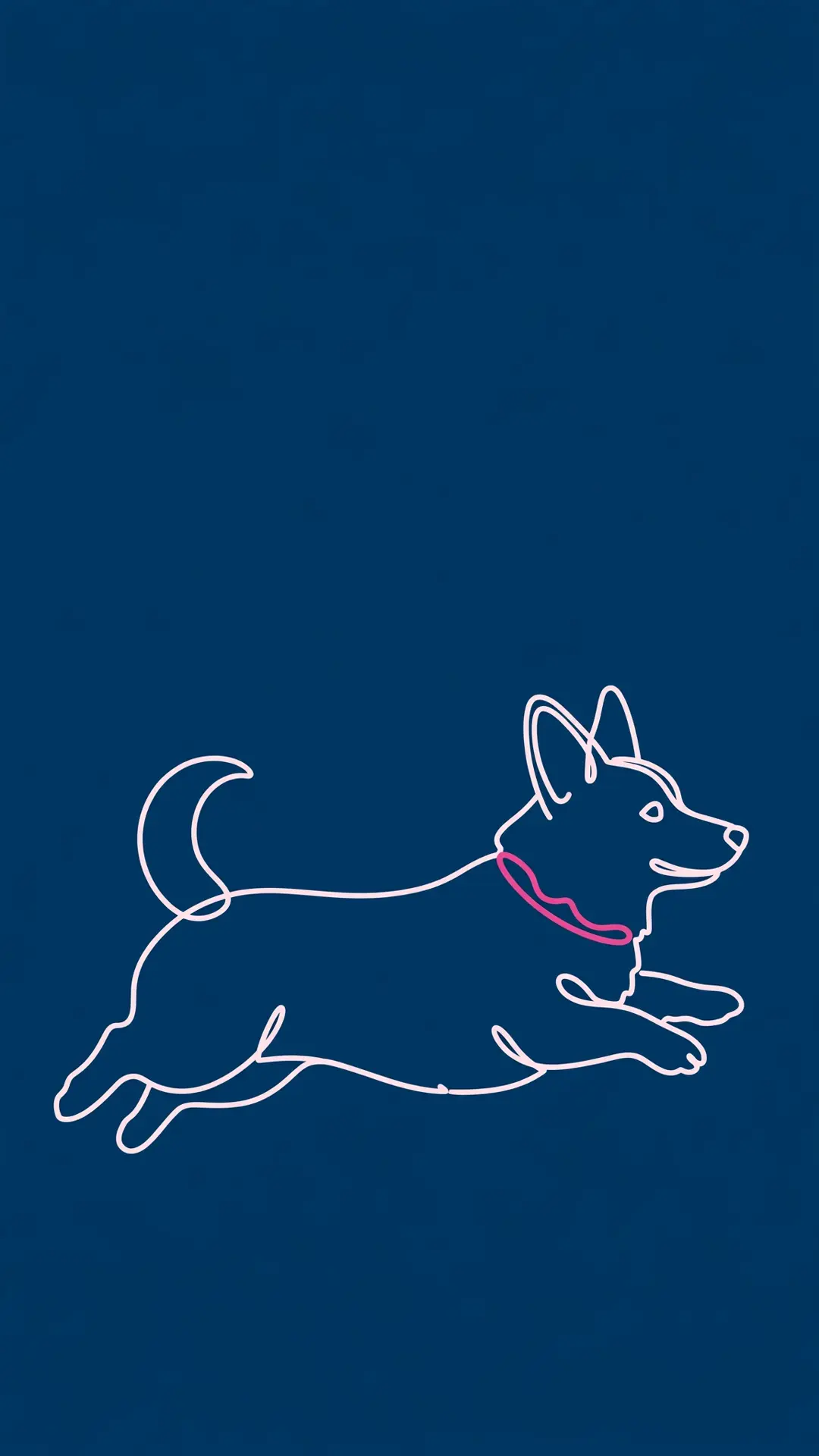
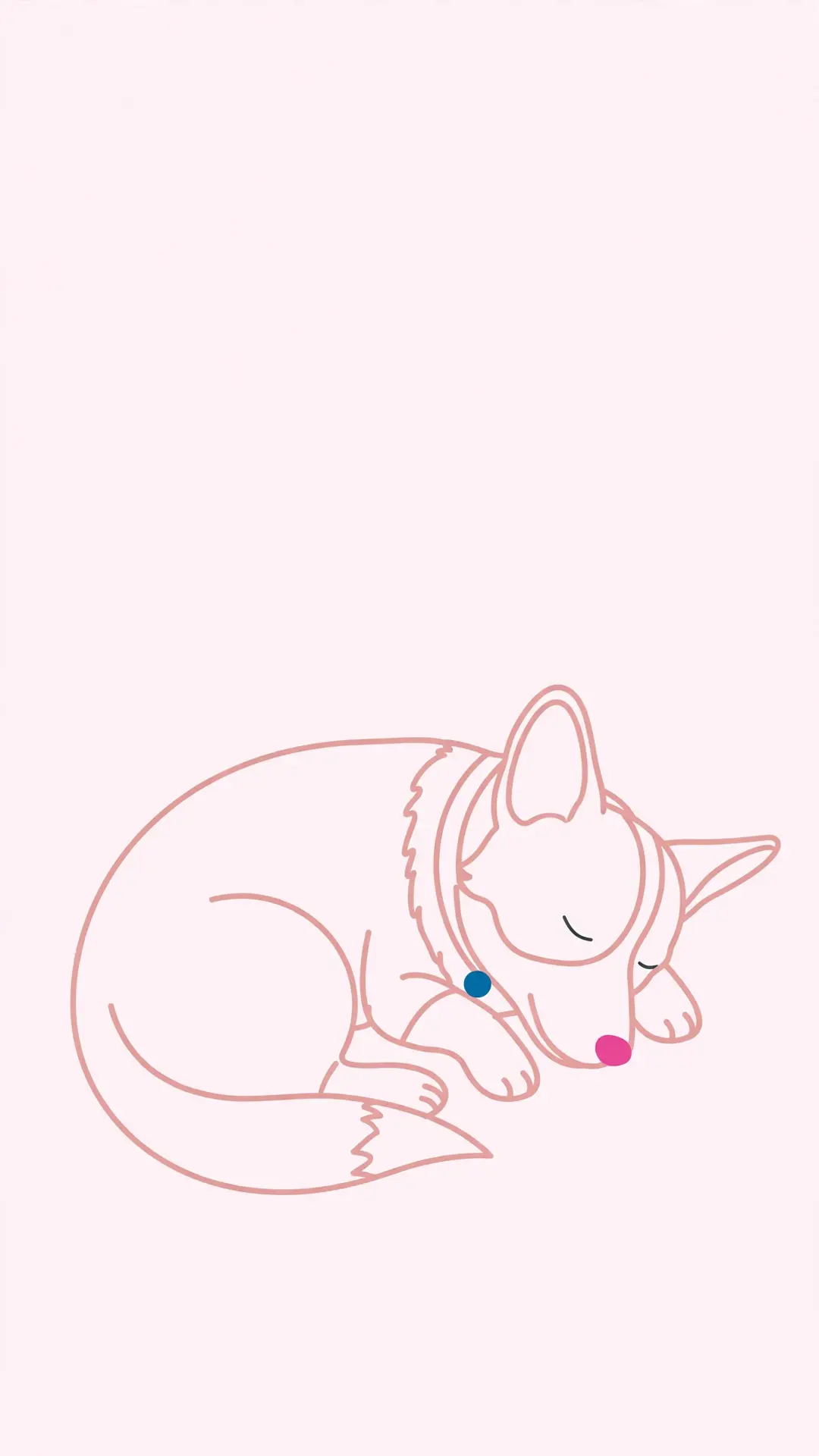
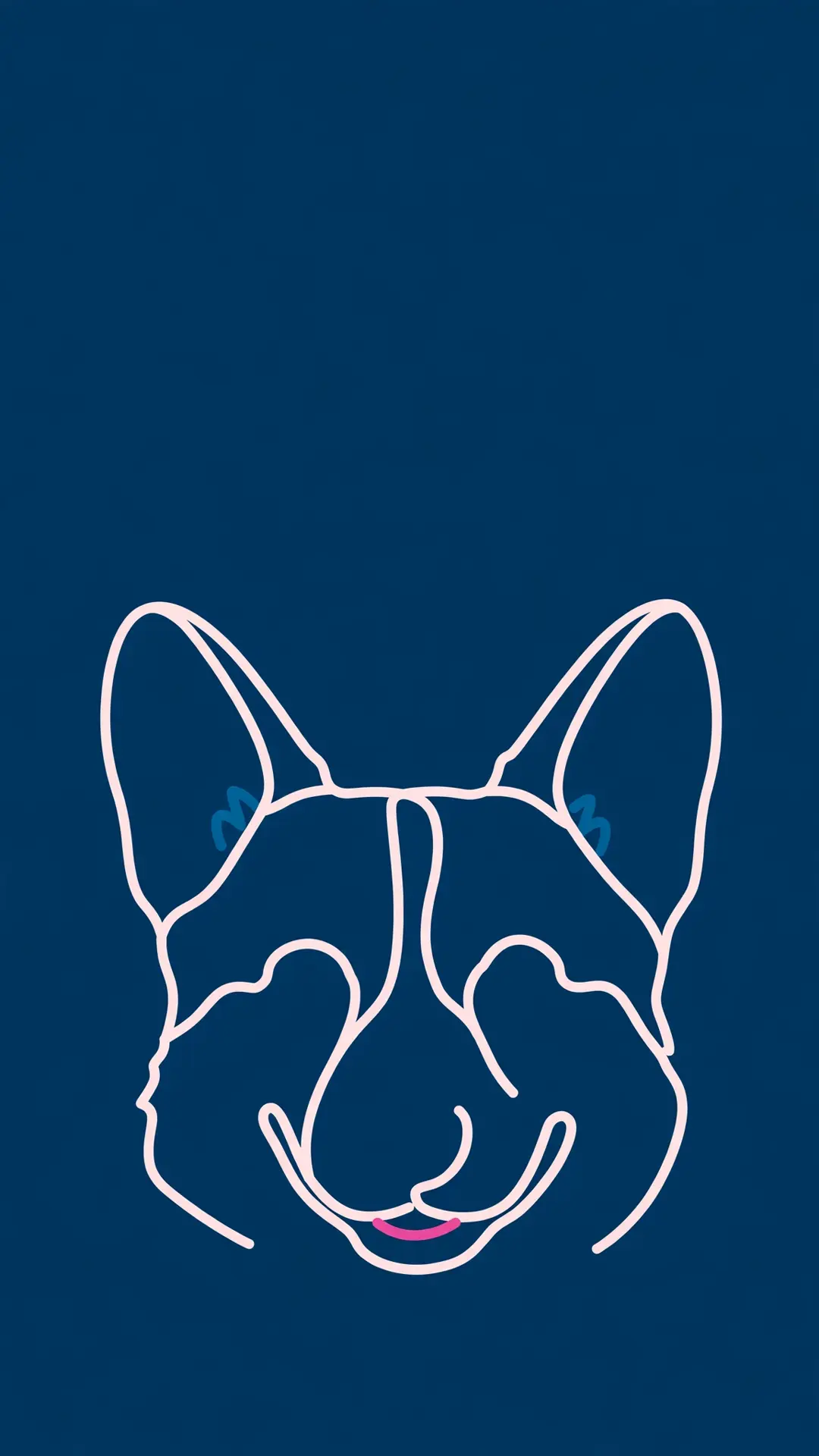
Line art corgi wallpapers (4)
The quiet set for dark mode: four single-line corgi drawings on navy and blush, built to sit under a white clock without fighting the icons.
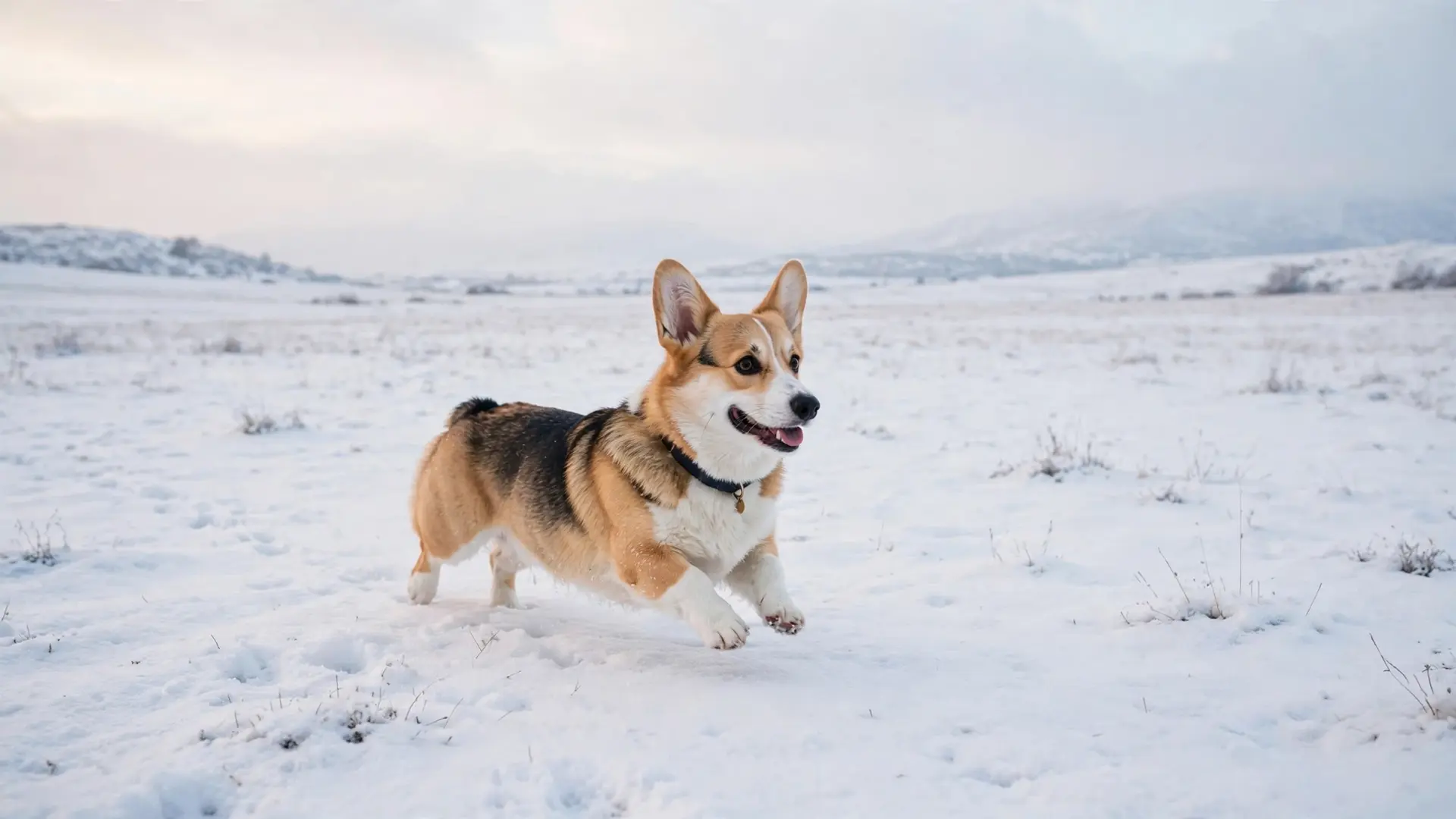
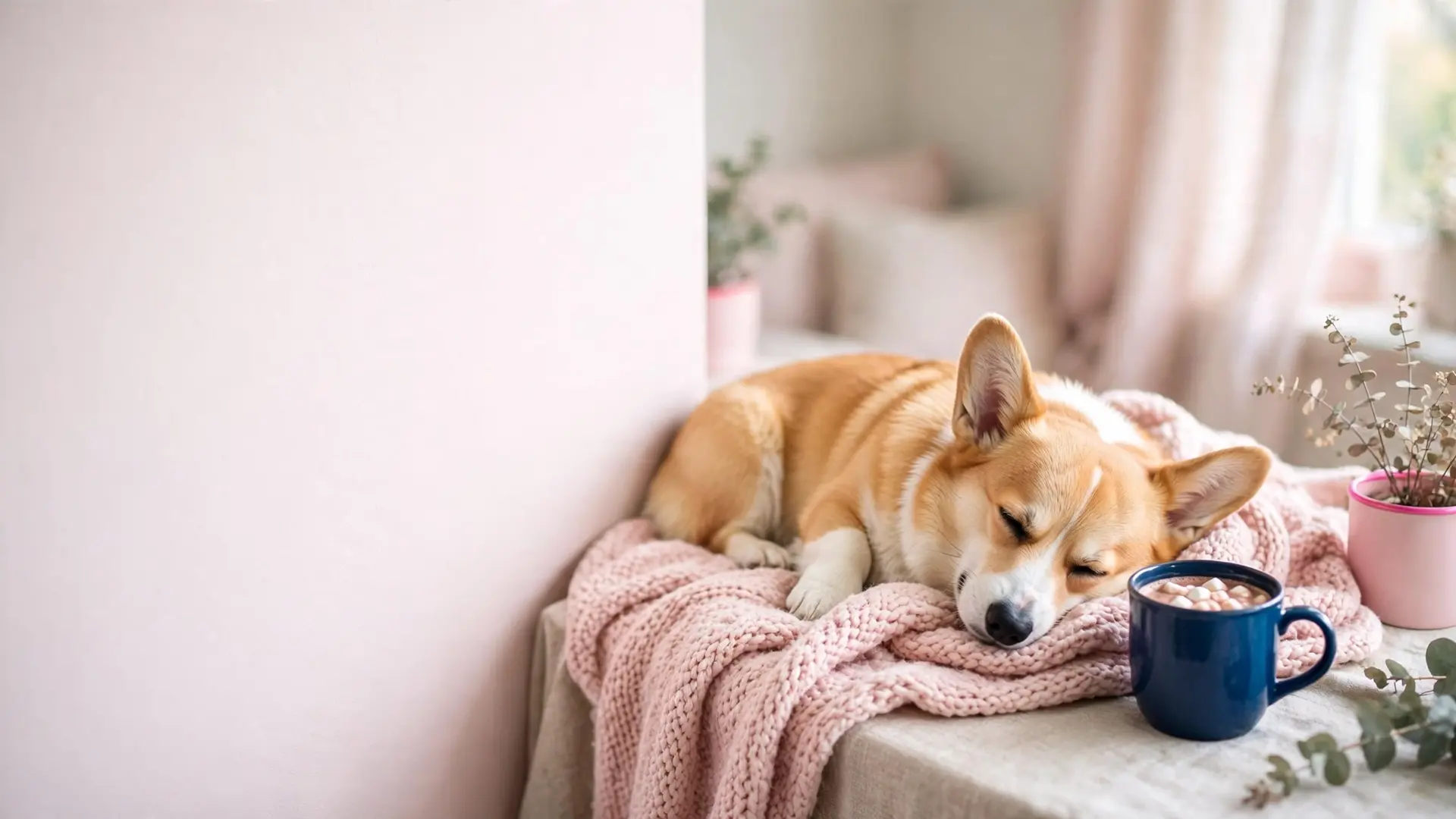
Desktop wallpapers 16:9 (2)
Two 16:9 files at 1920x1080 for laptops and monitors — a wide snow field and a cocoa-and-blanket desk-scene.
Pick the scene that fits your lock screen
A lock screen has three busy zones: the clock at the top, the widgets under it, and the row of icons at the bottom. Every scene on this page is composed so the corgi sits in the lower two-thirds and the top third stays soft — a blush wall, a pale sky or a plain navy field. That is the space the clock sits in.
If the phone belongs to a dark-mode person, start with the line art set. The navy files keep a white clock readable and the thin blush lines do not fight the icons. For a light-mode phone with pastel widgets, the cozy pack sits in the same blush and cream family as most widget packs. The snow scenes are the middle option: enough detail for a home screen, enough empty sky for a lock screen.
One more test before you commit: look at the file at thumbnail size on the phone. If the corgi still reads as a corgi at thumbnail size, the scene will read on a lock screen from across the room. A scene that turns to mush small is a scene for a desktop, where the file is big enough to carry the detail.
File sizes and where they fit
Every download delivers the scene at its full size, and the numbers below are the real pixels of the files in this gallery.
Wallpaper file sizes
| File type | Pixels | Best for | What to watch |
|---|---|---|---|
| Phone (9:19.5) | 1080x1920 | Modern iPhone and Android lock screens | The clock sits over the top third, so keep the corgi low |
| Phone, home screen (9:19.5) | 1080x1920 | A home screen with the dock at the bottom | The dock row covers the bottom edge, so the low scenes suit it best |
| Tablet (4:3 or 5:3) | 1080x1920 file, scaled up | iPad and Android tablet screens | A tablet crops a little from the sides and shows more of the backdrop |
| Desktop (16:9) | 1920x1080 | Laptop and monitor backgrounds | A taskbar and the icon row sit along the bottom edge |
| 1080x1920 or 1920x1080 | Letter size today, and 8x10 or larger from the desktop set | A printer leaves its own margin unless the print is trimmed |
A phone trims a few pixels at the edges when a wallpaper is applied. These scenes are composed so the trim lands on empty wall or sky, and the corgi sits low so the clock, the dock and the widget row stay clear.
Set it as your wallpaper
No cropping app needed: the phone files are 1080x1920 and the desktop files are 1920x1080, so the scene fills the screen as downloaded.
- Tap a wallpaper above and save the file to your device.
- Open the saved file and choose Set as wallpaper from the share menu.
- Position the corgi low so the clock and icons stay clear.
Set it on each device
The same file works everywhere, and each screen asks for a slightly different step. Four short walks below.
- iPhone: open the Photos app, tap the saved image, then the share button, then Use as Wallpaper. Pick the lock screen, the home screen or both.
- Android: open the file in the gallery, tap the menu and choose Set as wallpaper, then pick the home screen or the lock screen.
- Desktop: right-click the saved file and choose Set as background, or drop it into the wallpaper settings on your system.
- Tablet: the same steps, and you may nudge the scene a little to center the corgi behind your app icons.
Save without losing quality
Four habits keep the file at the size it was made at, so the picture stays sharp on a big screen.
- Tap the full-size image, not the small thumbnail in the grid.
- Save the original file and keep its name, so you know which scene it is later.
- Skip the screenshot: a screenshot crops the edges and shrinks the file.
- Keep a folder named by date, and add the breed in the file name if you save a lot at once.
Print one for the wall
Any file prints cleanly at letter size on matte photo paper, and the desktop 16:9 files work best in a frame: trim the print to your mat and hang it. For a paper version to color instead, the free printable dog coloring pages use the same pastel palette.
- Paper: matte photo paper holds the soft blush and cream tones without a shine that catches the window light.
- Border: a 0.5 inch white border reads calm on a wall, while a borderless print needs trimming with a paper cutter.
- Size: the desktop files are large enough for 8x10 and bigger; the phone files stay sharpest at letter size.
- Print one test page first and check the colors before you run the rest.
Wallpaper now, gift later
A saved wallpaper is also the start of a gift. Send the file to the group chat as a card cover, print the desktop file for a small frame, or take the scene to a print shop for a mug. The files are the same size either way, so one download works on a phone tonight and on paper next week. For a keepsake with your own dog's face on it, the custom pet portrait guide walks the whole process.
Questions we get about corgi wallpapers
What does the download give me?
One full-size image file: 1080x1920 for the phone scenes and 1920x1080 for the two desktop files. No signup, no email, no watermark.
Will a corgi scene fit my lock screen?
Yes. Every phone file is 1080x1920 and keeps the corgi in the lower two-thirds of the frame, so the clock and the top widgets stay clear.
Which pack suits a dark mode lock screen?
The line art set. Navy backgrounds with single blush lines sit quietly under a white clock, and the thin drawings leave the icons readable.
Can I use these on an iPad or a tablet?
Yes. The phone files fill a tablet screen, and a tablet crops a little from the sides while showing more of the backdrop.
Are they really free?
Yes, every wallpaper on this page is free. Tap an image, save the file, and that is the whole download.
Can I print one for a card or a frame?
Yes. Print any phone file at letter size on matte photo paper, or print the desktop files smaller for a card front. A test page first shows the real colors.
Save these on Pinterest
Pin this pack for the next phone makeover, then browse the winter dog wallpapers and the aesthetic golden retriever wallpapers for more breeds. The Pet Art collection holds every wallpaper pack and coloring page on the site.
Every download is AI-made art, hand-checked before publishing. This page is for informational purposes.