 PawStyle Daily
Cute Pet Wallpaper 4K
Ragdoll Wallpapers 4K for Phones — 12 Free Downloads
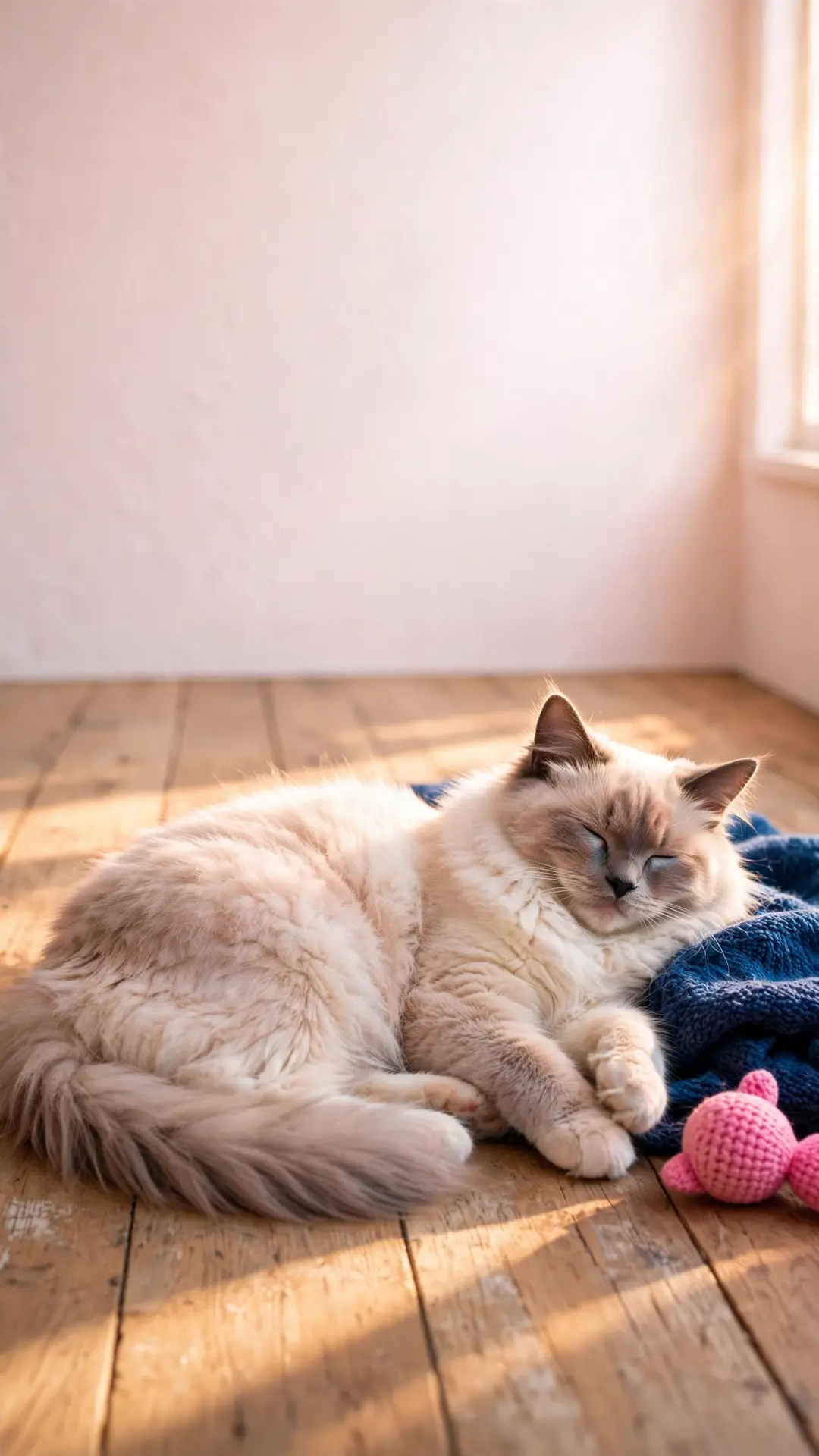
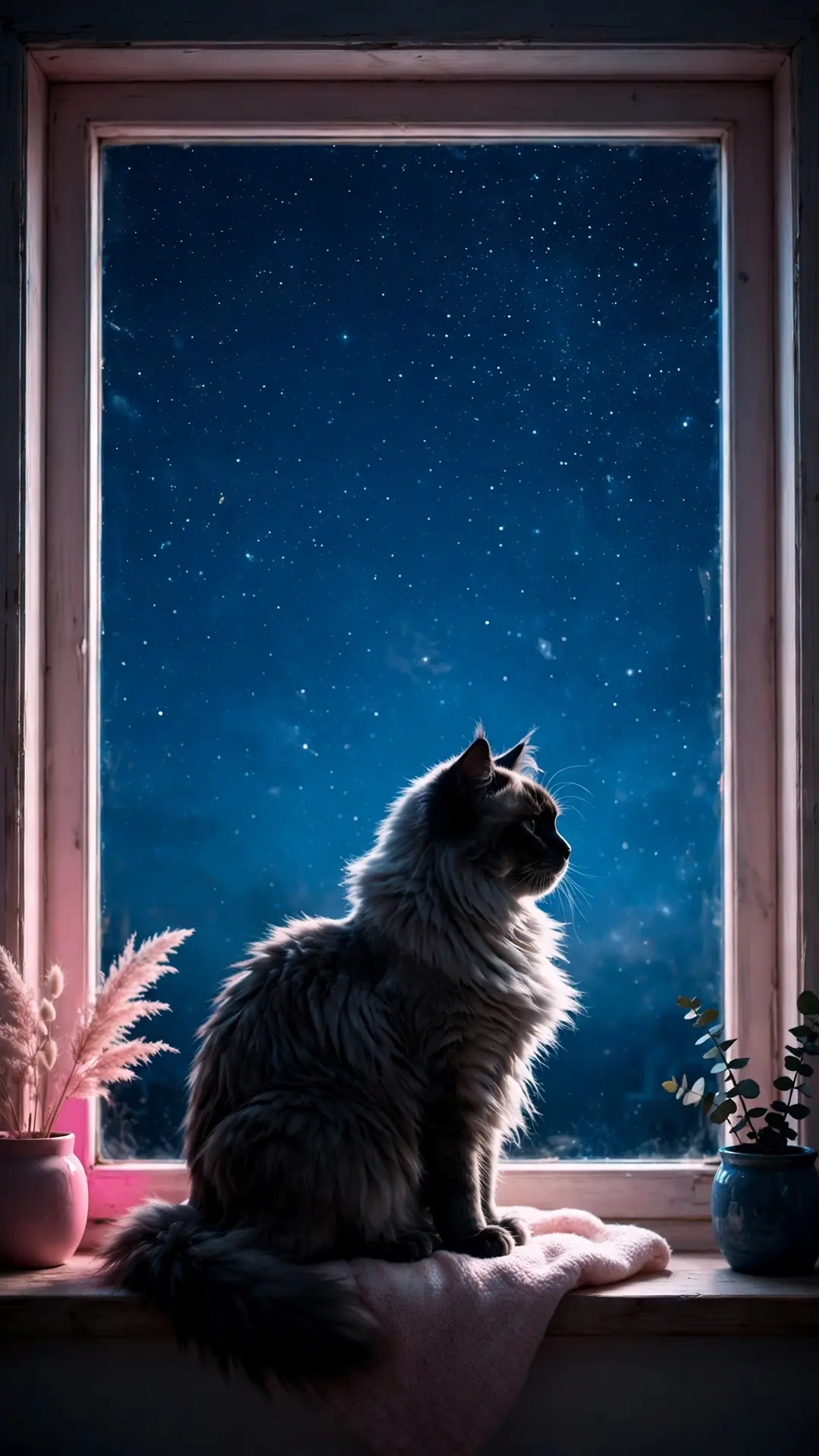
Fourteen ragdoll scenes, and every file below is the full-size original: 12 phone wallpapers at 1080x1920 plus two desktop files at 1920x1080. A blue-eye close-up, a stretch on cream linen, a basket by the sofa, a small flower crown and a quiet line-art scene for dark mode. Tap a picture, save the file, and the phone is wearing a ragdoll by tonight.
By PawStyle Daily · Updated 18 November 2026
Good to know: 14 free downloads · 12 phone files at 1080x1920 · 2 desktop files at 1920x1080 · AI-made art, hand-checked before publishing.
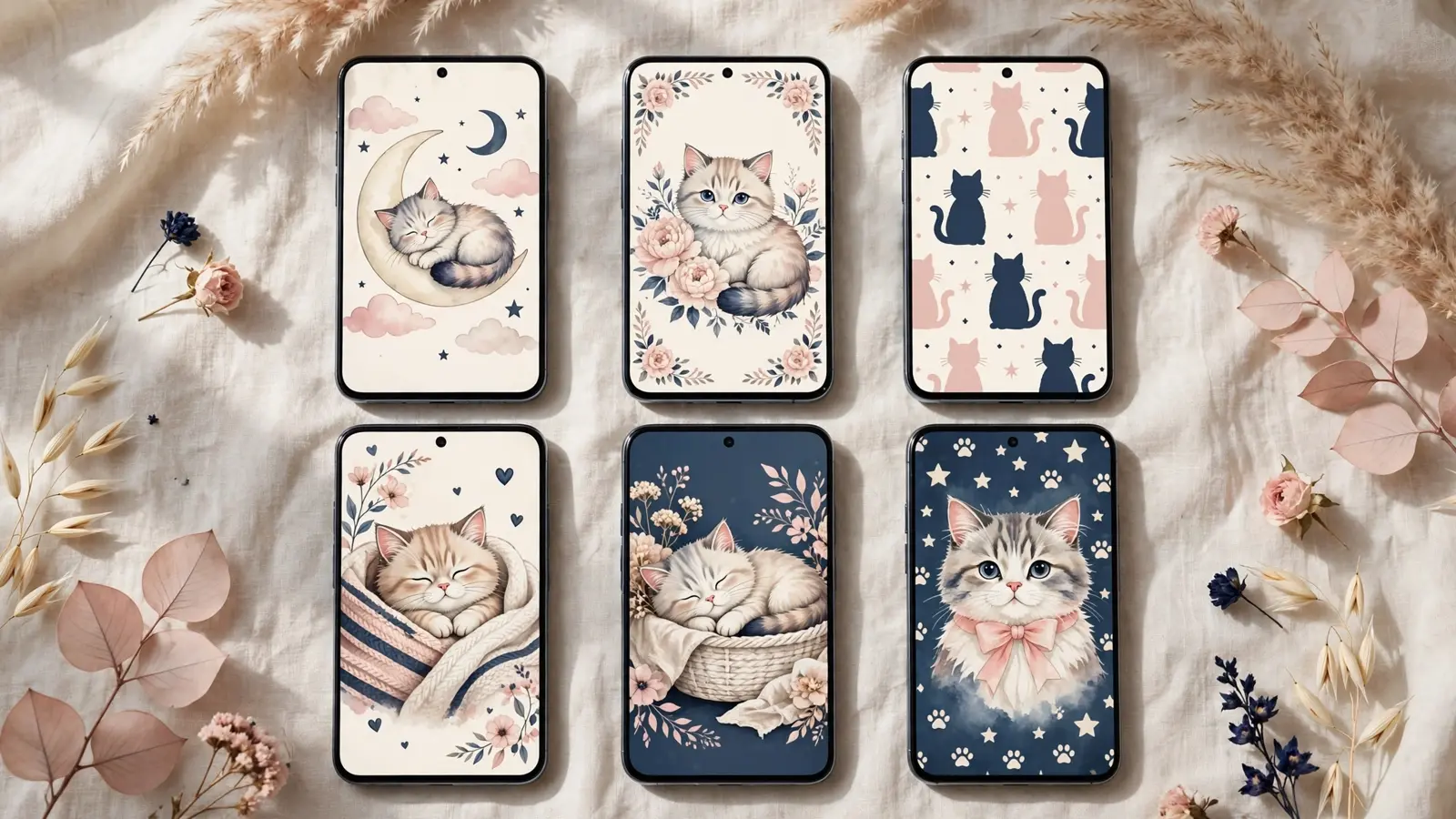
Tap any image to download the full-size file — no signup, no email, no watermark.
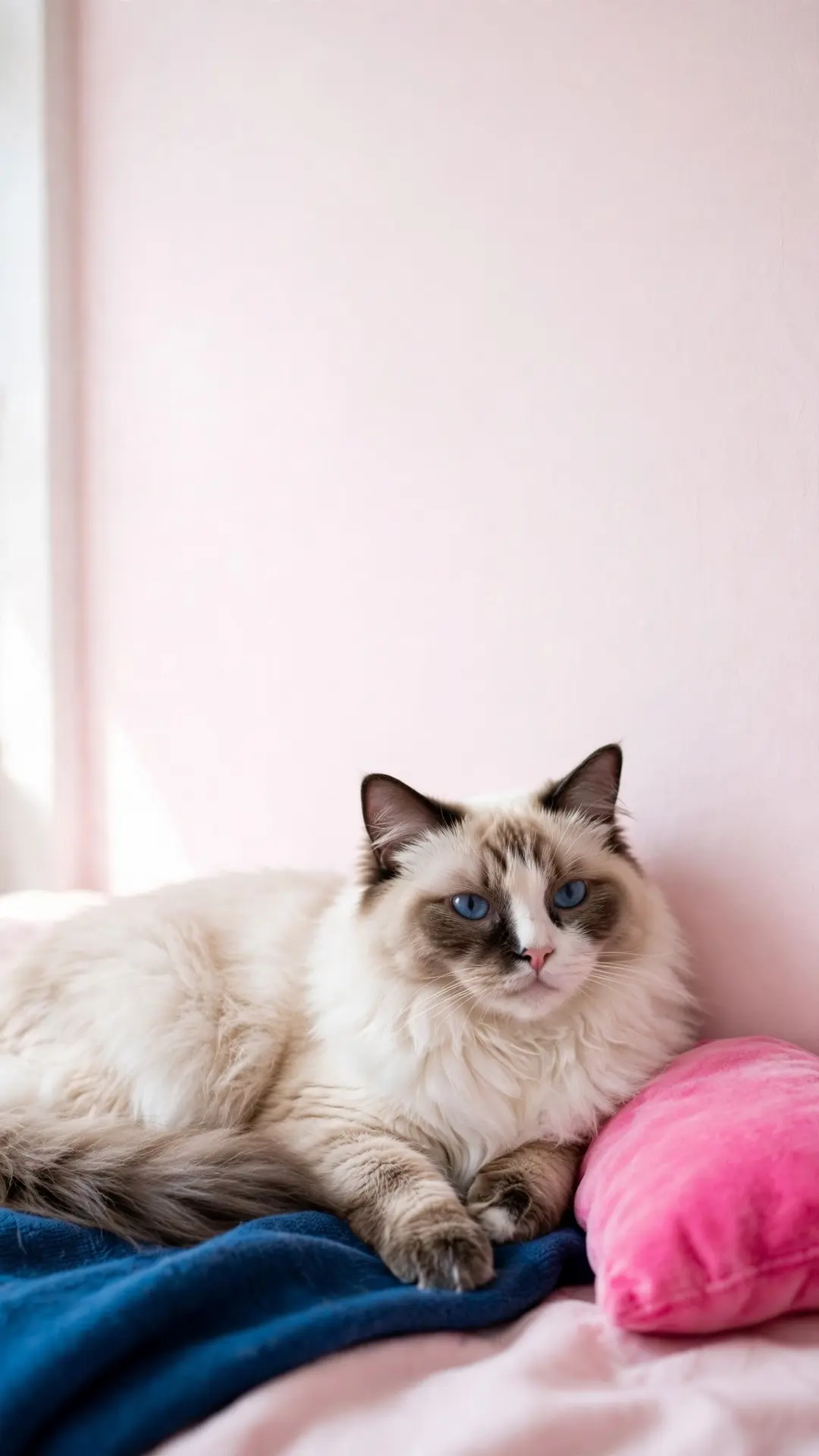
Cozy ragdoll wallpapers (4)
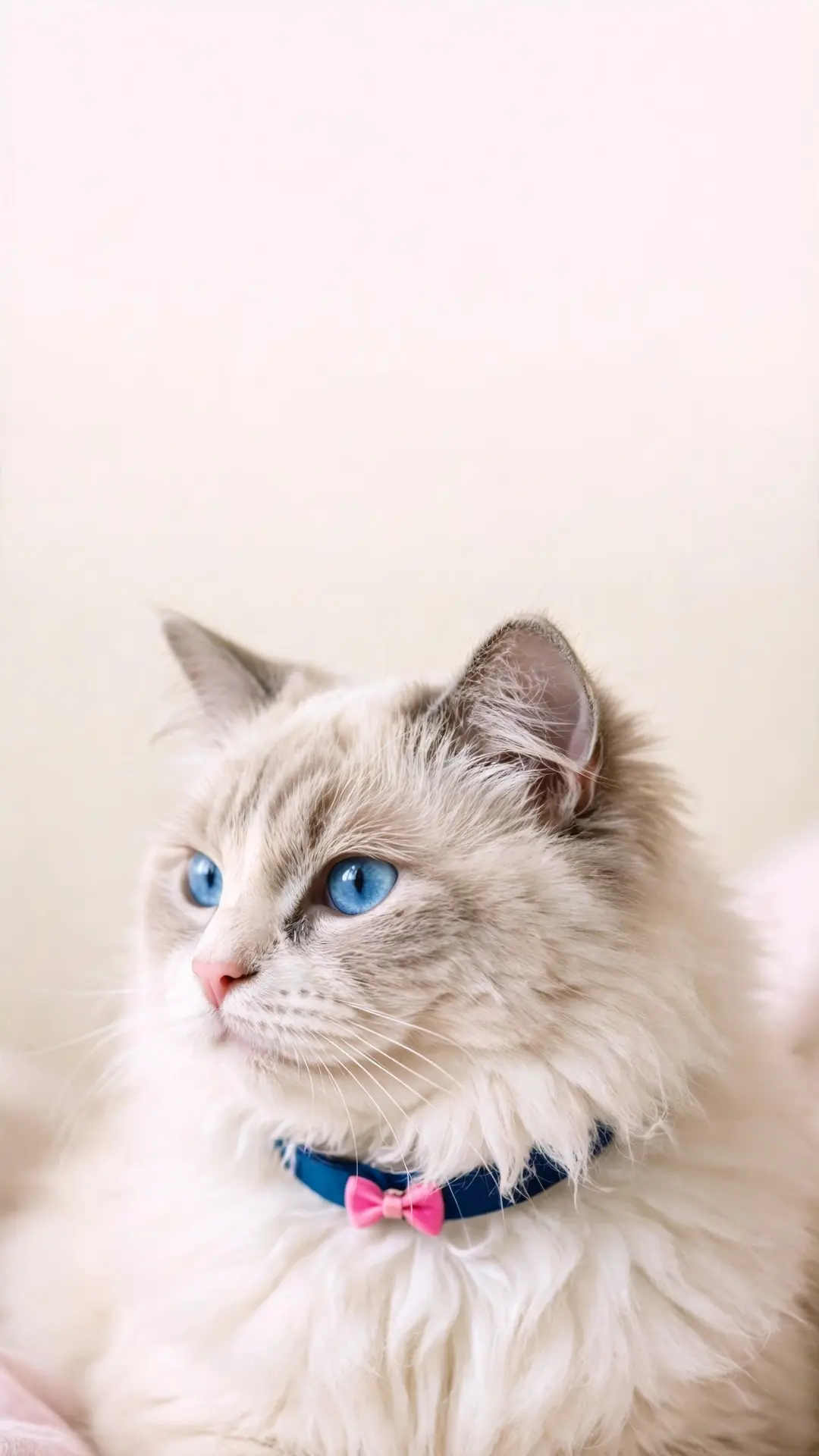
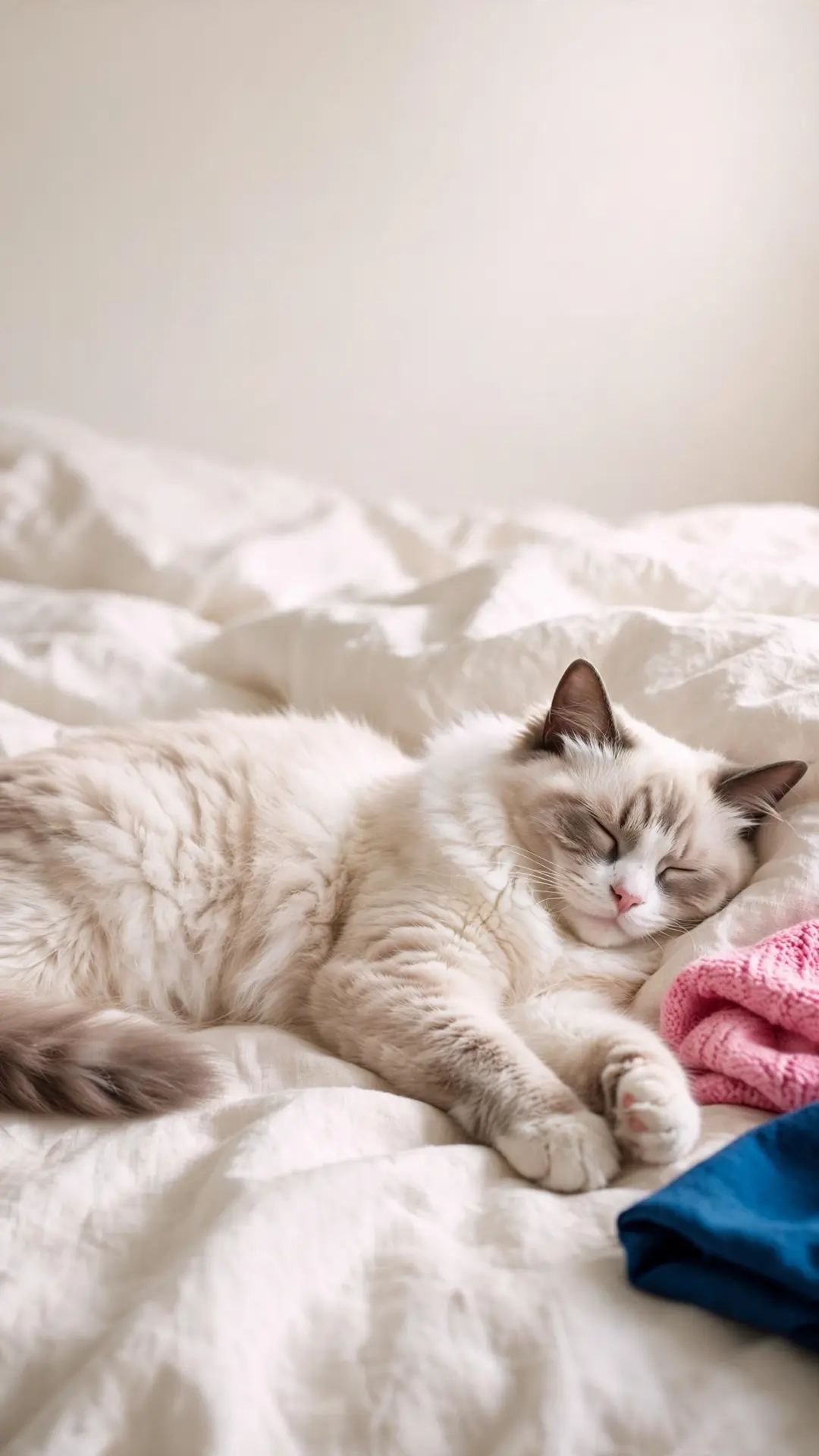
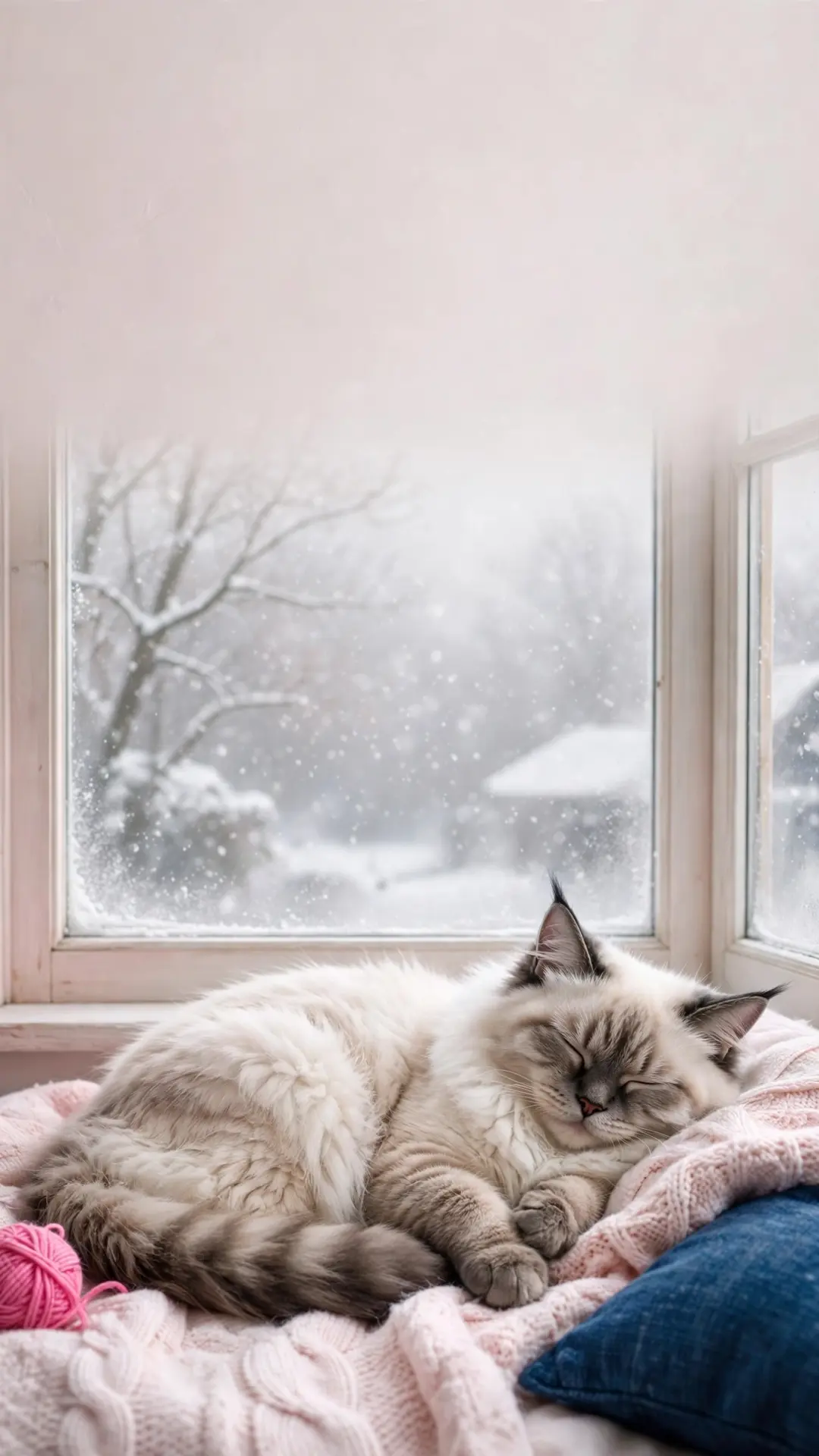
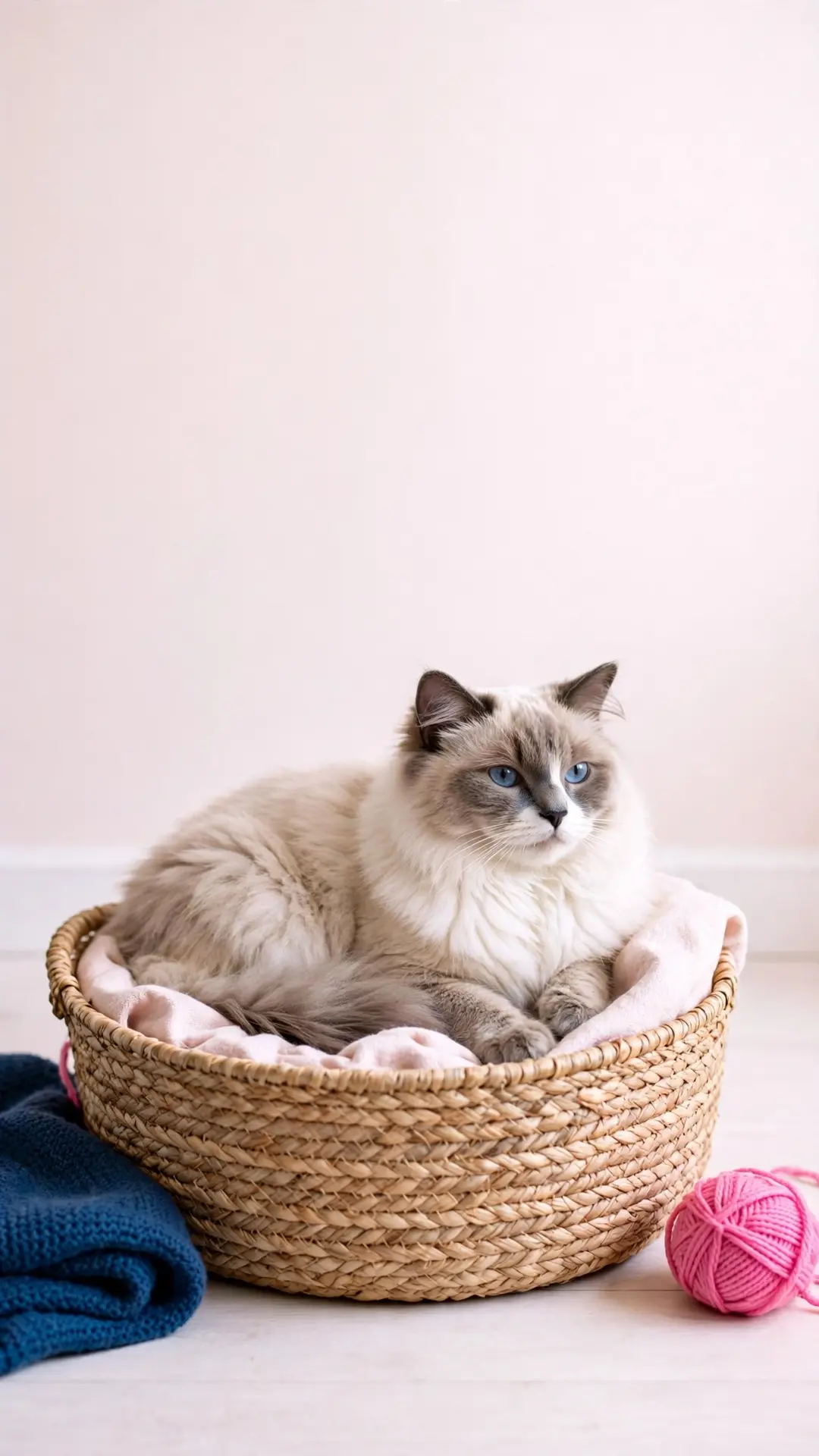
The indoor pack: a close-up of blue eyes, a stretch on cream linen, a snowy window seat and a round basket on the floor.
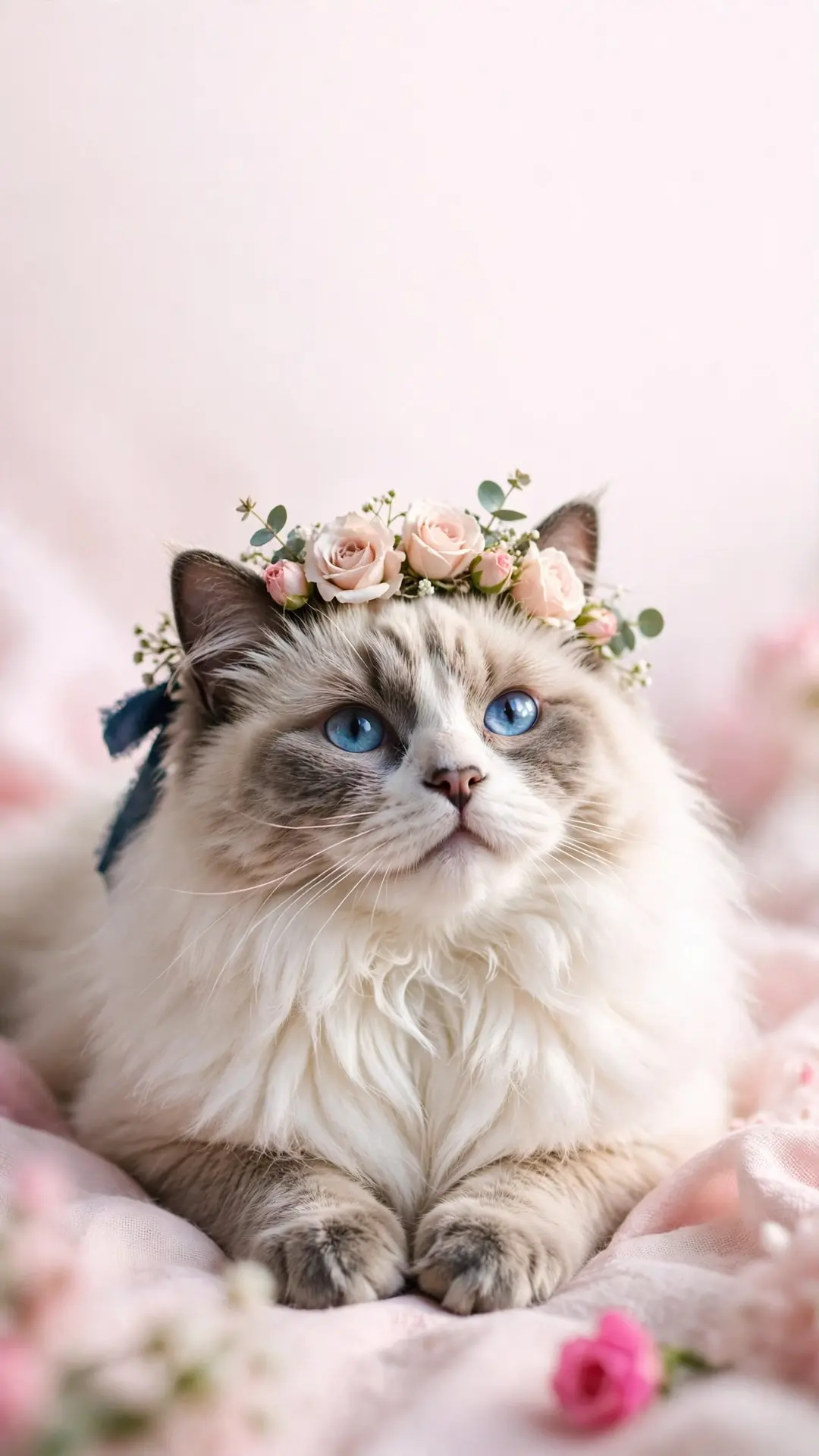
Line art and pastel light (4)
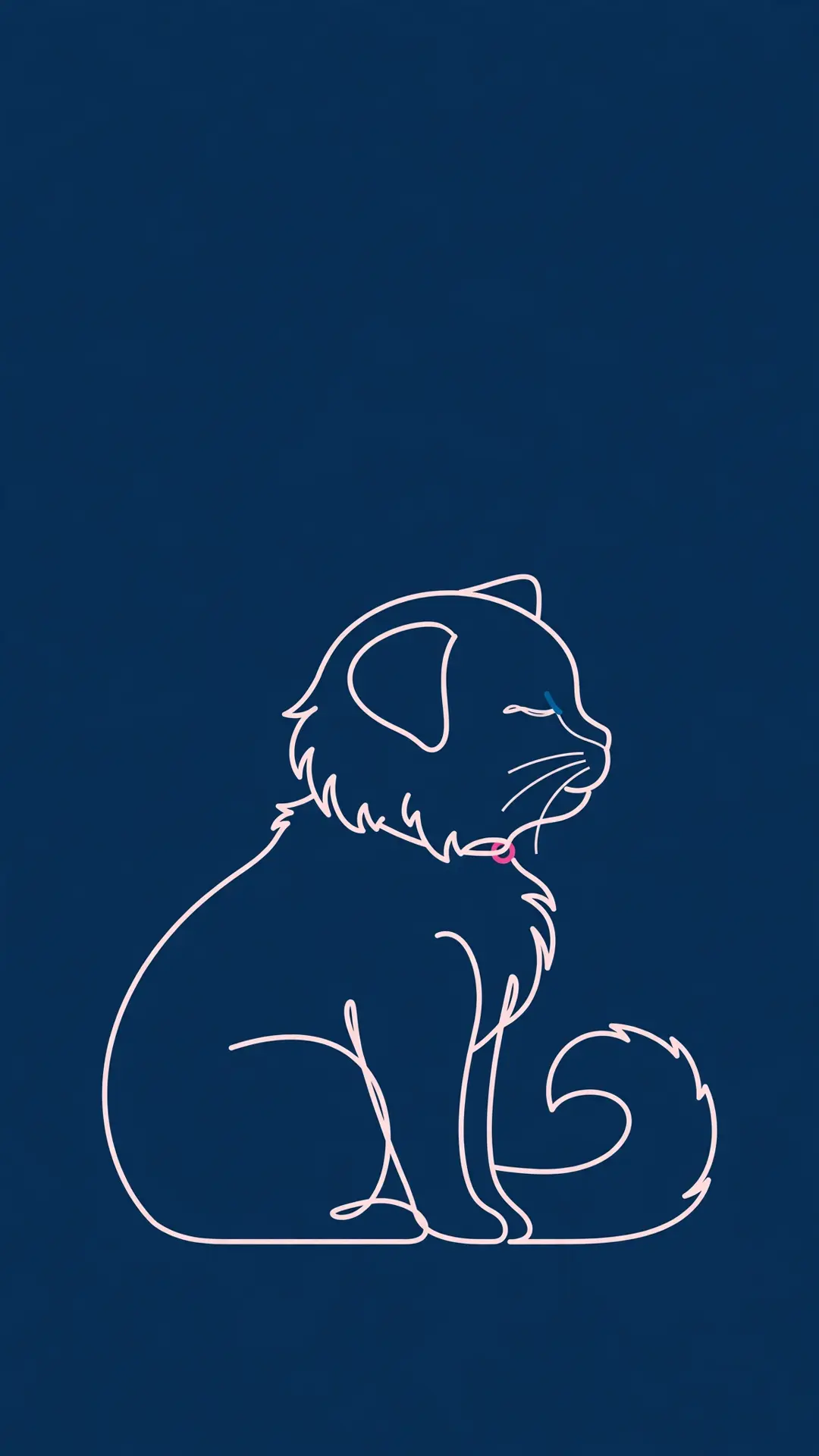
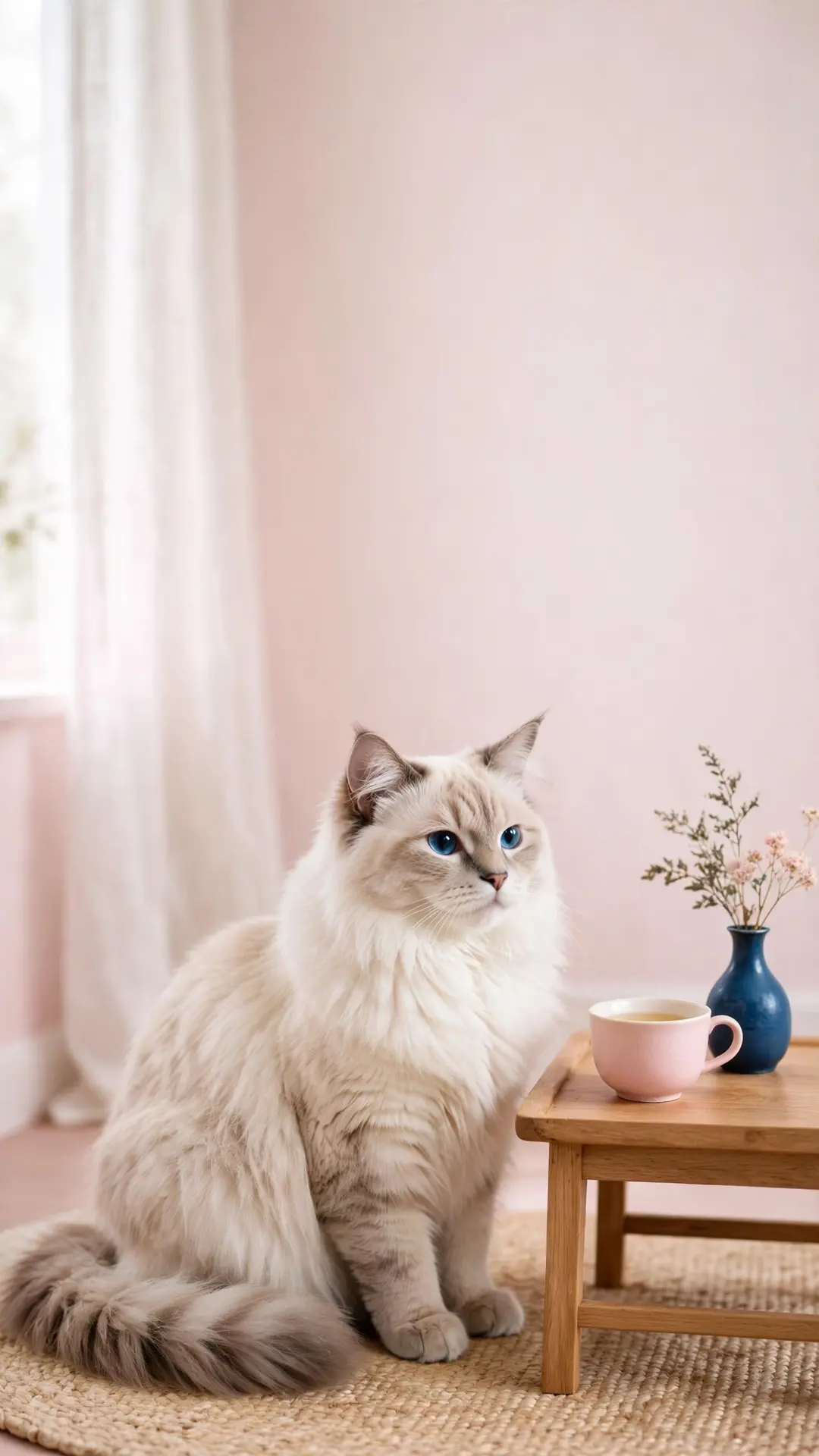
A single-line drawing on navy for the dark-mode lock screen, then a tea table, a pastel wall and a small flower crown.
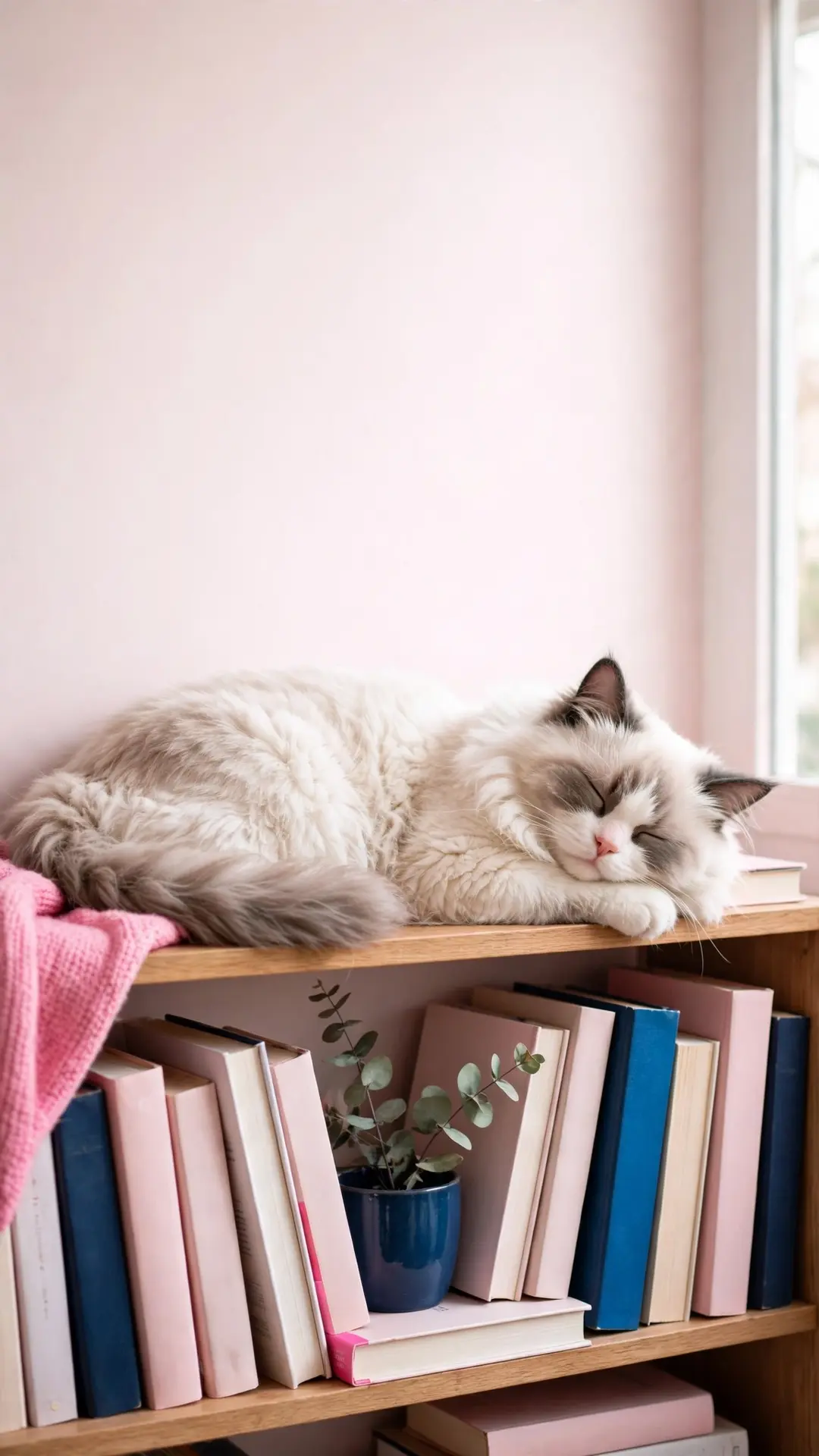
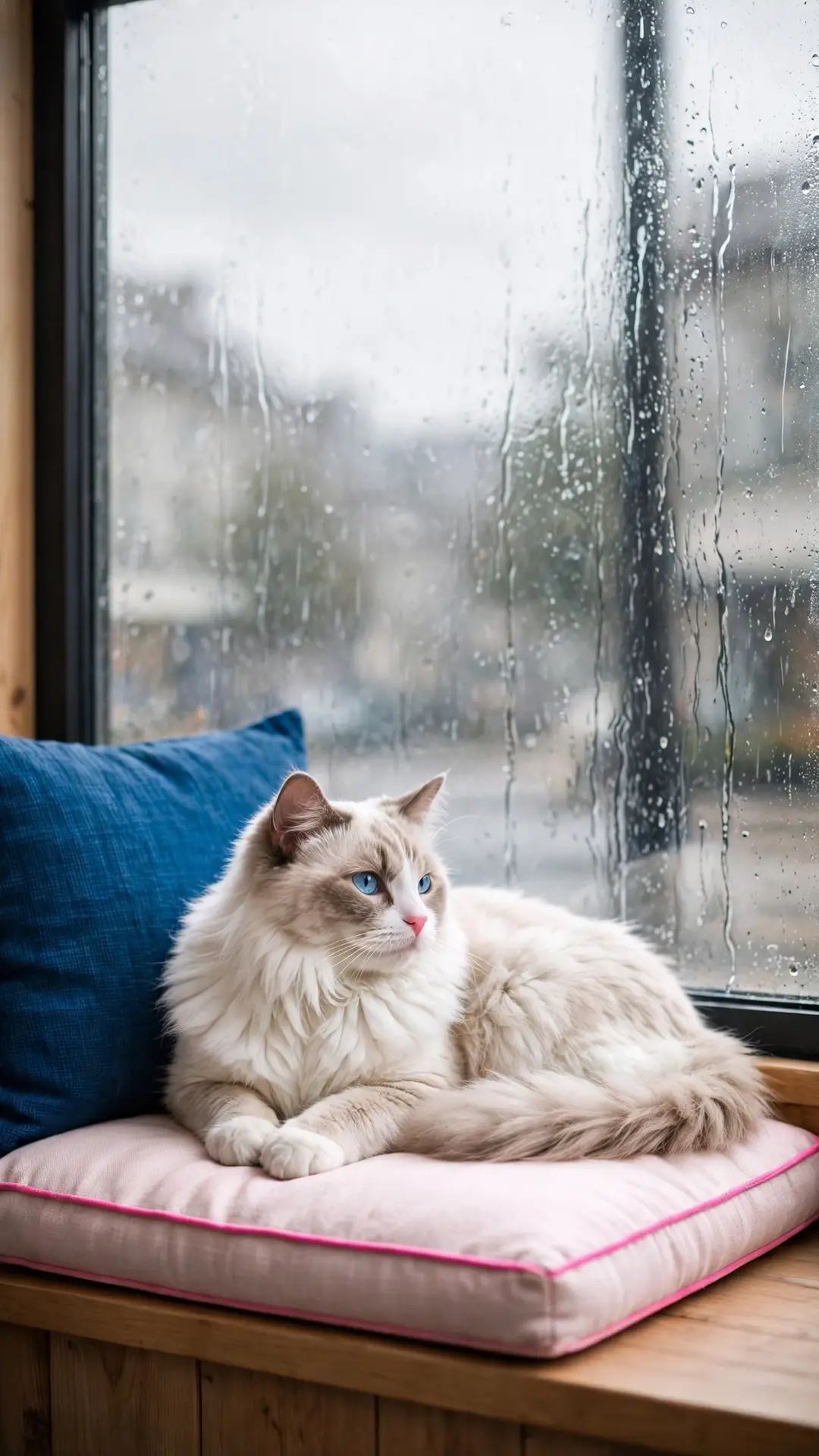
Naps, rain and golden hour (4)
A nap across the bookshelf, a rainy cafe window, golden-hour light on the floor and a starry night outside.
Desktop wallpapers 16:9 (2)
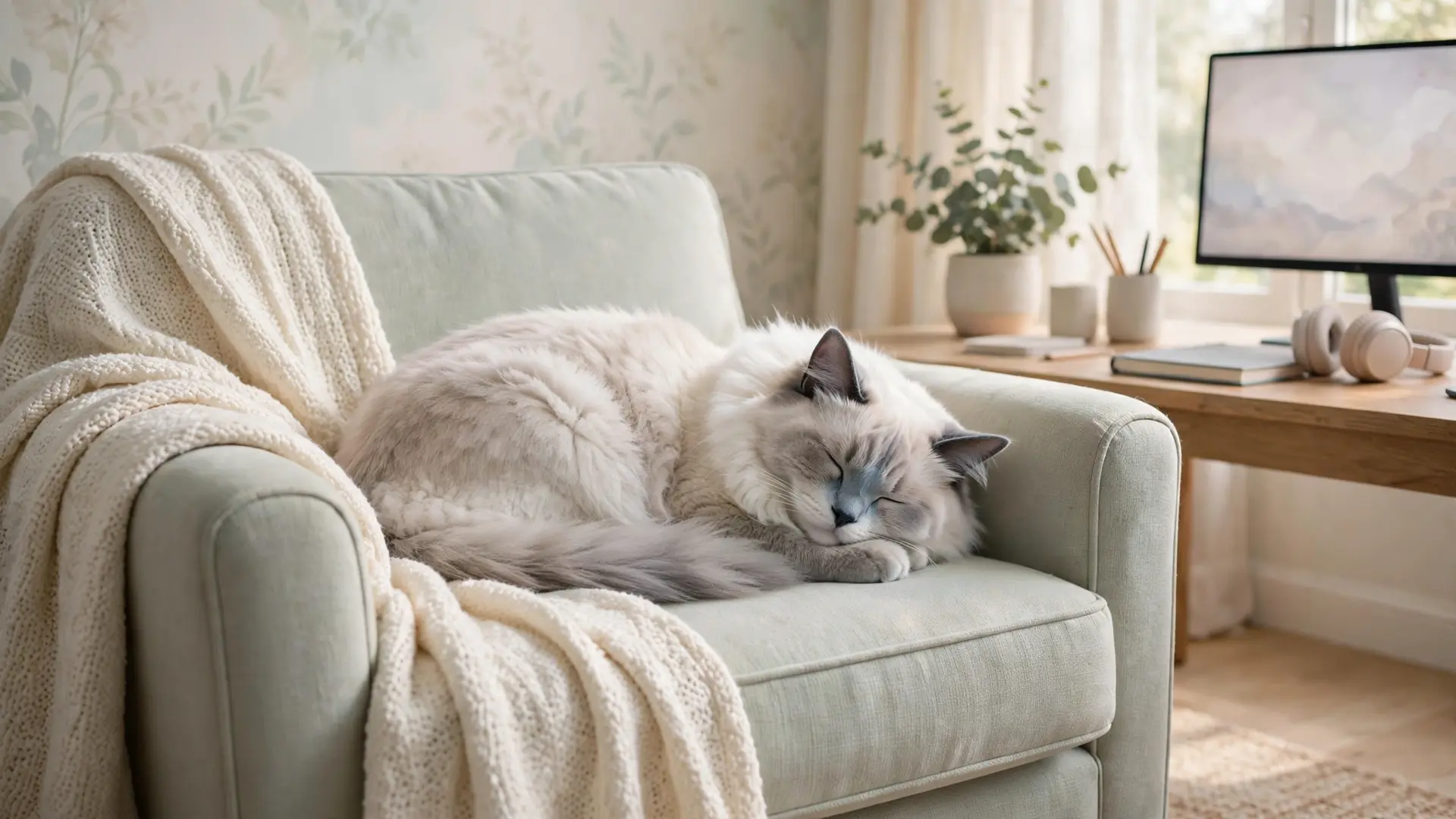
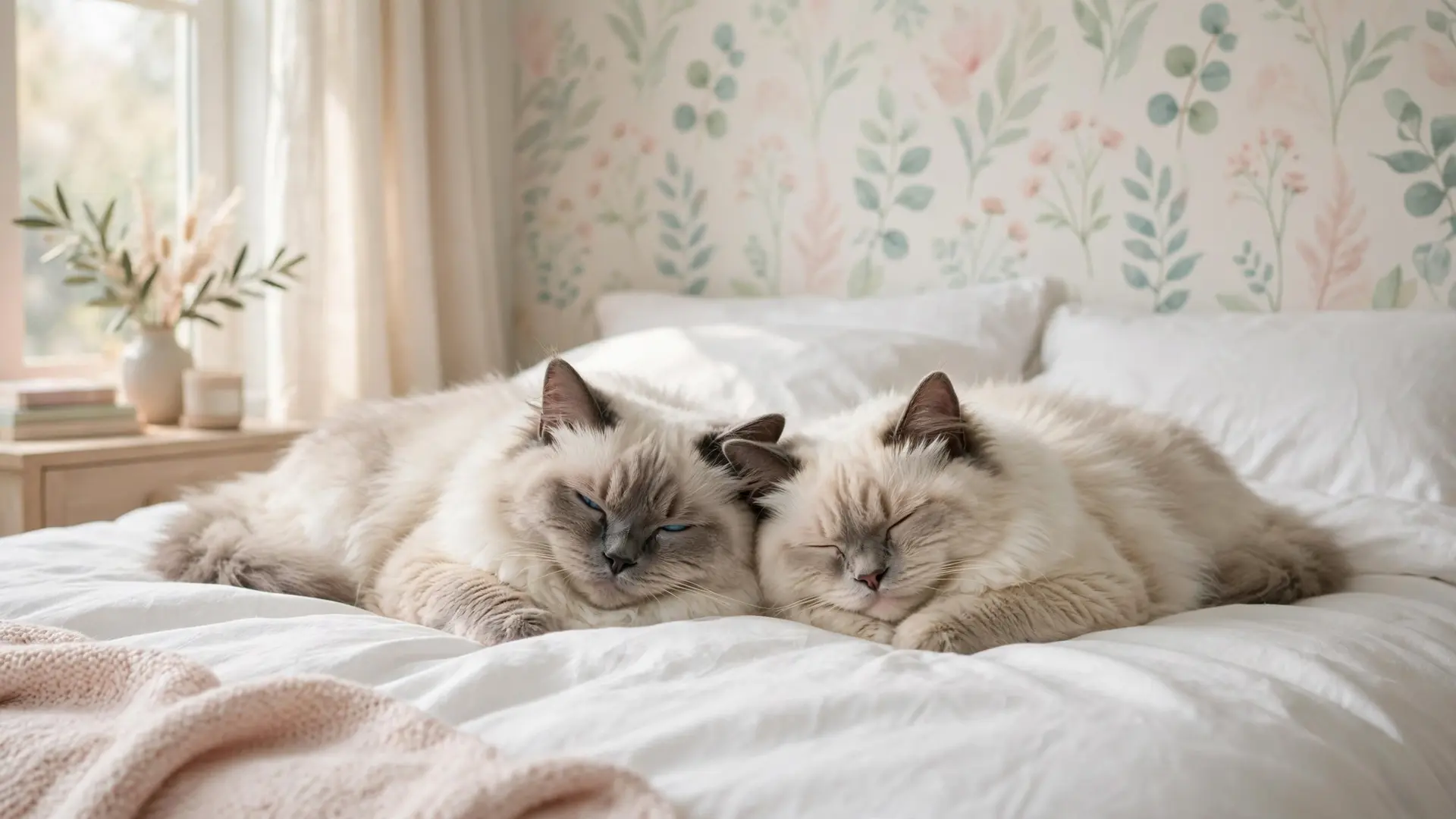
Two 16:9 files at 1920x1080 for laptops and monitors — a wide armchair scene and a pair of ragdolls on a made bed.
Pick the scene that fits your lock screen
A lock screen has three busy zones: the clock at the top, the widgets under it, and the row of icons at the bottom. Every scene on this page is composed so the ragdoll sits in the lower two-thirds and the top third stays soft — a cream wall, a pale sky or a plain navy field. That is the space the clock sits in.
If the phone runs dark mode all year, start with the line-art file. The navy background keeps a white clock readable and the thin blush lines do not fight the icons. For a light-mode phone with pastel widgets, the cream and blush scenes sit in the same family as most widget packs. The golden-hour and rain scenes are the middle option: enough detail for a home screen, enough empty wall for a lock screen.
One more test before you commit: look at the file at thumbnail size on the phone. If the blue eyes still read at that size, the scene will read on a lock screen from across the room. A scene that turns to mush small is a scene for a desktop, where the file is big enough to carry the detail.
- Tap a wallpaper above and save the file to your device.
- Open the saved file and choose Set as wallpaper from the share menu — on Android, the menu inside the gallery.
- Position the ragdoll low so the clock, the dock and the widget row stay clear.
Questions we get about ragdoll wallpapers
What does the download give me?
One full-size image file: 1080x1920 for the phone scenes and 1920x1080 for the two desktop files. No signup, no email, no watermark.
Will a ragdoll scene fit my lock screen?
Yes. Every phone file is 1080x1920 and keeps the cat in the lower two-thirds of the frame, so the clock and the top widgets keep their space.
Which file suits a dark mode lock screen?
The line-art scene. A navy background with thin blush lines sits quietly under a white clock, and the simple drawing leaves the icons readable.
Can I pair one file on the lock screen and another on the home screen?
Yes. Pair the blue-eye close-up with the cream linen scene, or put the navy line art on both screens so the background stays quiet behind the icons. Each file is a separate download, so any two can be paired.
Save these on Pinterest
Pin this pack for the next phone makeover, then browse the aesthetic cat wallpapers for other coats and rooms. The cozy cat coloring pages use the same pastel palette for paper. The Pet Art collection holds every wallpaper pack and coloring page on the site.
Every download is AI-made art, hand-checked before publishing. This page is for informational purposes.
The breed pages keep the fur realistic; the kawaii style cats page goes flat, round and pastel.