 PawStyle Daily
Cute Pet Wallpaper 4K
Cute Funny Dog Pictures and Wallpapers to Save
A funny dog picture earns its place on a screen twice: once as the photo that stopped the scroll, and once as the wallpaper that survived the week after. The first is luck and timing. The second is craft - the crop, the sizes, and the placement that keep the funny part visible under the clock, the dock and the app grid. This page is about the second. The styles a funny frame falls into, the export sizes that keep each one crisp, and the habits that keep a set worth saving instead of a camera roll worth scrolling.
By PawStyle Daily · Updated 19 November 2026
Five styles that work · vertical and wide crops from one photo · export at native resolution · albums that keep the set alive.
Why some dog pictures become wallpapers and most do not
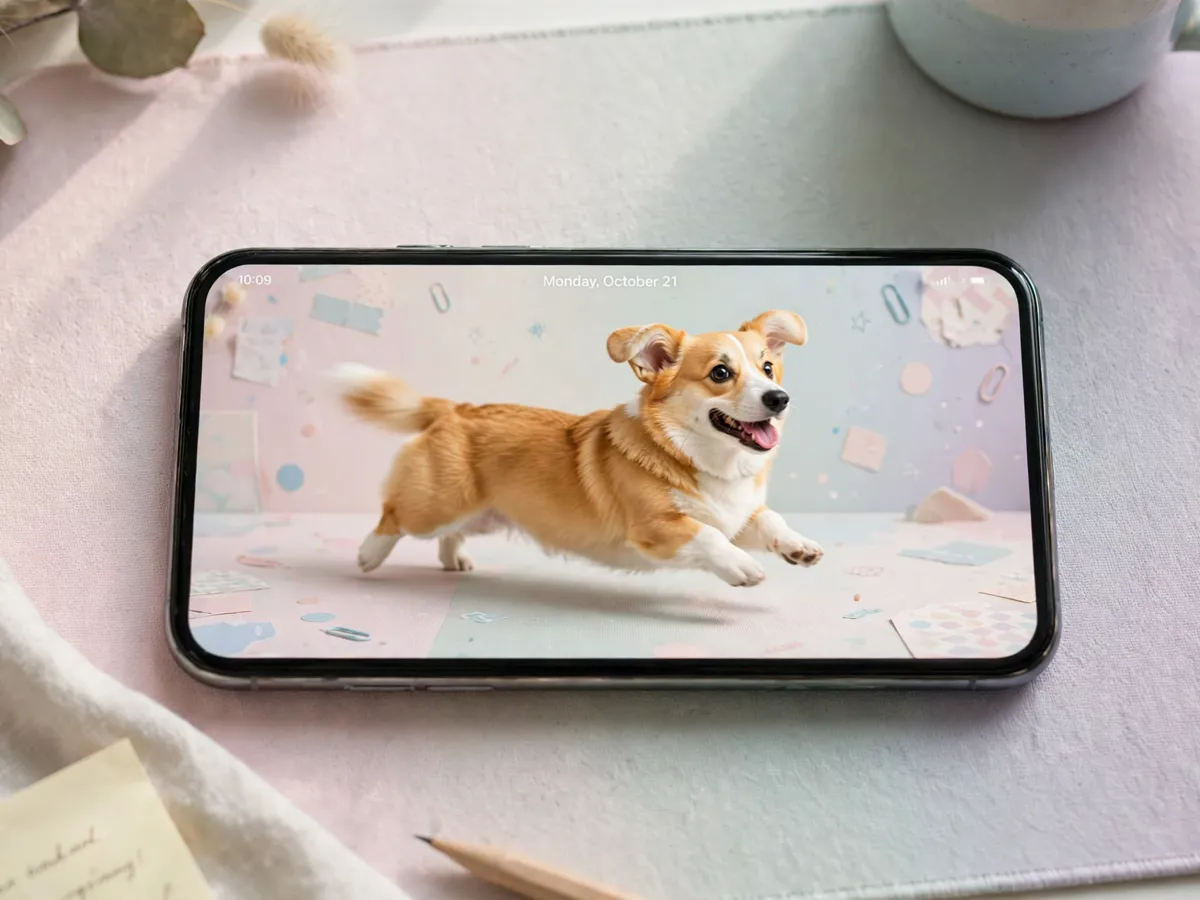
A camera roll holds a hundred funny dog photos, and a wallpaper slot holds one. The gap between the two is the gap this page works in. Most funny pictures die on the small screen: the face is cropped by the clock, the punchline hides behind the dock, or the frame is so busy the icons swim in fur. The pictures that make the jump are the ones that were shot - or cropped - with the screen in mind.
The screen is a harsh editor. It crops without asking, it covers the corners with interface, and it flattens anything that relies on depth. A picture that works as a wallpaper is a picture that gives the screen what it wants: a subject that survives the crop, empty space where the system furniture lives, and a punchline positioned where nothing covers it. The rest of the page turns those three demands into settings anyone can apply.
The sizing rules run deeper on the big screens, and the dog wallpaper 4K desktop page holds the widescreen layouts. The funny dog portraits with AI page holds the frames a generator can build when the camera roll does not have the shot. This page holds the pictures themselves - the ones already taken - and the fastest route from camera roll to lock screen.
The styles that work on a screen
The mid-zoomies frame is the first style, and the zoomies are the funniest thing a dog does on camera. A corgi at full sprint with the ears back and the fur flying carries the motion even as a still, and the motion is the punchline. The crop rule for zoomies is simple: leave more space in front of the dog than behind it, so the run has somewhere to go on the screen.
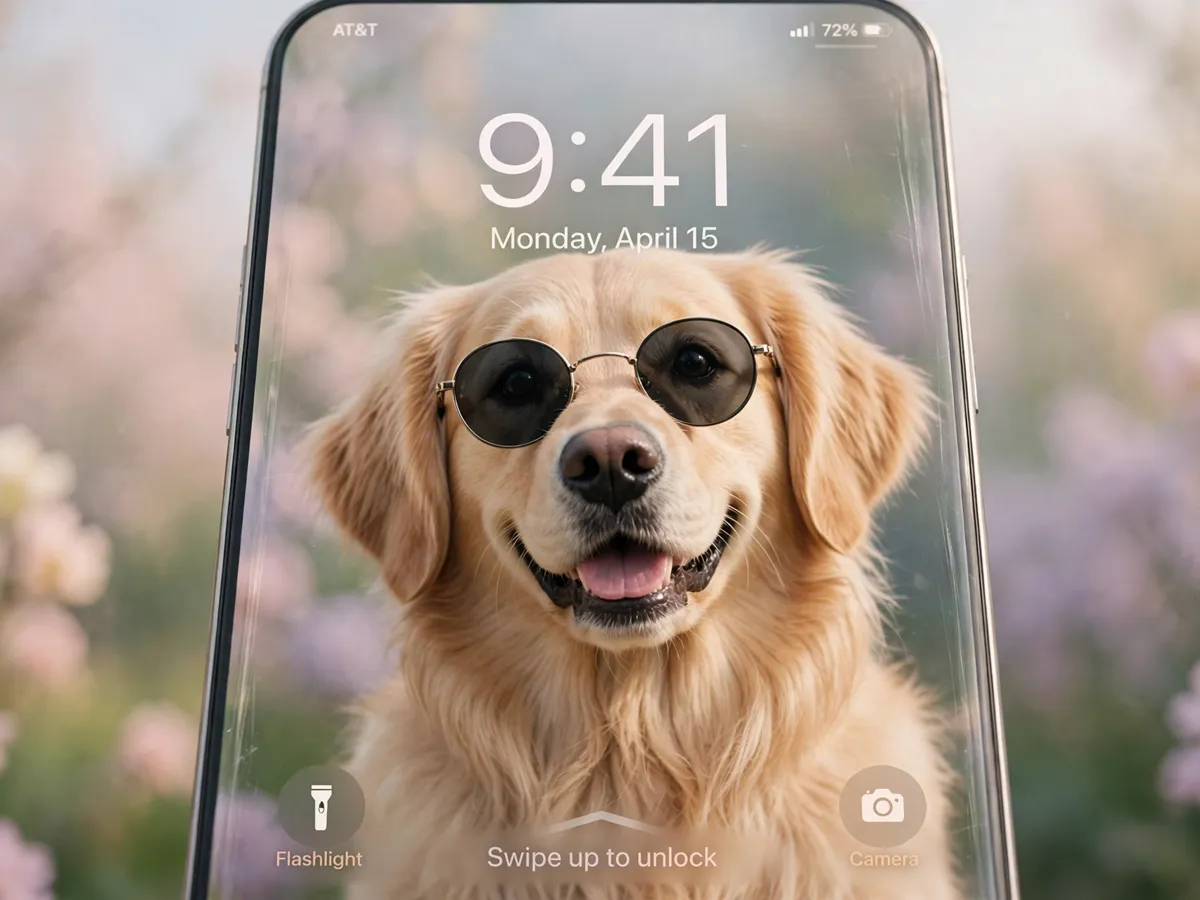
The head-tilt frame is the second style. The tilt is the face a dog makes when it is listening hard, and the face reads at wallpaper size because the expression lives in the silhouette. The third style is the costume frame - the sunglasses, the party hat, the sweater with the arms. A costume picture works when the costume is the joke and the face under it stays sharp, because the screen keeps the face and blurs the rest.
The mid-yawn frame is the fourth style, and the yawn is the expression that photographs like a scream. The yawn frame is the one that earns the most comments when it shows up on a lock screen, and the comments are the sign a wallpaper is doing its work. The fifth style is the fail frame - the jump that missed, the couch nap that slid off, the sock stolen mid-drag. The fail is the story a picture tells without words, and the story is the part that survives every crop.
The breed is the last piece of style, and the breed is the piece the set leans on. A corgi carries the zoomies better than any other shape of dog, because the short legs turn a sprint into a bounce. A husky carries the yawn, a pug carries the costume, and a golden retriever carries the sunglasses with the face of a dog who knows exactly how it looks. The set does not need every breed; the set needs the breed the household lives with, and the household frames are the ones the family never tires of.
The export sizes that keep frames crisp
The phone wants a vertical crop and the desktop wants a wide one, and the mistake most sets make is exporting one file for both. The fix is two exports from the same photo: a 9:16 vertical for the phone lock screen and a 16:9 wide for the desktop. The two crops put the punchline in different spots - the vertical keeps the face high where the clock will not reach, and the wide centers it in the band the dock cannot eat.
The resolution is the second half of crisp. Export each crop at the native resolution of the screen it lands on, and the frame stays sharp at every zoom level the interface applies. A photo exported larger than the screen wastes storage without looking better, and a photo exported smaller stretches into blur the first time the lock screen scales it. Native is the size that matches, and the match is the setting that does the work.
The third setting is the format. A PNG keeps every edge sharp for frames with text or hard lines, and a high-quality JPG keeps the file small for photos with soft fur and soft backgrounds. The format is a choice per frame, and the choice follows the picture: hard edges get PNG, soft fur gets JPG. The export settings are the piece the set lives on, and the set is the piece the next section organizes.
How to keep a wallpaper set alive
The set dies when it becomes a folder of everything. A wallpaper set that holds two hundred pictures is a camera roll with extra steps, and the scroll it demands is the scroll the set was supposed to end. The fix is the same fix every collection uses: fewer frames, chosen harder. A set of twelve frames that all earn their slot beats a set of two hundred that mostly don't.
The album structure is the tool. One album per mood - the zoomies album, the yawns album, the costumes album - and one favorites album on top. The favorites album is the one the rotation actually pulls from, and the rotation is the piece that keeps the lock screen fresh without opening an editor. A frame earns its favorites slot by surviving a week of real use, and the week is the test no first impression passes on its own.
The refresh is the last habit. A set goes stale the way any wallpaper goes stale, and the swap is the piece that keeps the screen fun. A monthly pass through the mood albums, two or three frames swapped, and the set stays alive without ever becoming a chore. The habits are small, and the small is the point - a wallpaper set is supposed to be fun, and a fun set is one that takes minutes a month, not hours.
Sharing the set without losing it
The funny frames are the ones friends ask for, and the ask is the moment the set either travels or scatters. The share that works is the share that keeps the sizes: a friend who receives the vertical crop for their phone uses it, and a friend who receives the raw camera-roll file crops it badly and never sets it. The export settings travel with the frame, and the frame that arrives sized is the frame that gets set.
The send is the half people skip, and the skip costs the fun. A wallpaper sent the night the dog did the thing is the wallpaper the friend sets on the spot, and the on-the-spot set is the reaction the whole hobby runs on. The frames that travel best are the yawns and the fails - the ones with the story built in - because a story lands on someone else's lock screen without a caption. The zoomies need a line of context, and the line is one text away.
The save is the other half. A set worth sharing is a set worth pinning, and the pin keeps the sizes and the mood albums intact across devices. The boards are the albums by another name, and the boards are the piece that survives the phone upgrade that kills a camera roll. The set that lives on a board is the set that outlives the device, and the outliving is the point of keeping one at all.
Questions about funny dog wallpapers
What makes a dog picture work as a wallpaper?
A clear subject with empty space at the top for the clock and icons. The funny part should sit in the middle of the frame, where no interface covers it.
Which sizes should I export for phone and desktop?
A vertical crop for the phone and a wide crop for the desktop, both from the same photo. Export at the native resolution of each screen.
How do I keep a wallpaper set organized?
One album per mood or breed, and a favorites album for the frames that survived a week of actual use.
Save these on Pinterest
Pin the funny frames for the next screen refresh, or send the set to a friend whose camera roll is full of dogs. The Pet Art & Wallpaper collection holds the 4K desktop packs, the AI portrait guides, and the coloring pages that run beside this one, so every screen in the house gets a dog.
For informational purposes only.